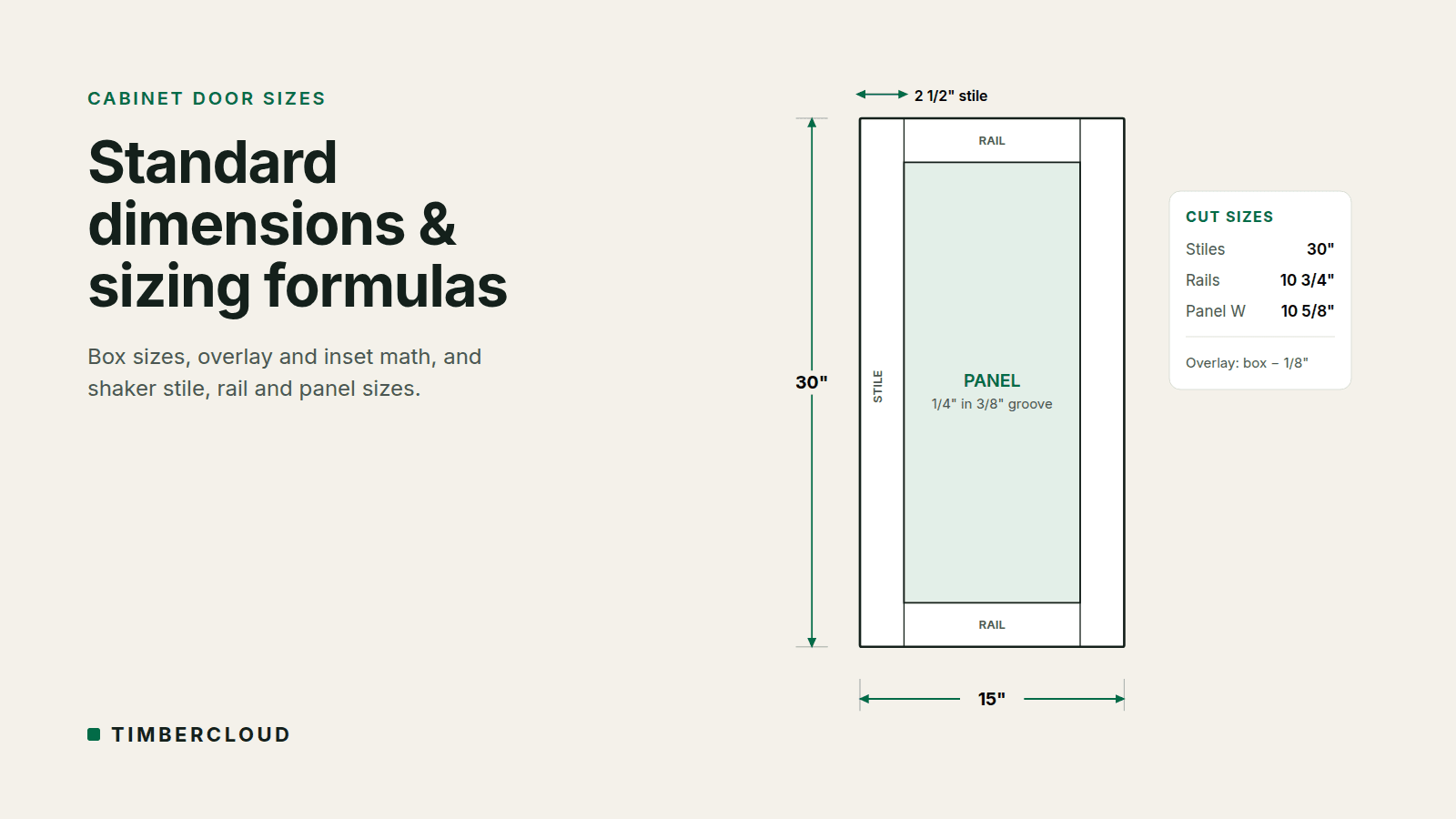
Production Data Management System: Boost Workshop Efficiency

Think of a production data management system as the digital command center for your entire custom woodworking or millwork shop. At its heart, it’s a single software hub that organizes, tracks, and shares all the crucial information for every job—from the first design file all the way to the final shipping label.
What a Production Data Management System Really Does
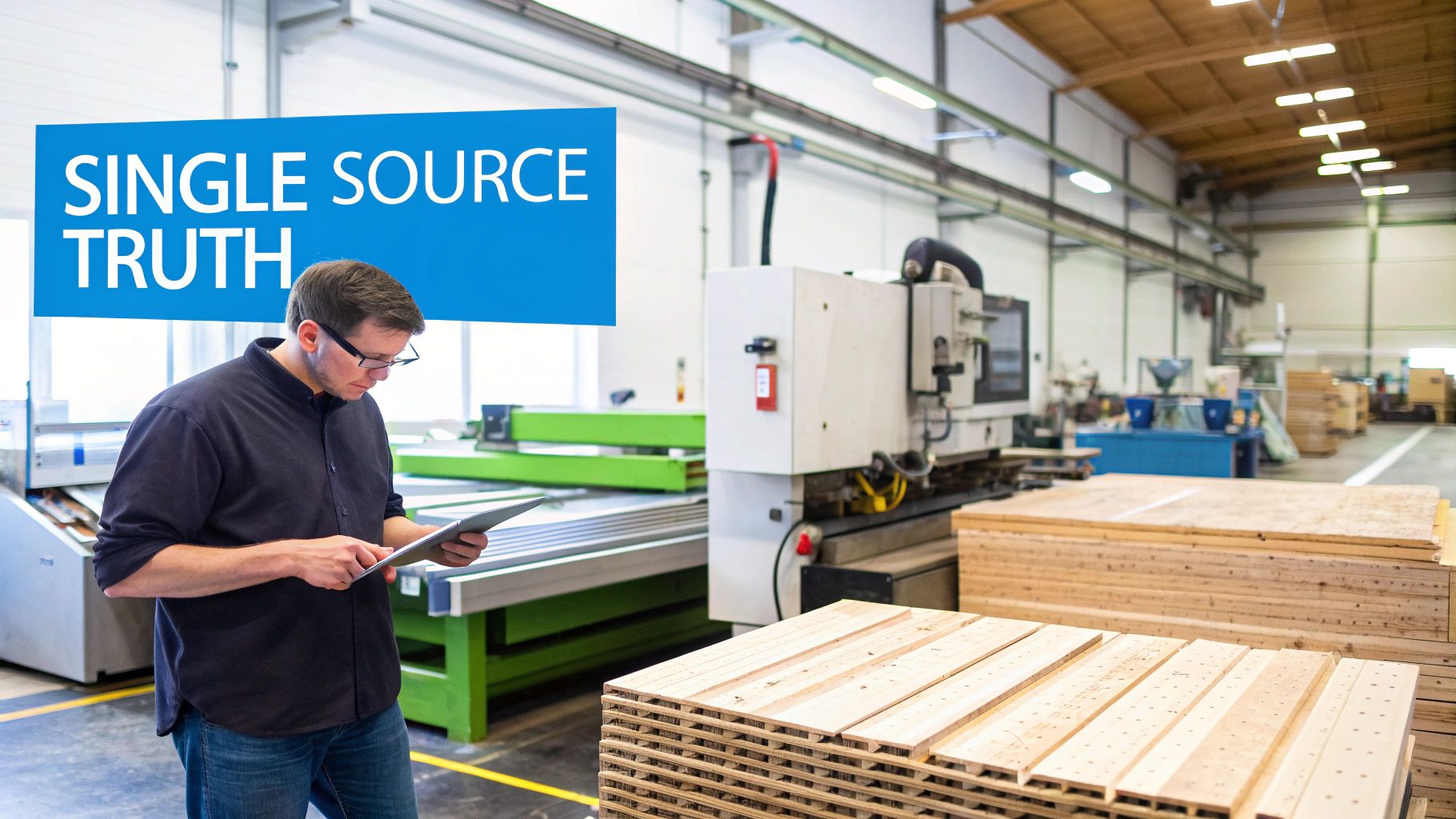
If you run a custom shop, you know the daily struggle. Design files are stuck on one person's computer, cut lists are printed and often lost, and the real-time status of a job lives on a whiteboard or a messy spreadsheet. It's a disjointed system that creates information silos.
Your design team, CNC operators, assembly crew, and finishers all end up working with their own version of the truth. This disconnect is the source of so much shop floor frustration. When an engineer tweaks a cabinet design, does the CNC operator get the new file instantly? Or are they about to waste an expensive sheet of plywood on an old version? When a client calls wanting an update, can you give them a clear answer without taking a lap around the shop?
Replacing Chaos with a Single Source of Truth
A production data management system is built to fix this mess. It becomes the central hub that connects all the scattered pieces of your operation into one, easy-to-understand picture. It’s less about adding another piece of software and more about building the digital backbone that holds your entire production process together.
By bringing all your data into one place, a PDMS gets everyone on the same page, from the front office to the shop floor. This instantly cuts down on the guesswork and manual data entry that cause so many expensive mistakes.
A well-implemented Production Data Management System doesn't just store information; it turns that data into clear, actionable instructions for every step of the job. It makes sure the original design intent from the CAD file is perfectly executed by the CNC machine, without anyone having to manually interpret or transfer files.
How a PDMS Transforms Operations
The real job of this system is to create a seamless flow of information. It replaces all those manual handoffs—like walking a USB stick out to a machine—with smart, automated workflows. A bunch of separate steps becomes one fluid, transparent process.
Here’s how a PDMS fundamentally changes how a shop runs day-to-day:
- Version Control: Everyone is guaranteed to be working from the latest design files. This alone drastically cuts down on rework caused by outdated plans.
- Real-Time Visibility: You get an accurate, up-to-the-minute view of where every single job is in the production cycle.
- Automated Data Flow: The system automatically sends the right G-code to the right CNC machine without anyone having to touch a file.
- Connected Teams: It creates a shared space where designers, machine operators, and project managers can all see the same information and collaborate effectively.
Ultimately, a production data management system brings a new level of clarity and control to the chaos of custom woodworking. It makes your shop more predictable, much more efficient, and, in the end, more profitable.
Key Features That Organize Your Shop Floor
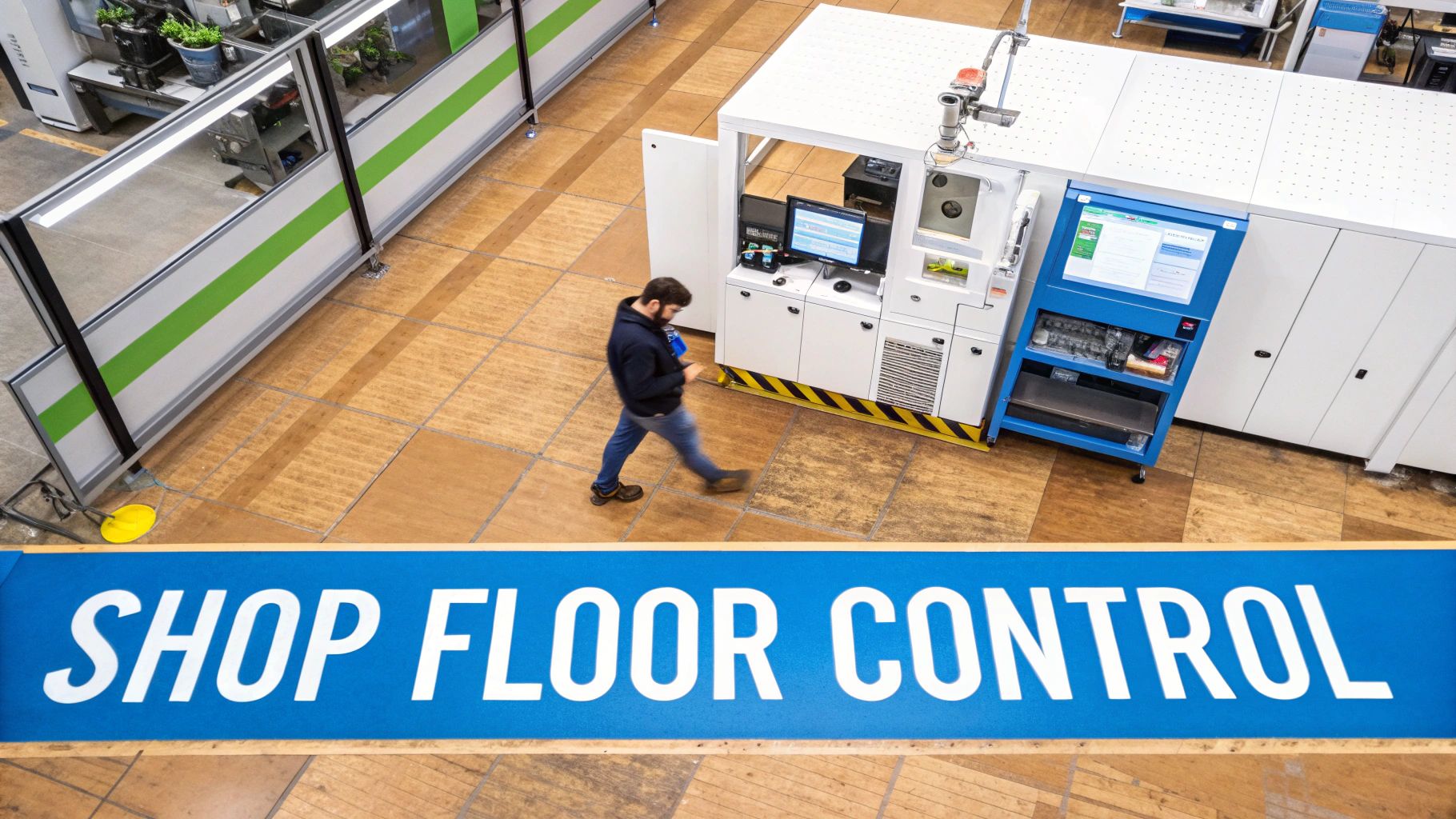
Okay, let's move past the big-picture ideas and get into what a production data management system actually does on the ground. These aren't just abstract concepts; they are the specific tools that solve the day-to-day chaos that costs your shop real time and money.
Think about how a complex cabinet job runs right now. It probably starts in your design software, gets turned into CAM files, and then becomes a stack of paper cut lists on someone's bench. What happens when the client calls with a last-minute change? You're stuck scrambling to update and reprint everything, just hoping the wrong version doesn't end up on the CNC. That’s precisely where mistakes creep in and schedules fall apart.
Centralized Data and Version Control
At its core, a good PDMS creates a single, unified hub for every piece of production data you have. It acts as the bridge connecting your design software (CAD/CAM), your business systems (ERP), and your CNC machines, making sure everyone is working from the same playbook.
Forget about emailing files or passing around USB sticks. The PDMS becomes the one and only source of truth. When a designer tweaks a part, the system automatically flags it as the new version and safely archives the old one. This means your CNC operator will only see the latest, approved file, practically wiping out the risk of cutting expensive material based on outdated plans.
Real-Time Production Tracking
What if you could know the exact status of every part for every job without ever leaving your office? Real-time tracking gives you a live window into your shop floor. As a job moves from the panel saw to the edgebander and then to the finishing booth, operators can update its status with a simple click.
This kind of visibility changes everything. Before, checking on a job meant walking the floor and pulling your team away from their work. Now, you just glance at a dashboard.
- What’s being worked on? See exactly which jobs are running on which machines right now.
- What’s up next? Know which tasks are queued and ready for the next step.
- Where are the hold-ups? Instantly spot the jobs that are stuck or falling behind.
With a true production data management system, you’re no longer managing by walking around and asking questions. You’re making informed decisions based on live data that reflects the actual state of your shop floor at that very moment.
Automated Machine Data Flow
Another game-changing feature is the direct pipeline from your digital plans to your machines. The system can automatically create and push the right G-code and cut lists to the right machine, right on schedule. This completely cuts out the manual step of an operator having to find and load files.
That seamless connection doesn't just save a few minutes here and there; it slashes the potential for human error. The system guarantees the right program goes to the right machine for the right job, every single time. It finally closes that gap between digital design and physical production.
If you’re curious about what a modern system can do, you can learn more about the features of a woodworking PDMS and see how it all connects. This is how you start getting the absolute most out of your machinery and your people.
The Real-World Benefits of a Connected Shop
Let's move past the features and talk about what really matters: your bottom line. A production data management system isn't just a fancy tech upgrade; it’s a tool that drives tangible results in your shop. We’re talking about measurable gains in efficiency, accuracy, and ultimately, how happy your clients are.
The first and most immediate win? You’ll see a massive drop in mistakes and rework. Think about it. When everyone from design to the CNC to the finishing bench is pulling from the exact same, always-up-to-date set of plans, the odds of cutting a part from an old file plummet to near zero. That means less wasted material and fewer hours spent on frustrating do-overs.
Driving Greater Operational Efficiency
Beyond just catching mistakes, a PDMS gets your shop running like a well-oiled machine. By plugging directly into your equipment, the system keeps your machines making money instead of sitting idle. No more operators hunting for the right G-code or waiting for paper drawings—the next job is already queued up and ready to run.
This also applies to your materials. The system helps optimize your nesting patterns and keeps track of valuable offcuts, squeezing every last usable inch out of each sheet. These little savings on material add up to some serious money over the course of a year.
A connected shop floor is an informed shop floor. You can finally stop making decisions based on gut feelings and start using hard data. You get instant clarity on which jobs are actually profitable, how much your machines are running, and where your team is most productive, letting you spot and fix bottlenecks before they blow up your schedule.
Making Smarter Decisions with Live Data
This ability to see what's happening in real-time is a game-changer. The manufacturing world is leaning heavily into artificial intelligence (AI) and machine learning (ML) to make these systems even smarter. In fact, a recent Deloitte survey found that 29% of manufacturers are already using AI in their facilities, and another 23% are testing it out.
These smart systems can analyze production data to predict when a machine needs maintenance, potentially cutting downtime by up to 20% and slashing repair costs. If you're interested in the numbers, you can explore the research on real-time data integration growth rates to learn more.
And don't forget your clients. Being able to give them accurate, up-to-the-minute updates on their project builds incredible trust. Instead of offering vague timelines, you can provide precise answers, showing a level of professionalism that makes you stand out. That kind of communication and reliability is what keeps customers coming back.
PDMS vs ERP vs MES Explained
The world of manufacturing software is a dizzying soup of acronyms. If you’re trying to figure out what your shop actually needs, it’s easy to get lost. The key is understanding that each system—PDMS, ERP, and MES—is a specialized tool. You wouldn't use a hammer to drive a screw, and you wouldn't use one of these systems for a job it wasn't built for.
A Production Data Management System (PDMS), an Enterprise Resource Planning (ERP) system, and a Manufacturing Execution System (MES) all have distinct roles. They aren't interchangeable. In fact, for a truly modern operation, they often work in concert.
This diagram breaks down how connecting your shop's data from design to delivery creates a powerful feedback loop, improving everything from efficiency to the final product.
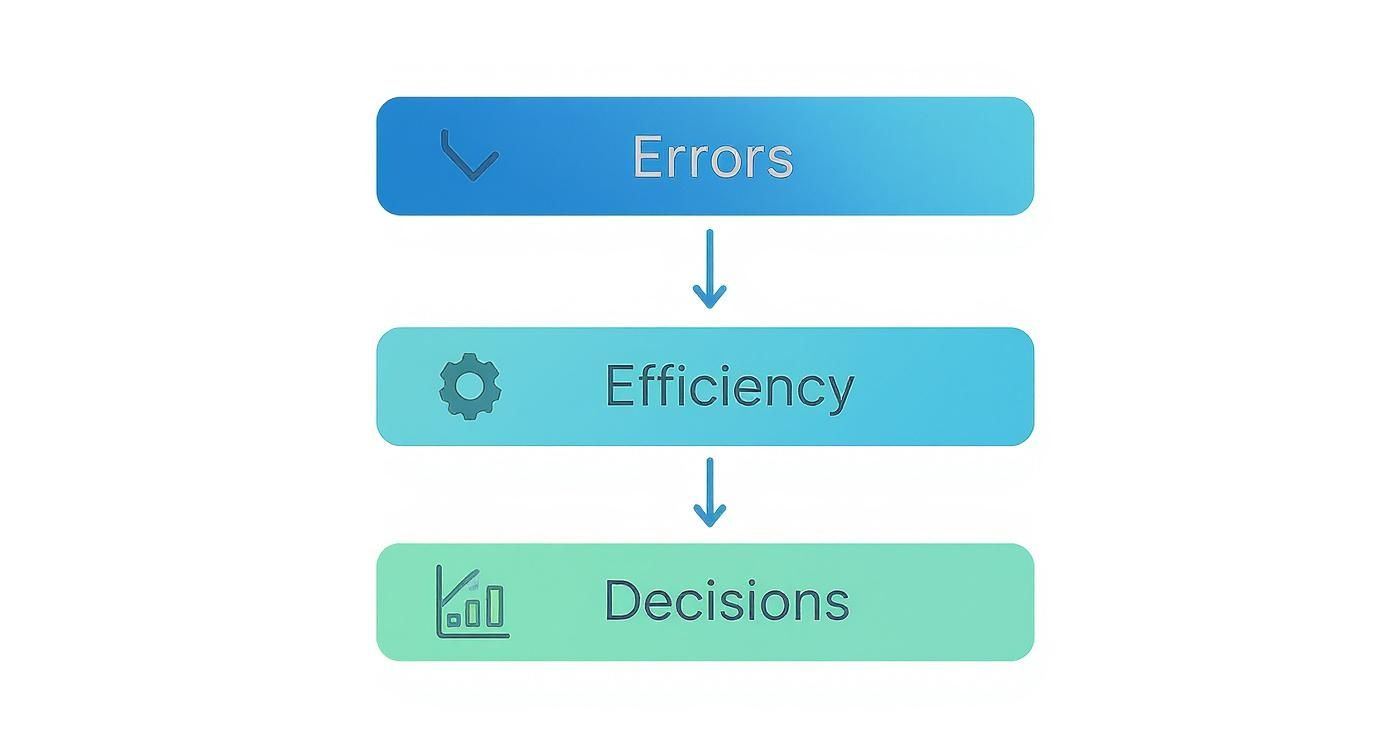
As you can see, when production data flows freely, you slash errors, gain real efficiency, and start making decisions based on facts, not guesswork.
Comparing PDMS vs ERP vs MES for Woodworking
To cut through the confusion, this table breaks down the key differences between these three systems and what they mean for a real-world woodworking or millwork shop.
| System | Primary Focus | Typical Data Managed | Main Benefit for a Millwork Shop |
|---|---|---|---|
| PDMS | Product & Manufacturing Data | CAD files, cut lists, nesting layouts, CNC programs, assembly instructions, hardware specs, BOMs. | Guarantees the right information gets to the right machine and person at the right time, eliminating version control chaos and costly cutting errors. |
| ERP | Business Operations | Customer orders, accounting, invoicing, inventory levels, purchasing, human resources, CRM. | Manages the financial and logistical side of the business, from quoting a job to sending the final invoice. |
| MES | Shop Floor Execution | Real-time machine status, operator tracking, work-in-progress (WIP), quality control checks, job scheduling. | Provides a live view of what’s happening on the floor, helping you manage capacity and track progress against deadlines. |
At the end of the day, these systems aren't competitors; they're collaborators. An ERP tells you what to build (the customer order), the PDMS provides the detailed recipe of how to build it (the cut lists and CNC files), and the MES oversees the kitchen to make sure it gets done correctly and on time.
Where Each System Fits
Let's use an analogy. Think of your ERP as the company’s main office. It handles the big-picture business functions: sales orders, accounting, purchasing, and customer relationships. It knows a customer ordered 15 walnut cabinets and why.
The MES, in contrast, is the foreman on the shop floor. Its job is to manage the physical work happening right now. It's tracking which jobs are on which CNC, monitoring operator productivity, and ensuring parts are moving through the assembly line as planned.
So where does the PDMS fit? It’s the critical link between the office and the floor. It’s the master engineering binder that holds all the technical details needed to bring that cabinet order to life.
A PDMS acts as the single source of truth for all product-related data. It ensures that the design intent from the engineering office is perfectly preserved all the way to the finished product, closing the data gaps where expensive mistakes happen.
For a custom woodworking shop, this is everything. Your ERP can track the order for a new kitchen, but it has no idea about the specific grain-matched panel layout, the exact hardware specs, or the G-code for the nested-base router. That’s the domain of the PDMS.
Without a dedicated system to manage this information, you're relying on spreadsheets, shared folders, and paper travelers—a recipe for version control nightmares, incorrect parts, and major production bottlenecks.
Getting Started: How to Bring a Production Data Management System Into Your Shop
Bringing a new piece of technology into the shop, especially something as central as a production data management system, can feel daunting. But it doesn't have to be a nightmare. The trick is to treat it like any complex project you'd build: break it down into manageable steps with a clear plan. Success isn't about flipping a switch and hoping for the best; it's about a smart, gradual process built on solid prep work and teamwork.
The whole journey starts with an honest look in the mirror. You can't fix a problem until you know exactly what it is. Walk through your entire process, from the final design hand-off all the way to shipping. Where are the hang-ups? Is it old cut lists causing mistakes at the saw? Are your CNC operators wasting hours on manual data entry? Are you still tracking jobs with a whiteboard and a prayer? Find those specific pain points first.
Set Your Targets and Find the Right Partner
Once you know what’s broken, you can set clear goals for fixing it. Don't just say "we need to be more efficient." Get specific. Real goals are measurable.
- Example 1: Cut rework caused by outdated design files by 50% within six months.
- Example 2: Reduce the time spent programming CNCs by hand by at least 30%.
- Example 3: Give project managers real-time status updates for 90% of jobs on the floor.
Having concrete targets like these makes it much easier to find the right software and the right partner. You're not looking for a generic tech company; you need a team that gets the sawdust and the deadlines of our industry. A good partner will work with you to make the system fit your shop, not the other way around. If you're looking for ideas, we share a lot of insights from other shops on our custom manufacturing and technology blog.
Plan a Smart Rollout and Get Your Team On Board
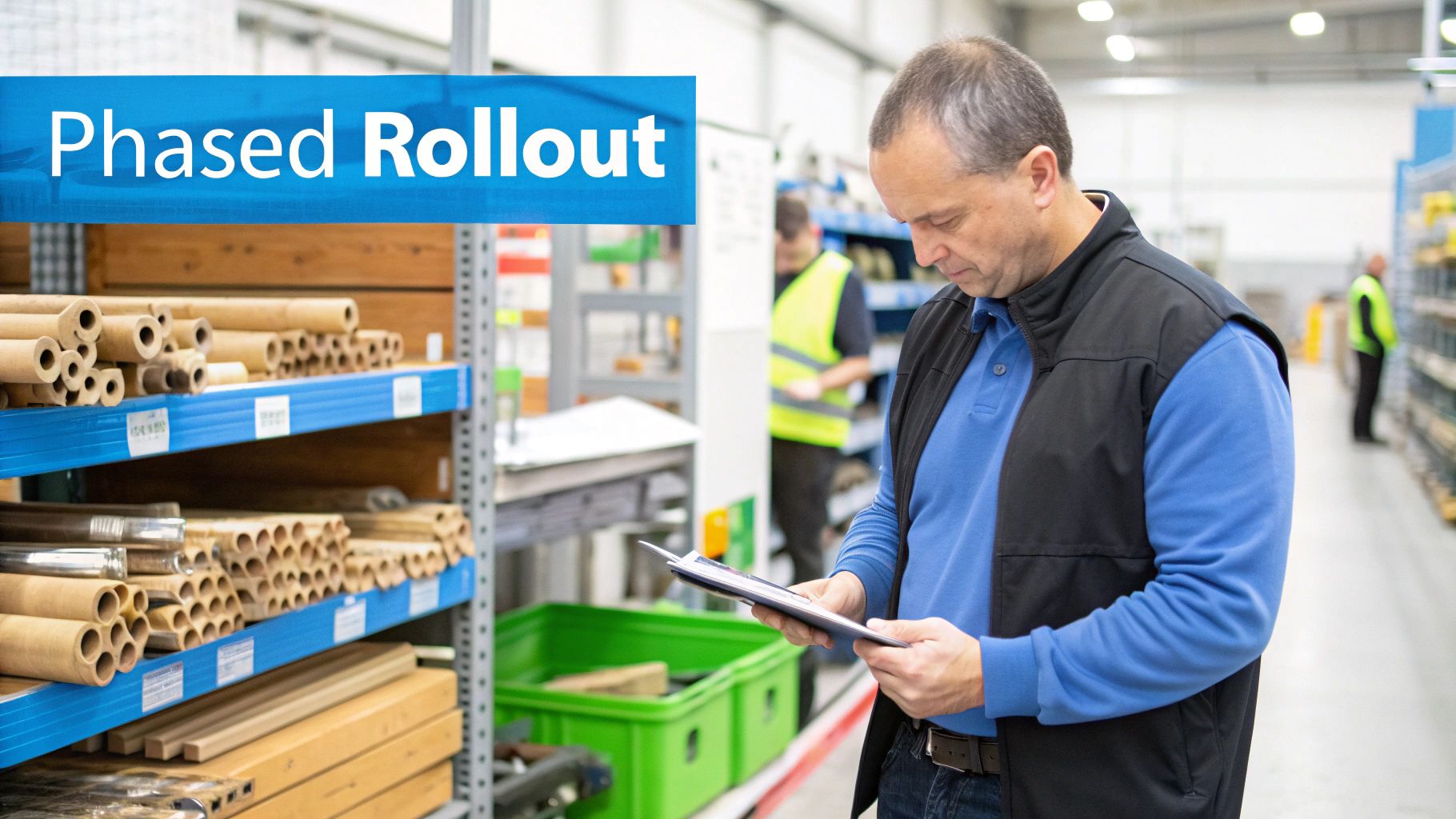
Trying to change everything at once—a "big bang" approach—is a classic way to create chaos and frustration. A much better way is to roll out the new system in phases. Tackle one process at a time. Maybe you start by getting all your CAD files and versions organized in one central place. Once that’s solid, you can move on to automating the data flow to your CNCs. After that, you can introduce real-time tracking on the shop floor.
This step-by-step method keeps disruption to a minimum and gives your crew time to learn and get comfortable. And speaking of your crew, good training is absolutely essential. It needs to be hands-on and specific to each person's role. The whole point is to show them how this new tool makes their job easier, not just another thing they have to learn.
Your team's buy-in is everything. You can have the most powerful system in the world, but it's worthless if your people don't use it or don't use it correctly. Get them involved early, listen to their feedback, and celebrate the small wins as you go.
Finally, keep score. Circle back to those goals you set at the beginning and track your key performance indicators (KPIs)—things like error rates, machine uptime, and how often you're hitting your deadlines. The numbers will show you the real return on your investment and point you toward what to improve next.
Here's the rewritten section, designed to sound natural, human, and authoritative for a woodworking professional.
Why the Future of Woodworking Is Data-Driven
For generations, woodworking has been about the art of the craft. But let's be honest—today, it’s also about hitting tight deadlines, achieving pinpoint precision, and juggling complex client demands. That’s a tough balancing act.
This is where the idea of a production data management system comes in. It’s not some fancy tech for massive factories anymore; it’s becoming a fundamental tool for any custom shop that wants to stay competitive. If you’re still relying on paper travelers, disjointed spreadsheets, and shouting across the shop floor, you're falling behind.
Securing Your Shop’s Future
This shift isn't just happening in woodworking; it's a major trend across all of manufacturing. The shops that are really pulling ahead are the ones using data to get a clear picture of what's happening on their floor in real-time. They’ve figured out that good information eliminates the guesswork that leads to expensive mistakes, blown deadlines, and unhappy customers.
When you connect your design software to your machinery and your team, you create an operational flow that just works.
Think about it this way: today's clients want everything fast and they want it customized. A production data management system gives you the bird's-eye view you need to optimize everything from how you use your materials to how long a machine is running. It lets you make smart decisions based on what's actually happening, not just on a hunch.
This isn’t about replacing your skilled craftsmen with robots. It’s about giving your talented team the right tools to do their best work, without the headache of tracking down missing information or fixing errors that should have never happened in the first place.
The question isn't if your shop should start using its data more effectively, but how fast you can get there. Moving to a modern data management approach is simply the most direct path to unlocking your shop’s real potential.
Now is the time to take a hard look at how you operate. Where are things getting stuck? Where does information fall through the cracks? See for yourself how a system like TimberCloud can fill those gaps, turning raw numbers and information into your most powerful tool for building a more resilient, profitable business.
Frequently Asked Questions
We get a lot of great questions from shop owners who are curious about how a production data management system could fit into their world. Here are a few of the most common ones we hear.
Will A PDMS Work with My Existing Equipment and Software?
That's the million-dollar question, isn't it? The short answer is yes, absolutely. Modern production data management system platforms are built to be flexible and play nice with others. They're designed to connect with the CNC machinery and CAD/CAM software you already use every day.
The key is to just double-check compatibility with your specific machines and software during your research. A smooth connection between your digital designs and the shop floor is what makes this whole thing work.
Is My Shop Too Small to Benefit from A PDMS?
Not in the slightest. It's easy to think this kind of tech is only for the huge, automated factories, but smaller shops often see the most dramatic improvements. A PDMS lets a growing team handle more complex jobs without having to hire more people just to manage the paperwork and file versions.
It’s the tool that helps you scale your business, take on those bigger, more profitable projects, and punch above your weight class.
For a smaller shop, the real win is cutting down on the expensive mistakes and do-overs that can destroy your profit margins. When every board and every minute counts, getting it right the first time is everything.
How Long Does Implementation Take?
The timeline really depends on your shop's size and complexity—how many machines you're hooking up and how you currently run your projects. A smart, phased rollout usually takes anywhere from a few weeks to a couple of months.
A good partner won't just dump the software on you; they'll work with you to create a realistic schedule. The goal is to get you up and running with powerful new tools without bringing your current production to a screeching halt.
Many shop owners are also curious about the investment. To get a clear picture of what to expect, you can explore different production data management system pricing plans and see what options fit your budget.
Ready to stop fighting chaos and start running your shop with clear, real-time data? See how TimberCloud can connect everything from design to delivery. Request a demo today!
Topics
TimberCloud Team
Content Team
The TimberCloud team is dedicated to helping manufacturers streamline their operations with intelligent software solutions.