Build your website around the products you sell
Create your site in TimberCloud, connected to the storefront, configurable products, and orders you already manage there, so customers can browse and buy in one place.
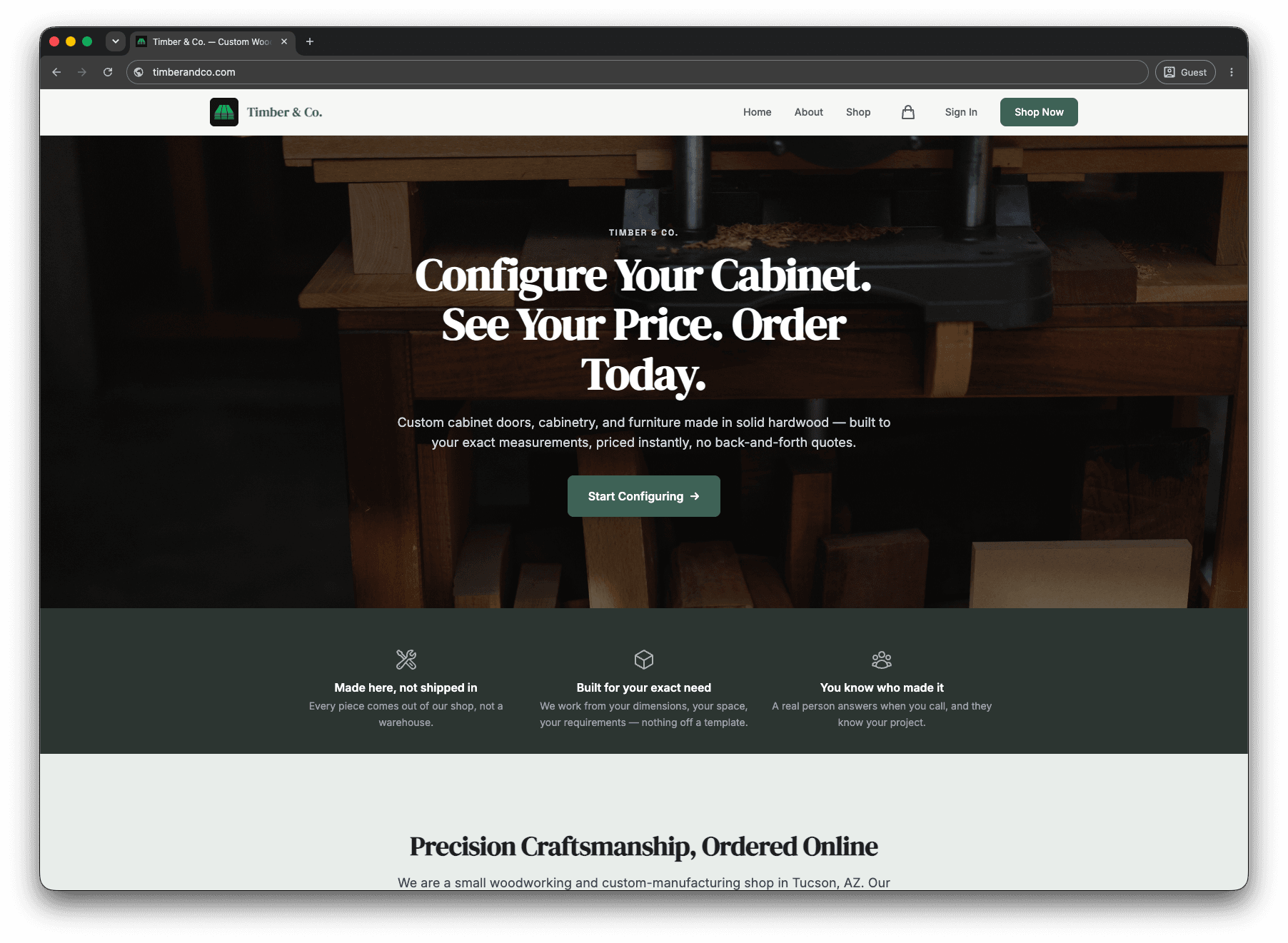
A website and 3D product configurator in one system
Show customers your products, pricing, and 3D configurator without maintaining a separate catalog on another platform.
Update a product or price in TimberCloud and keep the buying experience connected to the same order workflow.
Choose a theme, draft pages with the AI site assistant, and edit the content yourself.
Start from a theme built for makers
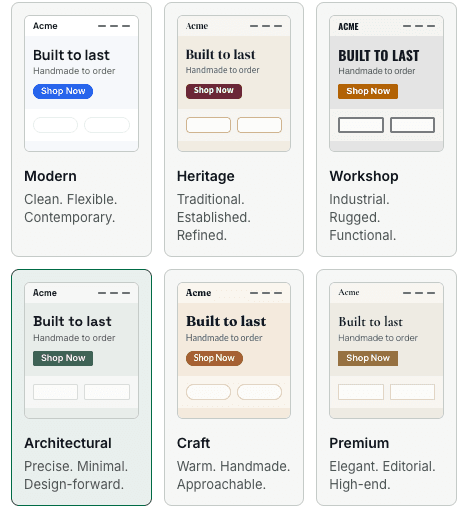
Pick from six themes, from clean and modern to traditional and editorial. Each one is a finished starting point, so you are not designing a site from a blank page.
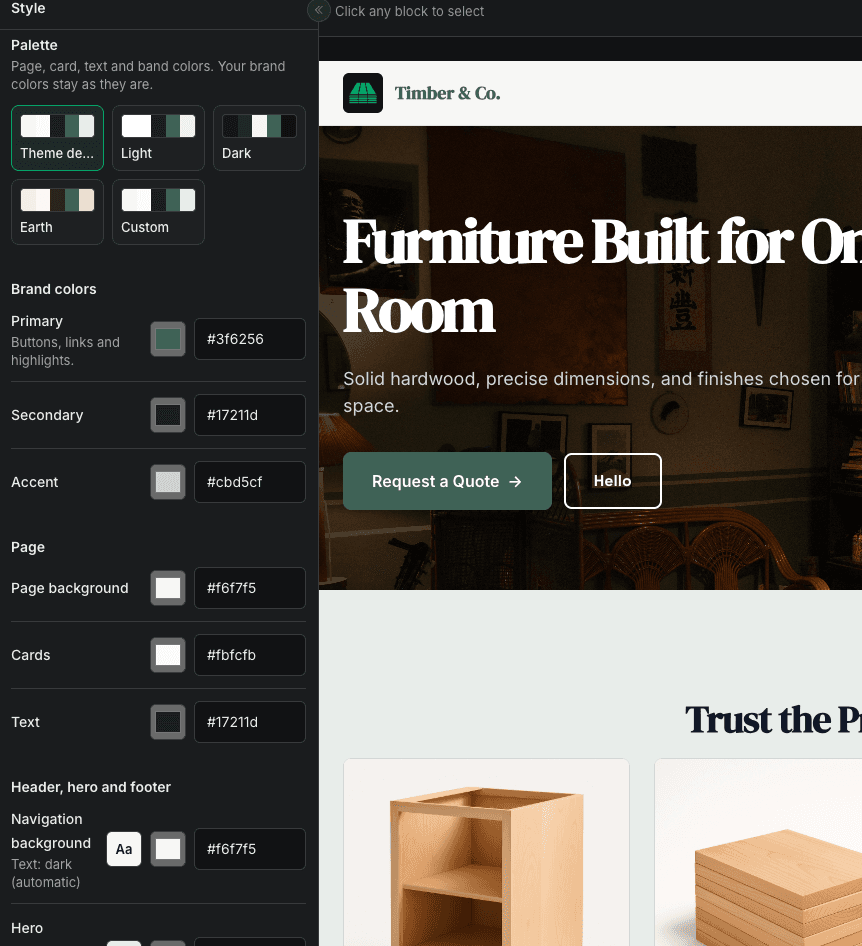
Make it look like your shop
Choose a palette, then set your brand colors for buttons, backgrounds, and text. The preview updates as you change them, so you see the result before anything goes live.
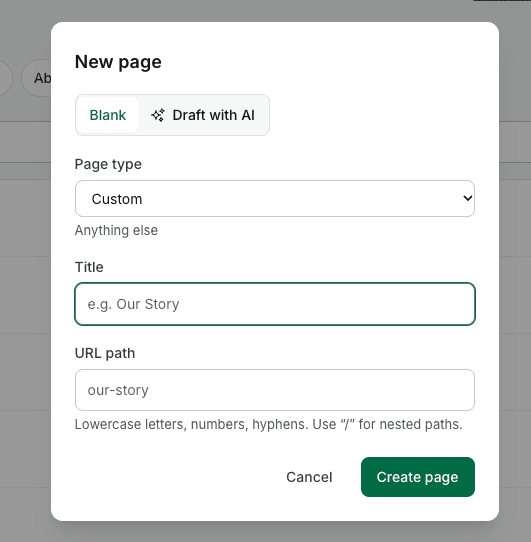
Add a page in a few clicks
Name the page and set its URL, or choose Draft with AI to get a first version you can edit. Pages start as drafts until you publish them.
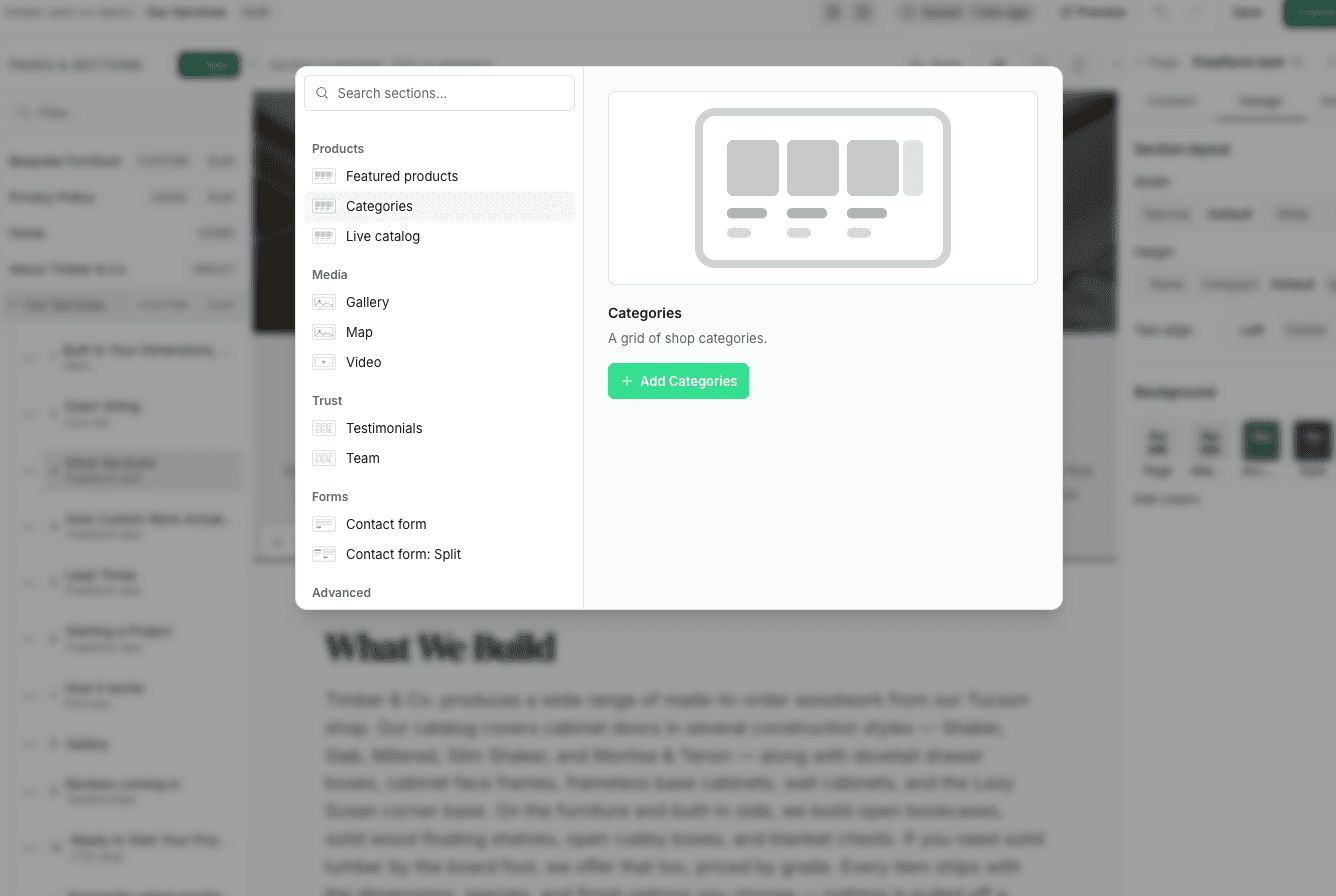
Build pages from ready-made sections
Add featured products, categories, your live catalog, galleries, testimonials, and contact forms from one searchable library. Product sections pull straight from your TimberCloud catalog.
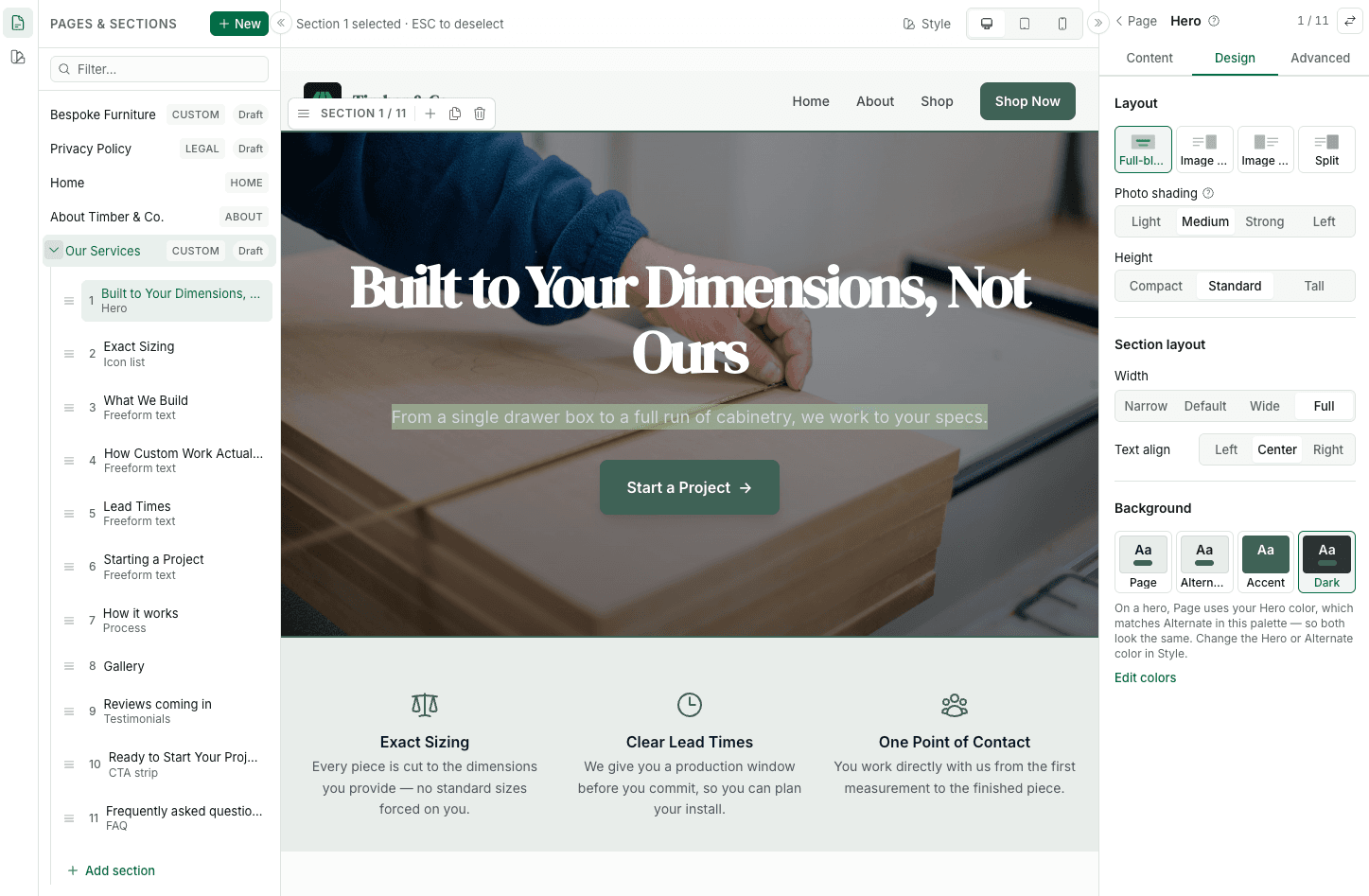
Edit on the page itself
Click any section to edit it on the canvas. Reorder sections from the list, and adjust layout, width, alignment, and background from the design panel. Check desktop, tablet, and mobile views before you publish.
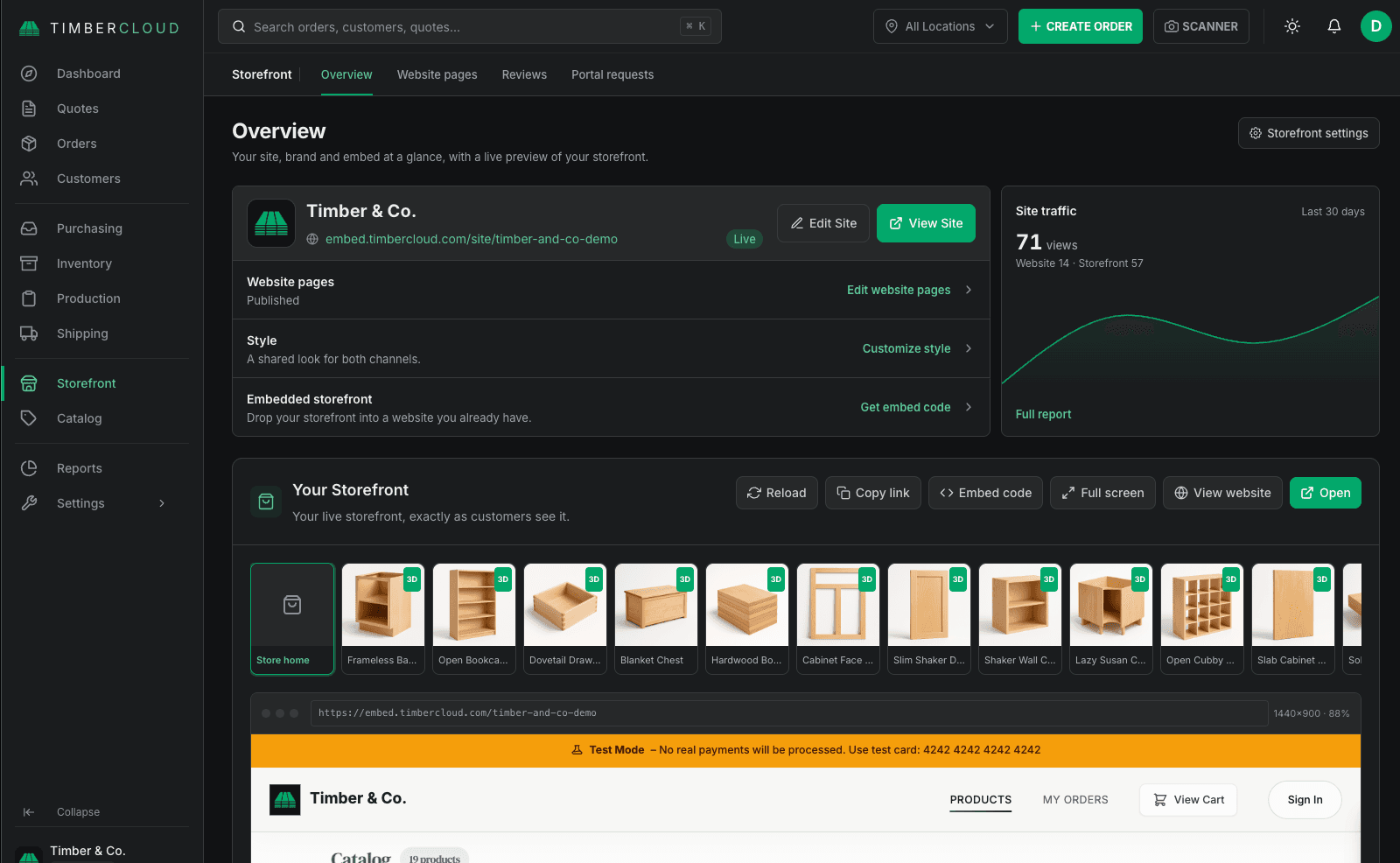
See your site and storefront in one place
The Storefront overview shows your website pages, style, embed code, and site traffic together, with a live preview of what customers see.
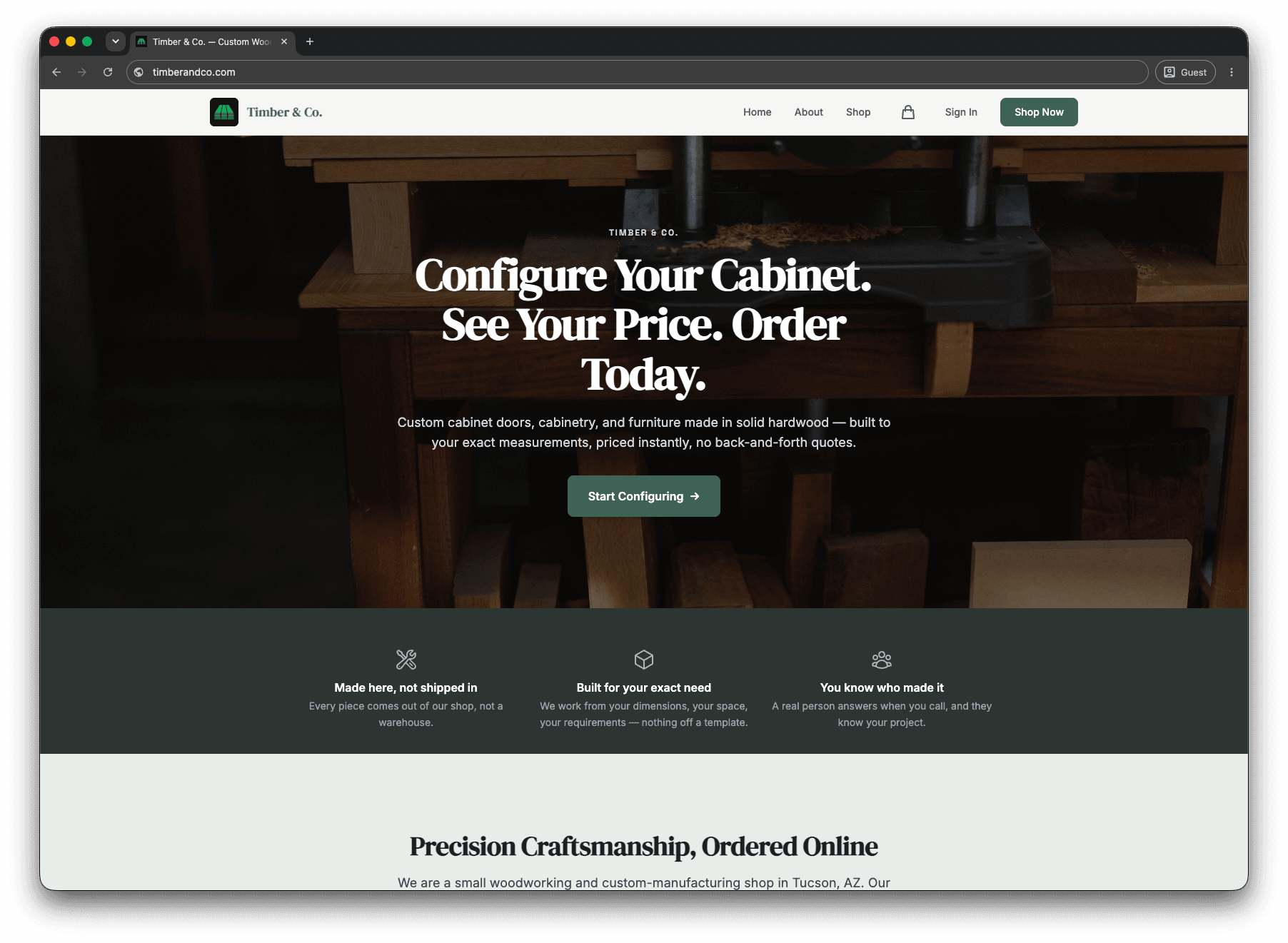
Publish a site customers can buy from
Your published site links straight into your products and configurator, so a visitor can go from your home page to a configured order without leaving your site.
Your catalog becomes the shop
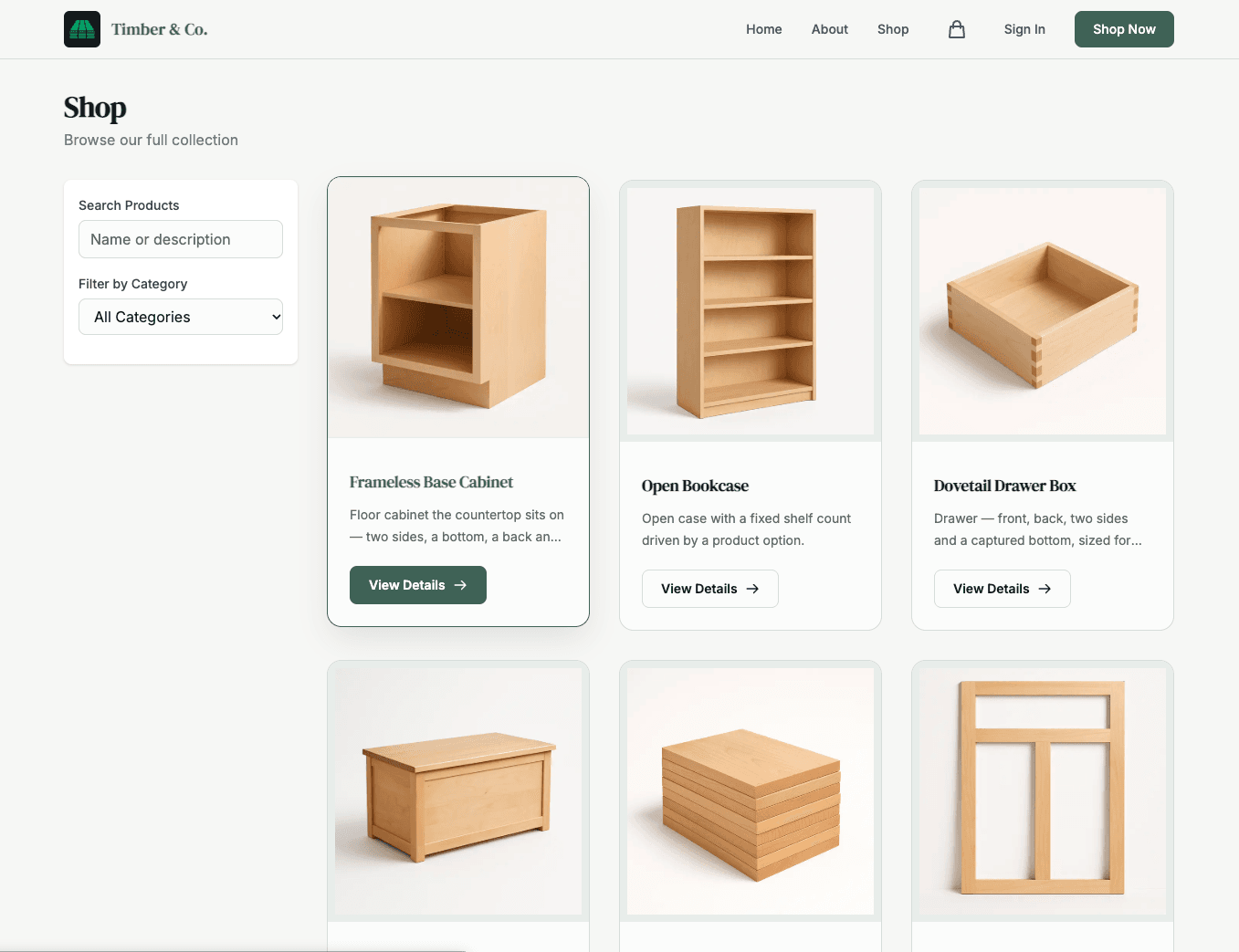
The Shop page lists your TimberCloud products with search and category filters. Customers open a product, set their dimensions and options, and order, and the page stays current as you update your catalog.
What's included in Website & CMS
- Hosted website with a block editor and six themes
- Custom domain and SSL
- Navigation, redirects, and SEO settings
- Contact forms, scheduled publishing, and page revisions
- AI site assistant
- Connection to your TimberCloud storefront and 3D product configurator
Works with: Base storefront · B2B Dealer Portal
See add-on prices on the pricing page.
Frequently asked questions
No. You can embed the TimberCloud storefront on the site you already use.
Yes. Connect your domain to your TimberCloud website at no additional cost.