Buy materials for the work on your books
Create purchase orders from your material needs, keep approvals in one place, and record what arrives.
Purchase orders tied to the work you have sold
Start with the orders you've sold
Use order demand to prepare purchase orders instead of rebuilding a material list by hand.
Keep approvals with the PO
Route purchase orders for approval and keep the decision with the order record.
See what is still outstanding
Receive items line by line and check what remains open with each vendor.
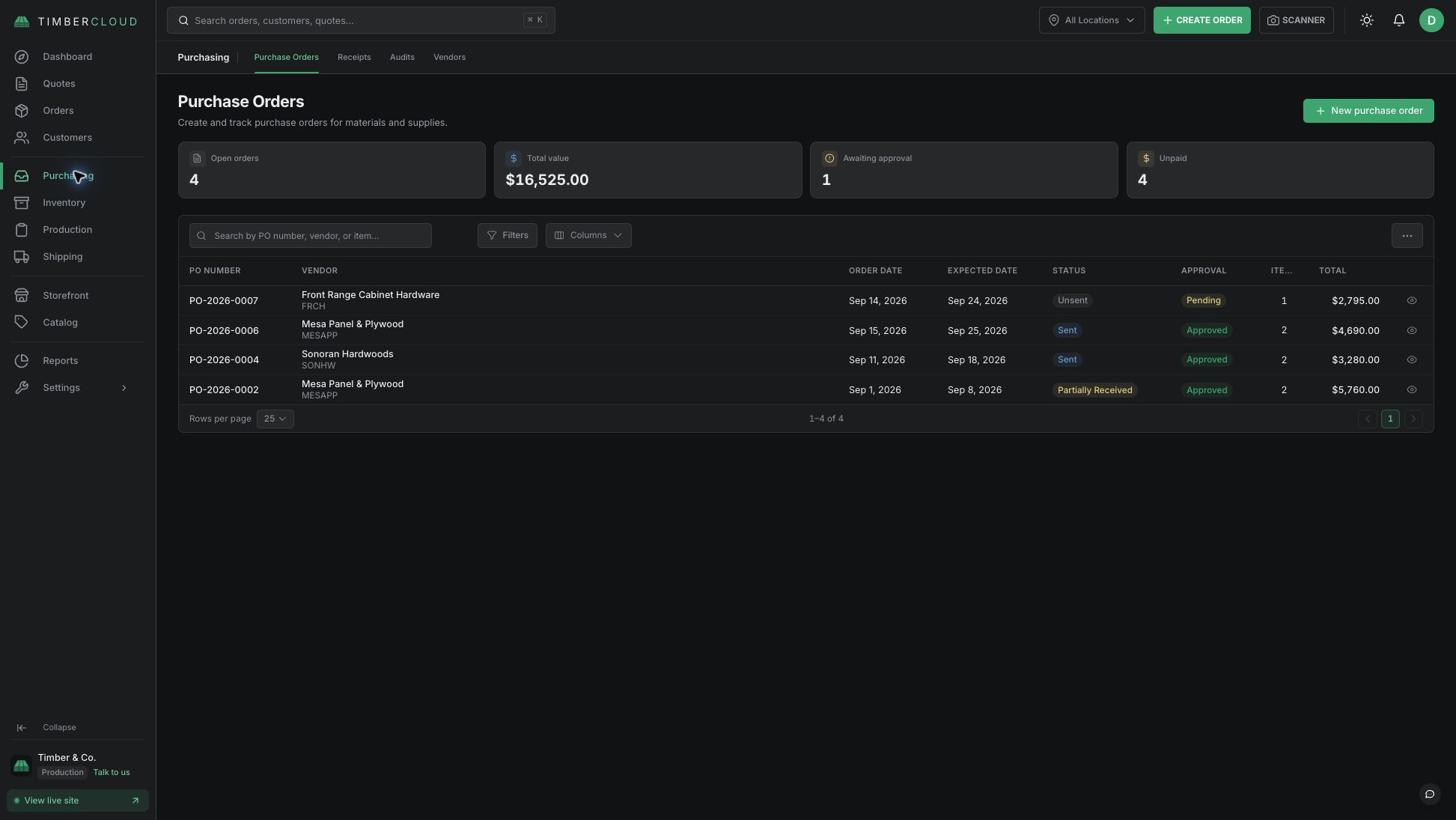
What's included in Purchasing
- Purchase orders with PDF and email options
- Approval workflow
- Material demand from orders
- Line-by-line receiving
- Vendor records
- Inventory updates when receipts are recorded
- Purchasing report with Advanced Reporting
Works with: Inventory & Warehouses · Advanced Reporting
See add-on prices on the pricing page.
Frequently asked questions
Purchasing can manage POs and receipts on its own. Confirm which stock updates and location views require Inventory.
Yes. Create a PO PDF and send it from TimberCloud.