Dealer ordering software for cabinet and millwork shops
Give approved dealers and contractors a direct way to configure wood products, see their account pricing and order online. Keep their selections connected to the order your shop receives.
A B2B ordering portal connected to your catalog
Dealers choose dimensions and options in the configurator, so their selections arrive with the order.
Set dealer tiers and discounts, then show each approved account its assigned pricing.
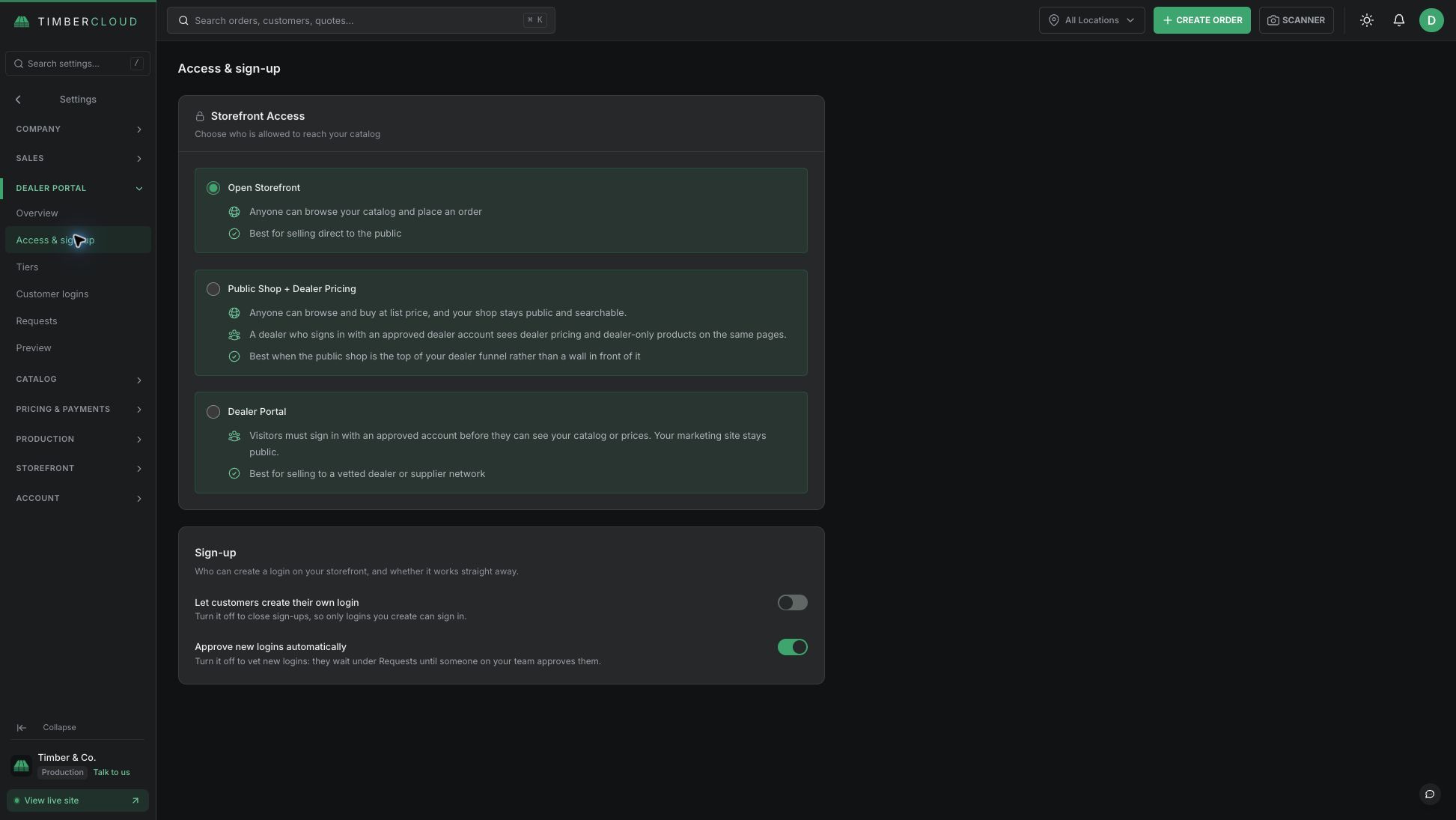
Review dealer applications and approve who can sign in and order.
What is a B2B dealer ordering portal?
A dealer portal gives approved trade accounts a place to select products, see their assigned pricing and place orders. For cabinet, component and millwork manufacturers, it keeps the buyer’s dimensions, materials and options with the order instead of scattered across emails.
Choose how your trade accounts buy
- Use a private dealer portal or a public storefront with dealer pricing.
- Create named pricing tiers and assign them to approved accounts.
- Review dealer applications and approve who can order.
- Let buyers configure products using your catalog and formula-based pricing rules.
The B2B Dealer Portal is an add-on. Compare current pricing and inclusions.
Connect trade orders to the work your shop builds
Start with one repeatable product, such as a cabinet door or configurable cabinet. Set up its options, validate the price for a representative dealer account, and follow the resulting order through your workflow.
Explore product configuration and quoting, online ordering and payments, and production and shipping. Build documentation and shop-floor tracking use the applicable add-ons.
Frequently asked questions
Yes. A public storefront can show retail pricing while approved dealers see their assigned pricing.
Contractors you approve as trade accounts can use the dealer ordering workflow. Assign their account the appropriate pricing tier, then test the products and prices they see before inviting them to order.