Pull System and Push System for Woodworking Shops
The real difference between a pull system and a push system boils down to a single question: What kicks off the work? A pull system is reactive—it doesn't start until an actual customer order comes in. A push system, on the other hand, is proactive, building products based on forecasts of what you think customers will want.
This single distinction has a ripple effect on everything in your shop, from how much inventory you carry to how quickly you can adapt to new requests.
Defining Push vs. Pull Production Systems
Every woodworking and millwork shop has a workflow, whether it's written down or just an unspoken rule. This workflow almost always falls into one of two camps: a push system or a pull system. Getting a handle on these two approaches is the first step to making your shop more efficient, controlling your inventory, and ultimately, boosting your bottom line.
A push system is what most people picture when they think of a traditional assembly line. You create a schedule, and work gets "pushed" to the next station as soon as it's done, whether that next station is ready for it or not. The whole operation runs on your best guess of future customer demand.
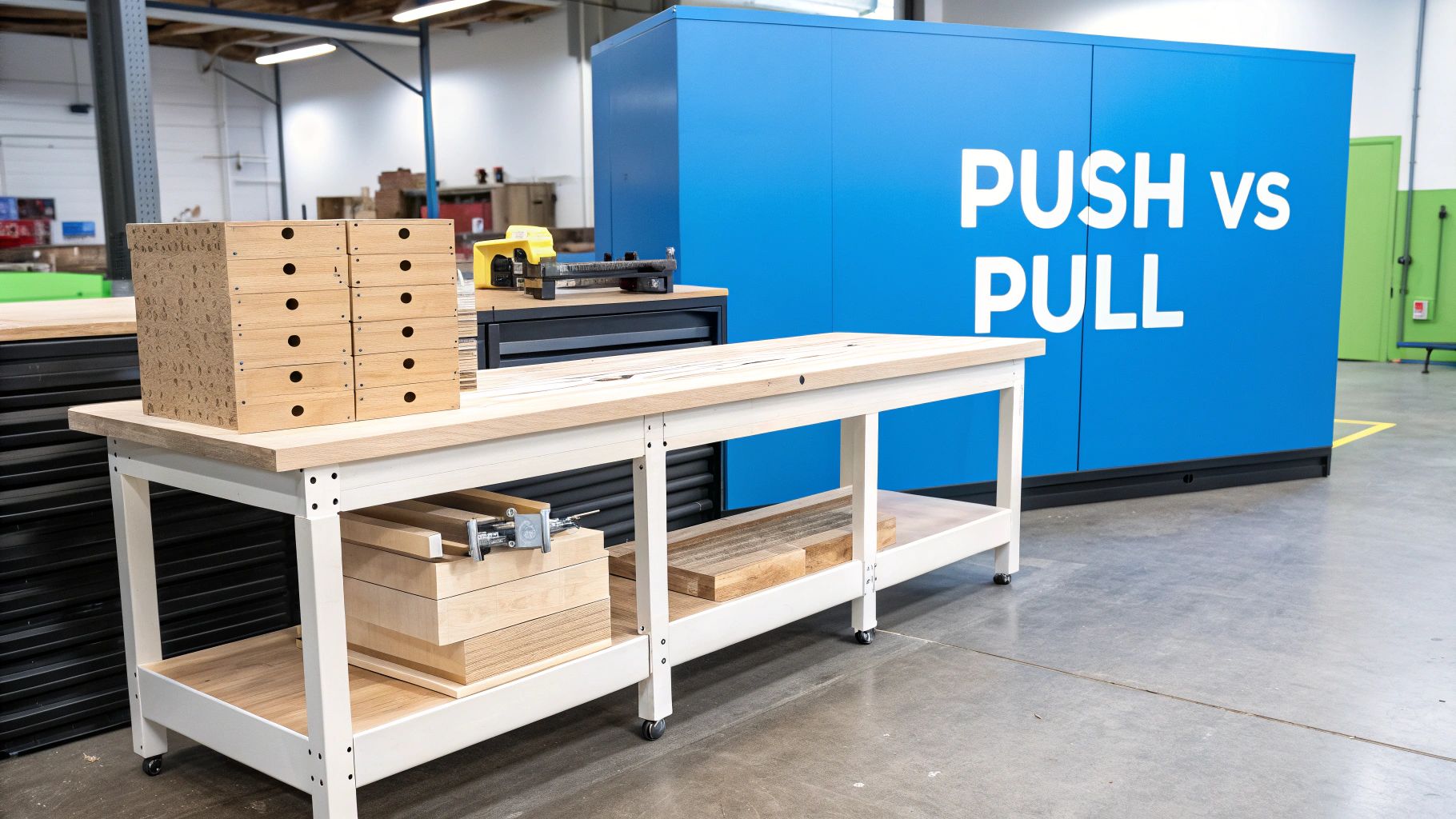
A pull system flips that idea on its head. It’s a Just-In-Time (JIT) model where nothing gets built until a customer places an order. Each workstation only "pulls" materials and components from the previous one when it has the green light and capacity to start. It’s driven by what's happening right now, not by long-range forecasts. This concept isn't unique to manufacturing; you see similar ideas in the tech world, like in Batch vs. Stream Processing, where data is handled either in scheduled chunks or as it arrives.
The results of shifting to a pull system, especially for shops that need to be precise and efficient, speak for themselves. Companies that have made the switch often see inventory levels drop by 30-40% and cut their lead times by 20-35%. Those aren't small numbers; they show just how much waste a demand-driven model can eliminate.
Here’s a quick look at the core differences:
| Criterion | Push System (Forecast-Driven) | Pull System (Demand-Driven) |
|---|---|---|
| Production Trigger | Based on sales forecasts and schedules | Based on actual customer orders |
| Inventory Levels | High Work-In-Progress (WIP) and finished goods | Minimal WIP and finished goods |
| Workflow | Work is "pushed" to the next station | Work is "pulled" as capacity becomes available |
| Ideal For | High-volume, standardized products | High-mix, custom, or unpredictable products |
How Each System Works on the Shop Floor
To really get a handle on the difference between a pull system and a push system, you have to see them in action. Let’s walk through a day in the life of a custom woodworking shop under both models. The biggest difference isn't the machines or the people—it's what triggers the work to start in the first place.
The Push System in Action
In a classic push system, everything starts with a forecast. Work doesn’t kick off because a customer signed a contract; it kicks off because someone in the office, often using a Material Requirements Planning (MRP) system, predicted future demand.
Imagine the shop manager expects to sell 50 standard kitchen cabinet boxes next quarter. That prediction sets the wheels in motion. Raw materials are ordered in bulk weeks or even months ahead of time. A master schedule is built, and each workstation—from the CNC to the assembly bench—is expected to hit its numbers.
A push system essentially tells each department, "Here's your work for the week. Get it done." The focus is on keeping machines running and people busy to hit production targets.
The result is a very sequential, batch-driven workflow. The cutting station rips all the plywood for the 50 cabinets and then pushes that massive stack of parts to the next station, whether that station is ready for it or not. This is why you so often see pallets of work-in-progress (WIP) piling up between stations in a push shop.
The Pull System in Action
A pull system flips the script entirely. It runs on a different signal: real, immediate customer demand. Nothing gets built, and no material moves until a confirmed order comes through the door. This is the heart of the Just-In-Time (JIT) philosophy—it’s all about reacting to reality, not forecasts.
When an order for a custom vanity comes in, it triggers a "pull" starting from the end of the line. The final assembly station knows it will need a finished set of components, so it signals the finishing department. The finishing department, in turn, pulls the built parts it needs from the fabrication station, which then pulls the necessary raw materials from the inventory racks.
It’s a chain reaction, often managed with simple, visual tools:
- Kanban Cards: A physical card or a digital alert that basically says, "Hey, I'm almost out of this part, make more now."
- Empty Bins: An empty bin for drawer slides is the clearest signal you can get that it's time to order or make more.
Instead of a top-down master schedule dictating everything, the authority to work is passed from one station to the next based on what's actually needed right now. This means the shop only produces what it has an order for, which drastically cuts down on idle inventory and the WIP cluttering up the aisles. The whole operation feels more like a continuous flow, making it leaner and way more flexible when a client inevitably changes their mind.
Comparing Production Models for Custom Millwork
Deciding between a pull system and a push system isn't just an operational choice; it's a strategic one that shapes your entire woodworking business. The right model can free up cash flow, delight clients, and smooth out your production schedule. The wrong one can leave you buried in unsold inventory and struggling to adapt. Let's break down how each approach stacks up in a real-world millwork shop.
This diagram gets right to the heart of it. A push model is all about forecasting and planning ahead, while a pull model waits for a customer's order to kick things off.
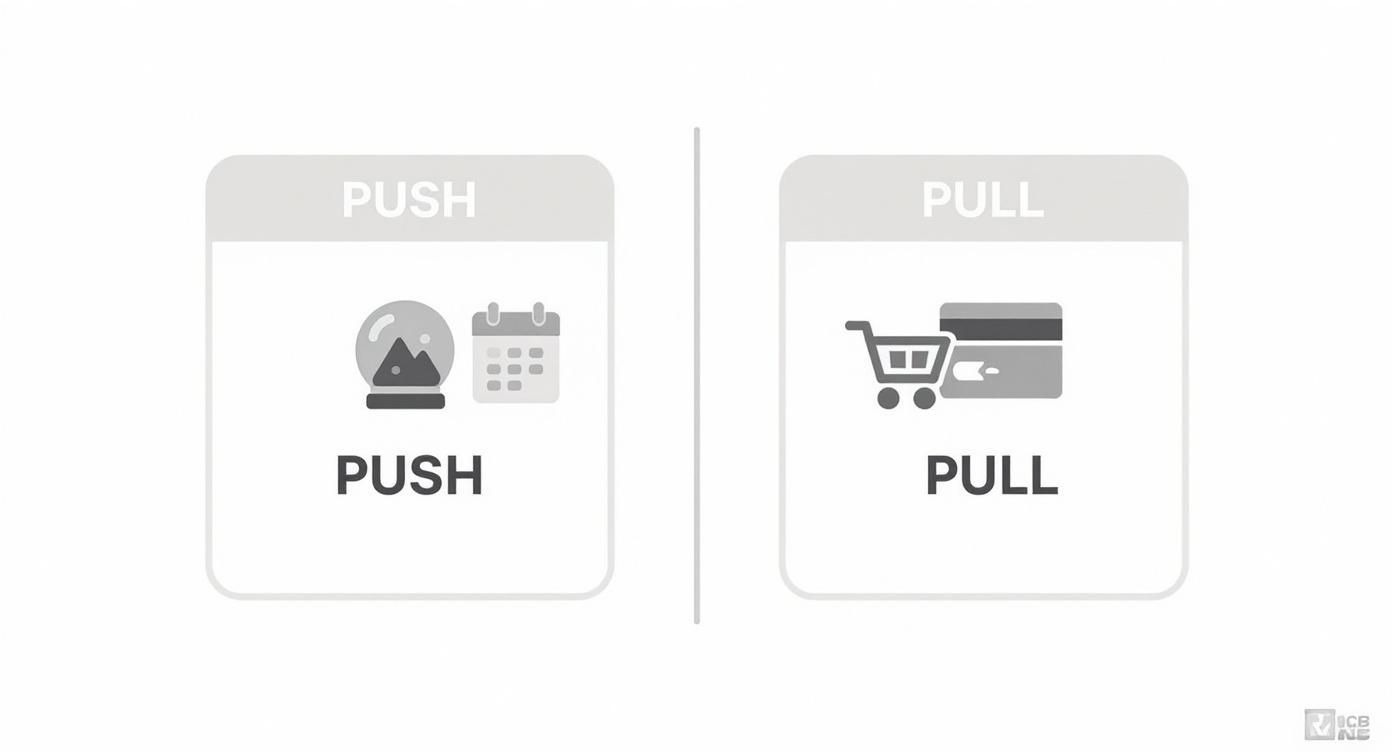
Essentially, you're either pushing work out based on a schedule or pulling it through based on actual demand. It's a fundamental difference in philosophy that has big implications on the shop floor.
Inventory Levels And Production Flow
In a push system, you’re constantly building up Work-in-Progress (WIP). You're making parts based on what you think you'll sell, which means stacks of materials and half-finished cabinet boxes can quickly pile up between workstations. This isn't just messy—it's expensive. A 2020 Deloitte report on similar industries found that inventory carrying costs could hit 25-30% of the inventory's total value, with obsolete parts adding another 15-20% risk.
A pull system, on the other hand, is all about lean operations. You don't order materials or start cutting until a customer signs off on an order. This creates a much smoother, more continuous flow through the shop, dramatically cutting down on the clutter and the amount of cash you have tied up in raw materials.
Flexibility And Customer Changes
For a custom shop, this is where the two models really show their differences. A push system is built on a rigid master schedule planned well in advance. Imagine a client on a large kitchen job suddenly wants to switch from oak to walnut after you've already started production—that one change can throw your entire schedule into chaos.
A pull system’s greatest strength is its adaptability. Since work is pulled in small, order-specific batches, accommodating a client’s design change is far less disruptive to the overall shop workflow.
In a pull environment, that same change request is much easier to handle. You're focused on one job's components at a time, so you can adjust materials and processes for that order without bringing everything else to a grinding halt. This kind of agility is a massive competitive advantage when you're dealing with the high-mix, often-changing world of custom millwork. For more ideas on fine-tuning your shop's processes, check out other articles on the TimberCloud blog.
Here’s a quick-glance comparison to help you weigh the pros and cons for your own workshop.
Push System vs Pull System A Woodworker's Comparison
This table cuts through the noise and lays out the core differences between the two systems from a practical, on-the-ground perspective.
| Criterion | Push System (Forecast-Driven) | Pull System (Demand-Driven) |
|---|---|---|
| Inventory Levels | High WIP and raw materials based on forecasts. | Minimal WIP; materials are ordered Just-In-Time. |
| Production Flow | Work is pushed in large, scheduled batches. | Continuous flow pulled by actual customer orders. |
| Flexibility | Rigid; difficult to adapt to change orders. | Highly adaptable to last-minute design changes. |
| Waste (Muda) | High potential for overproduction and excess inventory. | Reduces waste by producing only what is sold. |
As you can see, the "best" system really depends on your business model. Are you producing standardized items where you can predict demand, or are you navigating the unpredictable waters of bespoke, one-off projects? Your answer will point you in the right direction.
Choosing the Right System for Your Shop
Deciding between a pull system and push system is one of the most fundamental choices you'll make for your shop. This isn’t just a matter of scheduling work; it’s a strategic decision that shapes how you meet customer expectations and manage your resources. The best approach really boils down to what you build and who you're building it for.
Think of it this way: a push model is all about predictability. If your shop churns out a high volume of standard products—think stock cabinet doors, flat-pack furniture kits, or a popular molding profile—pushing work based on a forecast makes a lot of sense. You can take advantage of economies of scale, run large batches to minimize machine setup time, and often get better deals on raw materials by buying in bulk.
On the flip side, a pull model is tailor-made for the world of custom work. If you’re an architectural millwork shop where no two jobs are the same, forecasting is a guessing game you'll usually lose. A pull system is your best friend here because it’s inherently flexible. You only start building once you have a firm customer order, which dramatically cuts the risk of making something a client might change their mind on.
Using Kpis to Guide Your Decision
Instead of going with your gut, let the numbers tell you what’s working. Key Performance Indicators (KPIs) give you a clear, objective look at your shop’s health and can point you toward the right production model.
If you’re not sure where to start, focus on tracking these three metrics:
- Inventory Turnover Rate: How fast are you selling through your stock? In a push system, a low turnover rate is a red flag. It often means you have too much cash tied up in finished goods just sitting on the shelf, and a pull approach might be a smarter way to operate.
- On-Time Delivery: This one is simple—are you keeping your promises to customers? If you're consistently late due to bottlenecks or last-minute changes throwing a wrench in your schedule, the steady, demand-driven workflow of a pull system can bring much-needed stability.
- Production Lead Time: How long does it take to get a job out the door from the moment the order is placed? In a push system, long lead times are often caused by a mountain of Work-In-Progress (WIP) clogging up the shop floor.
By looking closely at these KPIs, you can move from guesswork to a data-backed decision. The numbers don't lie. They'll show you where your current process is creating waste and where it’s adding value, making the right path forward much clearer.
In the end, the goal is a smooth, efficient process from the sales quote all the way to shipping. For shops that want to connect the dots between sales and production, a unified platform can provide the clarity needed to make either a pull system or push system truly work. Understanding how tools like TimberCloud can link these operations is a great first step toward running a more modern, profitable shop.
Let's be honest, for most woodworking shops, going all-in on a pure pull or push system just isn't practical. It's not a clear-cut choice. If you only react to orders (pure pull), you'll constantly be held up by long lead times on materials. But if you only build based on forecasts (pure push), you risk getting stuck with a warehouse full of custom pieces nobody wants.
The real sweet spot for most operations is a hybrid model, one that cleverly blends the best of both strategies. This lets you build a workflow that's both stable and flexible, perfectly suited to the unique mix of standard and custom work that keeps your doors open. It's all about strategically applying push and pull principles where they make the most sense in your production line.
Combining Make-to-Stock and Make-to-Order
One of the most effective ways to build a hybrid system is to pair Make-to-Stock (MTS) with Make-to-Order (MTO). Think of MTS as your push component—you build and stockpile standard parts based on what you know you'll sell. MTO is the pull side, where the final, custom touches don't happen until a customer has officially placed an order.
A cabinet shop is a perfect example of this in action:
- Pushing Production: You can run batches of standard cabinet boxes—your 18", 24", and 36" bases—and keep common hardware like drawer slides and hinges in stock. That’s your MTS operation, and it’s all about efficiency.
- Pulling Customization: The custom stuff, like uniquely painted door fronts, specialty hardware, or a one-off countertop, only gets made after the order is signed. This MTO approach stops you from pouring money and labor into bespoke items that might just sit on a shelf.
By doing this, you create a decoupled workflow. You get the raw efficiency of a push system for your bread-and-butter components and the lean flexibility of a pull system for the final, customer-specific details.
The CONWIP Approach
Another smart hybrid to consider is the Constant Work-In-Progress (CONWIP) system. CONWIP is a fantastic middle ground between a pure pull and push system. It works by setting a hard limit on the total amount of work-in-progress allowed in the shop at any one time.
With CONWIP, a new job only enters the first station after a finished product has left the last one. This single rule prevents bottlenecks and keeps work flowing smoothly, a common headache in pure push environments.
Once a job is inside this controlled system, it moves from one station to the next much like it would in a push system. But the entire workflow is triggered by that initial pull signal. This gives you the predictability of a push system without the risk of WIP piling up, which is what inflates costs and blows up your lead times. It’s a disciplined yet fluid way to manage production.
Using Technology to Power Your Workflow
Picking between a pull system and push system is a huge decision, but it's only the first step. Actually making either one work on the shop floor comes down to the technology you have in place. These days, digital tools aren't just a nice-to-have; they’re what connect your production strategy to the reality of getting work done. Without the right software, even the best plans will stumble.
A pull system absolutely lives or dies on visibility. You need real-time production tracking to see exactly where every job stands, what materials have been used, and which workstations are free. This constant stream of live data is your digital Kanban signal, telling the upstream station when it’s time to start the next piece of the puzzle.
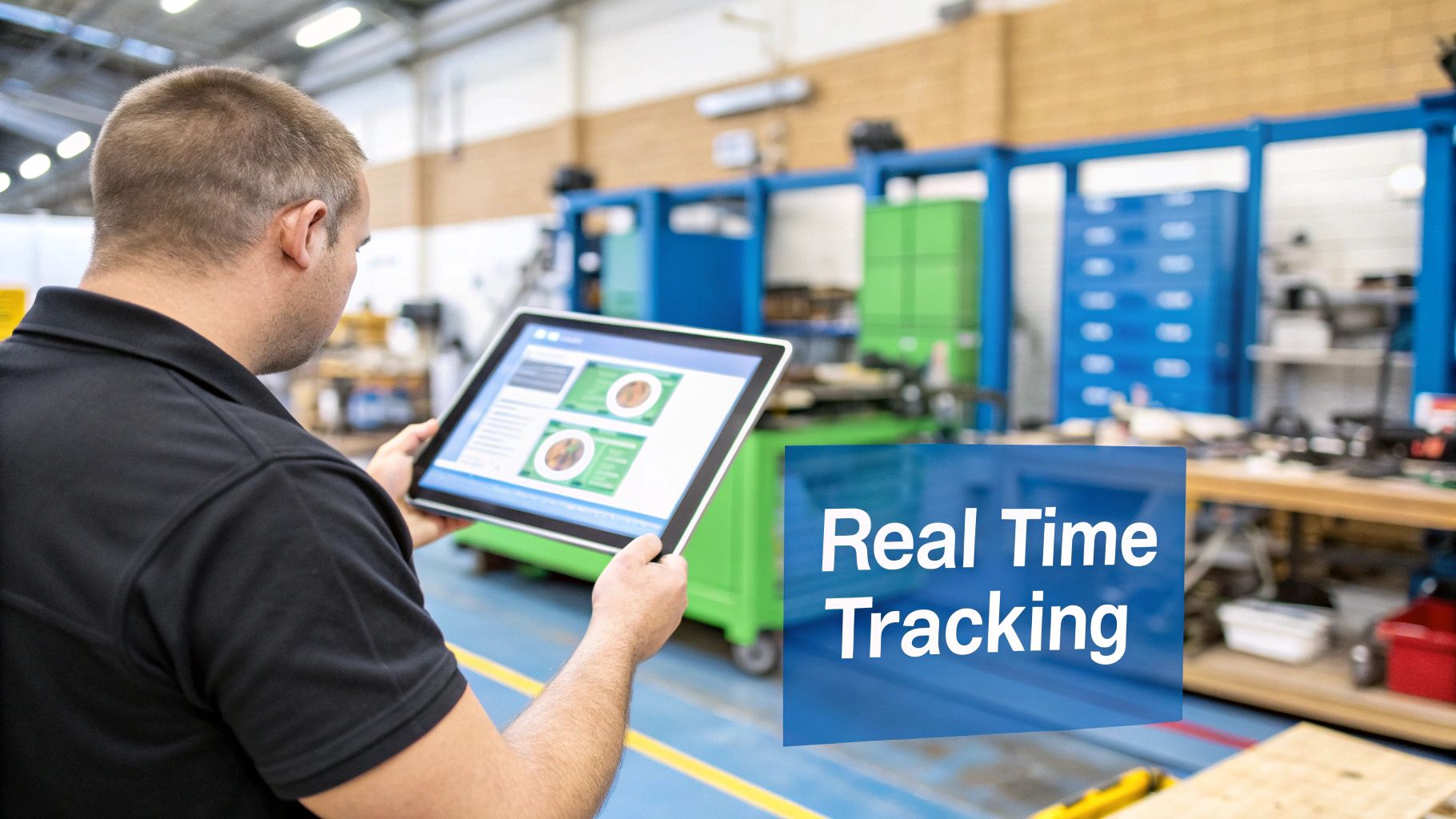
This kind of insight is what keeps a Just-in-Time workflow from hitting a wall because of a surprise material shortage or an unexpected bottleneck.
Enabling Your Chosen Strategy
On the other hand, a push system depends almost entirely on the quality of its forecasts and the efficiency of its schedule. Here, tools like advanced planning software and ERP systems are indispensable. They help you dig into historical sales data and market trends to create much more accurate demand predictions. From there, the software can fine-tune batch sizes and production runs to get the most out of your machines and keep changeovers to a minimum.
For shops looking to tie different software together and automate those repetitive, manual tasks, a tool like the n8n workflow automation platform can be a game-changer for bridging gaps in either a push or pull environment.
The right technology doesn’t just support your chosen production model; it actively enhances it. It automates tedious tasks, minimizes human error, and provides the crucial data needed for continuous improvement.
In the end, it doesn't matter if you're pushing work based on a master schedule or pulling it based on real orders—success is all about execution. You need tools that give you a clear, controllable view of your entire operation from start to finish.
Platforms that bring sales, inventory, and production data under one roof give you the command center you need to run your shop with precision. Take a look at the full range of TimberCloud features to see how an integrated system can provide the solid foundation required to truly master a pull or push system in a modern woodworking shop.
Got Questions? We've Got Answers
When you're trying to figure out the best way to run your shop, the whole pull vs. push system debate can bring up some real head-scratchers. Here are a few common questions we hear from woodworkers and the straight answers you need.
Can a Small Shop Actually Pull Off a Pull System?
Yes, absolutely. In many ways, a pull system is perfect for a smaller, custom-oriented shop. You're already dealing with a lot of different jobs in small quantities, so producing only what a customer has ordered—the heart of a pull system—is a natural fit. It keeps you nimble and prevents your cash from getting locked up in materials for jobs you might get.
You don't need a fancy software suite to make it work, either. A pull system in a small shop can be as simple as a whiteboard with magnets or a physical Kanban board. Each job card gets "pulled" from one stage to the next, giving everyone a clear, visual snapshot of what needs to be done based on real orders.
How Do I Even Begin to Switch from Push to Pull?
Moving from push to pull isn't like flipping a light switch; it's more like a slow turn of a dial. The trick is to start small and get one part of the process flowing smoothly before you try to change everything.
Here’s a practical way to start:
- Map Your Process: Grab a notepad and walk the shop floor. Write down every single step a job takes, from the moment the order hits your desk to the second it's out the door. Pinpoint where work-in-progress (WIP) always seems to pile up—those are your bottlenecks.
- Start with One Signal: Pick a single workstation and introduce a simple pull signal. It could be an empty bin for parts that needs refilling or a colored card that tells the previous station it's time to send the next piece.
- Cut Down Batch Sizes: The old habit of running huge batches to "be efficient" has to go. Start working in smaller, more manageable quantities. This improves your flow and makes you much faster at responding to new orders.
The biggest hurdle isn't about changing the shop layout; it's about changing mindsets. Your team needs to shift from a "look busy" culture of building inventory to a "be productive" culture focused on finishing customer orders.
Taking it one step at a time lets your team get comfortable with the new way of working without causing chaos. You’ll build momentum as everyone starts to see the benefits for themselves.
Ready to build a system that gives you the visibility and control to master your production, whether you choose push, pull, or a hybrid? TimberCloud brings your sales, inventory, and shop floor together on one platform. It’s the tool you need to run a smarter, more profitable woodworking business. See how it all comes together at https://timbercloud.com.
Topics
TimberCloud Team
Content Team
The TimberCloud team is dedicated to helping manufacturers streamline their operations with intelligent software solutions.