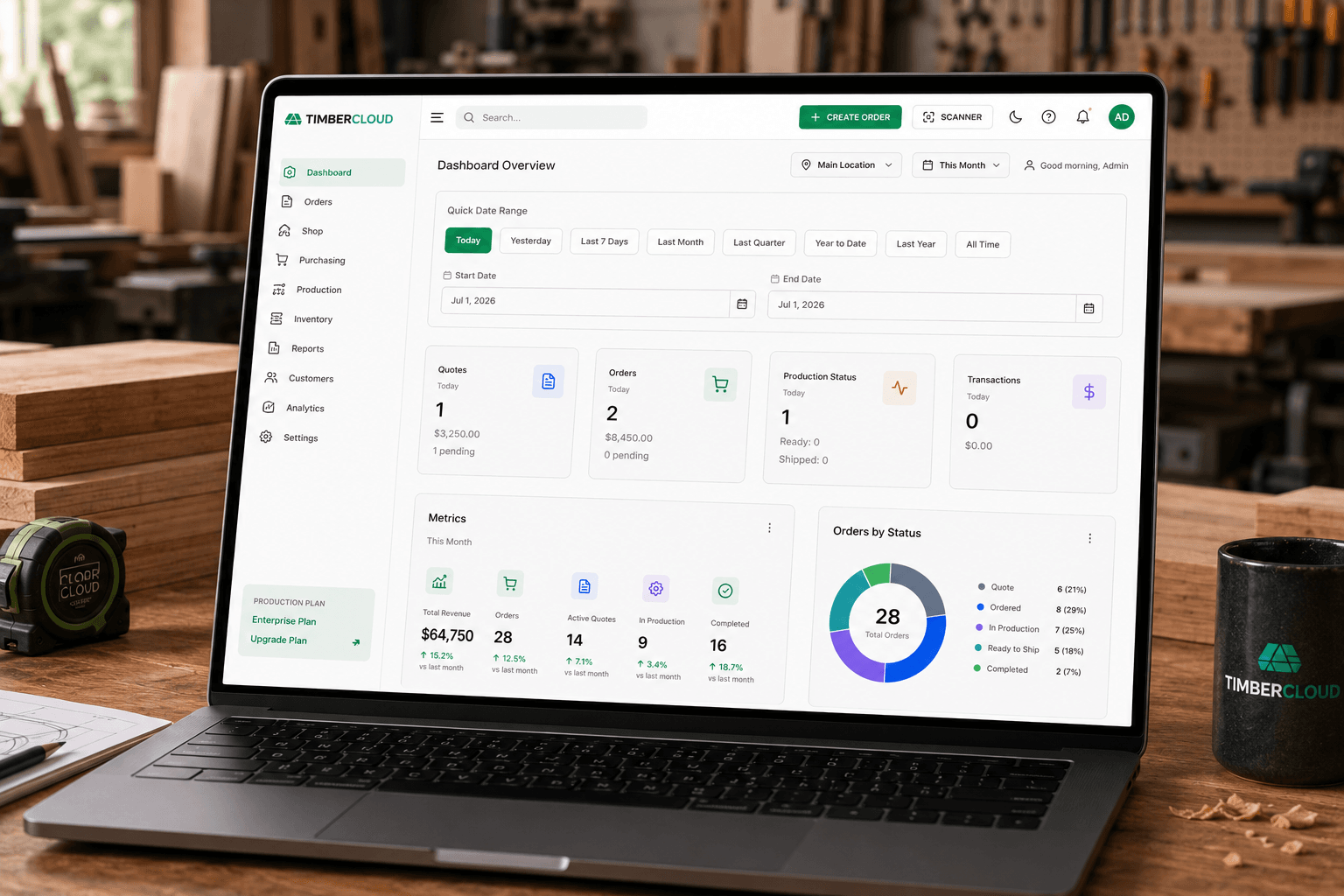
Custom Manufacturing Software — First Click to Final Shipment
Cloud software for woodworking shops: connect product configuration, formula pricing and online orders with the build, shop-floor and shipping workflow your team needs.
Keep the customer’s configuration connected to the work
When dimensions and options are copied between email, spreadsheets, quoting tools and production documents, staff have to reconcile the same job repeatedly. TimberCloud connects product configuration, formula-based pricing and online ordering so the customer’s selections remain part of the order.
Choose the build-document and shop-floor add-ons your workflow requires, then carry the order through fulfillment. The goal is less repeated data entry and a clearer handoff from the customer to the team building the product.
Follow the workflow from configuration to shipment or watch the product walkthrough.
What is custom manufacturing software?
Custom manufacturing software helps a made-to-order business manage product specifications, pricing, orders and the work needed to fulfill them. For woodworking shops, dimensions, materials and options affect both the selling price and what must be built.
How do woodworking ERP and CPQ fit together?
CPQ means configure, price and quote: it applies product and pricing rules to customer requirements. ERP supports operations such as orders, purchasing, inventory and production.
Commerce is at the core of TimberCloud, including the embedded storefront, configuration, formula pricing and online ordering. Extend the same order into build documentation, materials, production and shipping as your shop grows.
Connect operations with QuickBooks Online
TimberCloud’s QuickBooks Online integration sends invoiced orders, payments, credits and refunds into accounting and brings QuickBooks Profit & Loss into TimberCloud Reports. Keep the customer order, shop-floor work and financial review connected.
When comparing systems, demonstrate the whole workflow and validate the design files, machine requirements and accounting settings your business uses.
Connect selling, building and fulfillment
Configuration and pricing. Define dimensions, materials, options and formula-based prices with woodworking CPQ. Validate the visual configuration and pricing experience with your real products.
Commerce and trade ordering. Let buyers configure and order through online commerce. Review the Website & CMS and B2B Dealer Portal add-ons for your website and approved trade accounts.
Build documents and production. Use Build Sheets & CAM for supported outputs from configured product rules, and Production / Shop Floor for the board, schedule and station updates. Confirm output formats and equipment requirements before relying on a generated file.
Shipping. Keep shipment preparation, available rates, labels, LTL booking and tracking connected to the order. Explore the fulfillment workflow.
Start with what your woodworking shop makes
Cabinet makers: evaluate product options, quoting and the handoff from an approved order to the shop.
Cabinet doors and components: test dimensional rules, material choices, quantity pricing and the build documents needed for repeatable products.
Production cabinet manufacturers: review catalog consistency, dealer ordering and production handoffs.
Millwork and trim: bring profile, species, length and minimum-charge rules, plus contractor ordering requirements.
Custom furniture: use a representative piece to evaluate the configuration, price and production information your team needs.
For every shop type, the useful test is the same: follow a real product and representative order through the required workflow.
Choose the tools your growing shop needs
Start with TimberCloud’s core commerce capabilities, then extend the workflow with build documents, purchasing, inventory, dealer ordering, shop-floor management and reporting as your operation needs them.
Compare the complete setup for your users, locations and workflows. Include implementation, payment fees and any specialist tools you will retain.
See current tools, pricing and inclusions. The pricing page is the source for current amounts and commercial details. Bring your catalog and a representative order to define the right scope.
See the workflow with your own products
Book a demo with one product, an approved price calculation, required build documents and a typical shipment. Ask which steps are automatic, which need staff review and how your existing tools fit.
You can also compare TimberCloud and Allmoxy or explore the demo library and workflow guides.
FAQ
Custom manufacturing software helps made-to-order businesses manage product specifications, pricing, orders and fulfillment. For woodworking shops, dimensions, materials and options affect both the selling price and the work needed to build the product.
CPQ applies product and pricing rules to customer requirements: configure, price and quote. ERP supports operations such as orders, purchasing, inventory and production. TimberCloud connects configuration and commerce with optional operational tools; confirm accounting, design and manufacturing requirements when comparing systems.
TimberCloud supports online configuration, formula pricing and ordering. Review the B2B Dealer Portal add-on for approved trade accounts and pricing tiers, and test the retail and trade buying experiences against your requirements.
Use TimberCloud’s pricing page for current amounts and inclusions. Select the tools, users and locations your shop needs, and include setup, payment fees and any retained specialist tools when comparing total cost.
Implementation depends on catalog quality, pricing and configuration rules, required outputs, existing systems and team readiness. Test a representative product and order, then agree on the launch scope and schedule.
Cabinet makers, cabinet-door and component manufacturers, production cabinet shops, millwork and trim businesses, and custom furniture makers can evaluate TimberCloud against their specific products and workflows. Bring a sample order, approved pricing and required build files to establish fit.