Master Manufacturing Order Management Software
At its heart, manufacturing order management software is the central nervous system for your entire production operation. Think of it as the system that takes a customer's request and translates it into a perfectly coordinated dance of activity on your shop floor. It’s the single source of truth that connects sales, inventory, scheduling, and shipping, making them work together seamlessly.
The Command Center for Modern Production
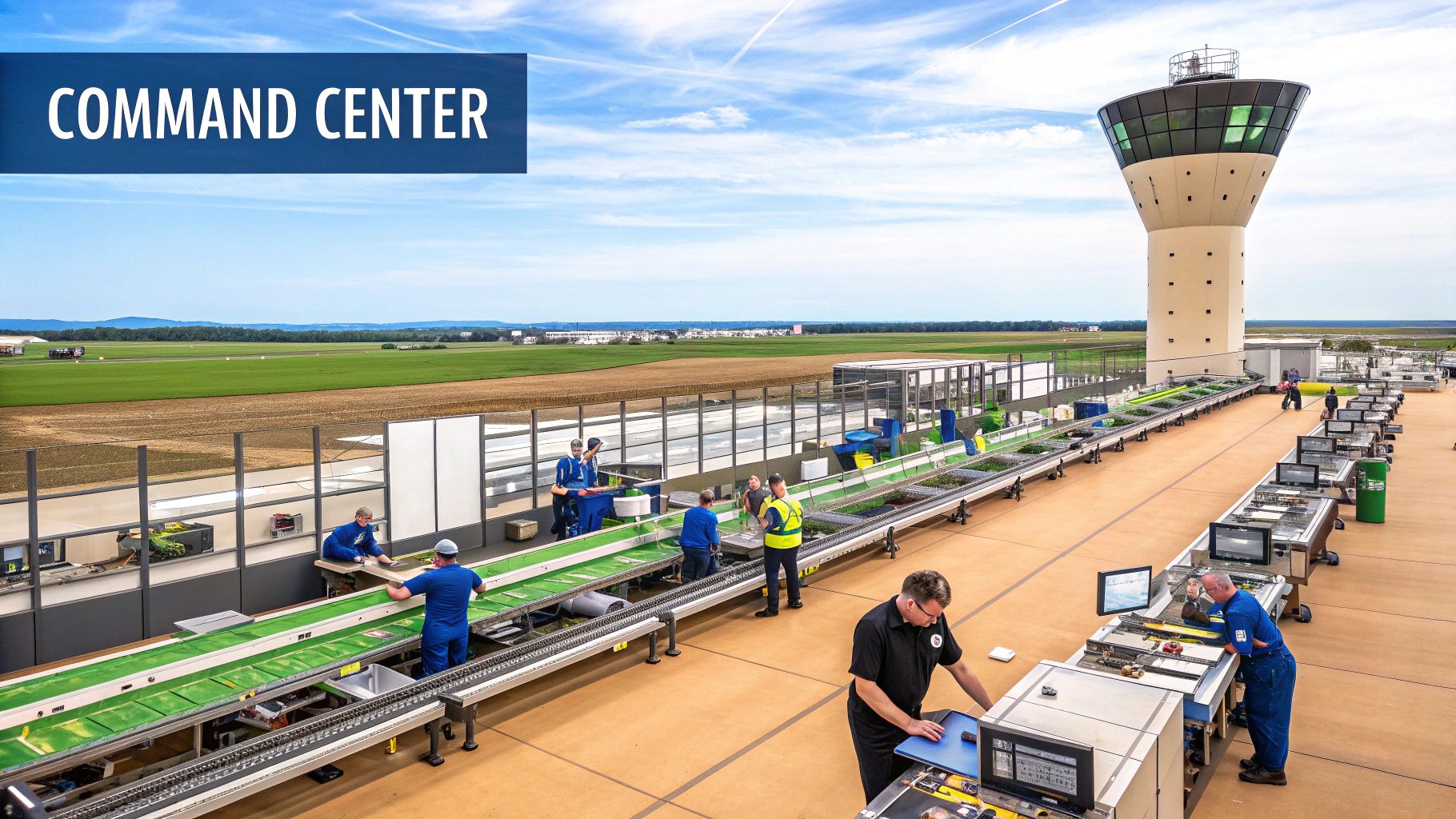
Picture your factory as a bustling airport. Every customer order is a plane that needs to land, get serviced, refuel, and take off exactly on schedule. Without a central control tower, you'd have chaos. That’s precisely the role manufacturing order management software plays—it’s your air traffic control.
This software becomes the digital hub that directs every move, from the moment an order comes in until the final product ships out the door. It’s designed to replace the tangled web of spreadsheets, scattered emails, and manual paperwork that inevitably lead to bottlenecks and expensive mistakes. Instead of departments working in their own little bubbles, the software brings everyone onto the same page.
A Single Source of Truth
The most critical job of this software is to create one reliable, go-to source of information for everyone involved in bringing a product to life. When a salesperson locks in a custom order, those details instantly pop up for the shop floor manager, the purchasing team, and the logistics crew. This simple act eliminates the risky guesswork and frustrating delays that are so common when information is siloed.
This system pulls together several key operational areas:
- Order Entry: It captures every customer spec, customization, and delivery deadline in one spot.
- Inventory Management: You get a live look at your raw materials and finished goods, which helps you avoid stockouts or tying up cash in excess inventory.
- Production Scheduling: The system helps you build efficient production runs by allocating the right machines and people at the right time.
- Shop Floor Control: It allows you to track the real-time progress of every job as it moves through each stage of production.
This unified approach is non-negotiable for a modern manufacturer. It means every decision—from buying raw materials to scheduling a production run—is backed by the most current and accurate data you have.
Why It Matters More Than Ever
Today's customers expect speed, personalization, and precision. In this environment, manufacturers simply can't afford the drag of manual order processing. A small delay in one department can trigger a massive ripple effect, throwing off production timelines and damaging customer relationships. And without an integrated system, finding the source of a problem turns into a major detective case.
Let's say a shipment is late. Is it because you ran out of a key material? Did a machine break down? Was there a scheduling mix-up? A proper manufacturing order management system gives you the answers almost instantly. It offers a panoramic, real-time view of your entire operation, letting you spot and fix issues before they become full-blown crises. This isn't just another tool; it's the bedrock for any manufacturer serious about competing on accuracy and efficiency.
Core Features That Drive Operational Excellence
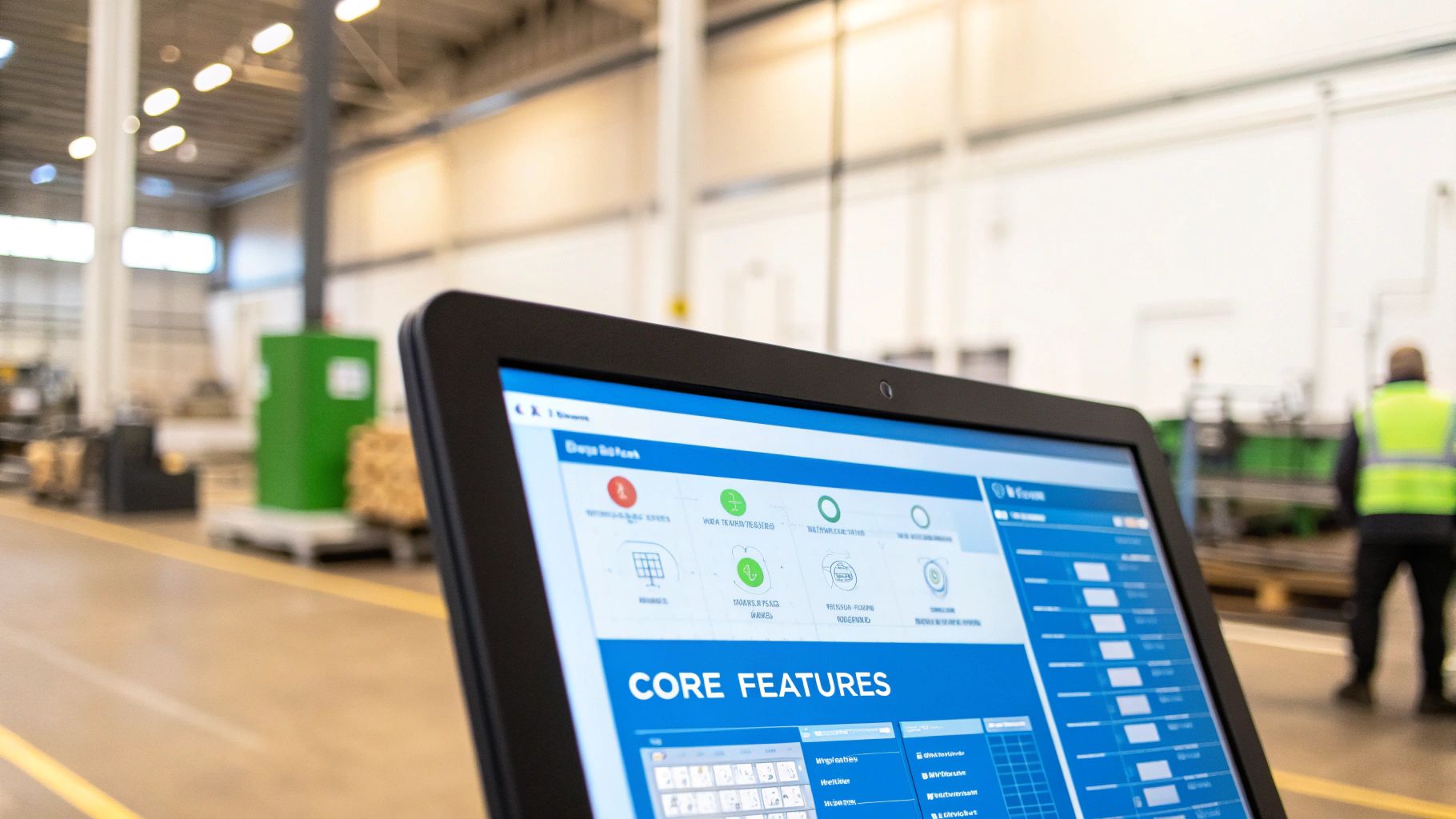
So, we've established that manufacturing order management software acts as a central command center for your entire operation. But what does that really mean in practice? Let's get into the specifics—the essential features that turn chaotic workflows into a smooth, efficient production line.
Think of it like this: each feature is a specialized tool in your workshop. While you might get by with just a hammer, having the right set of tools for every job makes all the difference in quality, speed, and safety. The same principle applies here.
Centralized Order Intake and Processing
The first step in any manufacturing process is receiving the order. A solid system pulls in every order from every possible source—a sales rep's tablet, a B2B portal, an e-commerce platform—and consolidates them into one clean, unified dashboard. No more digging through emails or deciphering messy spreadsheets.
For instance, when a custom cabinet order is placed, the software instantly captures every detail: dimensions, wood type, finish, and hardware. That single source of truth is immediately available to everyone, from the design team to the crew on the shop floor. This ensures what the customer ordered is exactly what gets built, eliminating costly mistakes from manual data entry.
Real-Time Inventory Visibility
You simply can't build what you don't have. This feature gives you a live, up-to-the-minute view of your entire inventory, from raw materials like lumber and fasteners to finished goods sitting in the warehouse. It’s like having a perpetual stock count without ever having to shut down for a manual check.
When an order for 50 custom tables comes in, the system instantly checks if you have enough oak planks, screws, and varnish. If a component is running low, it can trigger an alert or even automate a new purchase order. This proactive approach prevents a line shutdown before it even becomes a risk.
This real-time visibility is what separates proactive manufacturers from reactive ones. It turns inventory management from a guessing game into a precise science, freeing up capital that would otherwise be tied up in excess stock.
Dynamic Production Scheduling
A static production schedule is brittle. One urgent order can throw the entire week into chaos. Dynamic scheduling capabilities allow the software to act like an expert logistician, constantly re-optimizing the production queue based on real-world conditions.
If a high-priority job lands, the system doesn't just tack it onto the end of the list. It analyzes current machine availability, material stock, and labor capacity to intelligently slot it into the most efficient spot. It might even shuffle existing job priorities to accommodate the new request with minimal disruption to other deadlines. This flexibility keeps your factory humming and your customers happy.
Automated Work Order Creation and Management
Once an order is confirmed and scheduled, the software automatically generates a detailed work order. This digital "recipe" gives the shop floor everything it needs to execute the job perfectly.
- Bill of Materials (BOM): A precise list of every part and raw material required.
- Routing Instructions: Step-by-step production stages, specifying which work centers and machines to use.
- Technical Drawings: Attached CAD files or specifications for custom jobs.
This level of automation is a major reason why the global work order management market is projected to grow from USD 0.90 billion in 2025 to USD 1.32 billion by 2030. The industry is rapidly moving away from paper and toward digital efficiency.
Essential Features of Manufacturing Order Management Software
To put it all together, here’s a quick look at the core functionalities and the specific problems they solve on the factory floor.
| Feature | Primary Function | Key Benefit for Manufacturers |
|---|---|---|
| Centralized Order Intake | Captures and consolidates orders from all sales channels into a single dashboard. | Eliminates manual data entry errors and creates a single source of truth for every order. |
| Real-Time Inventory Visibility | Provides a live, accurate count of all raw materials, WIP, and finished goods. | Prevents stockouts and production delays while reducing the cost of carrying excess inventory. |
| Dynamic Production Scheduling | Optimizes job queues based on priorities, capacity, and material availability. | Maximizes machine and labor utilization, improves on-time delivery rates, and increases throughput. |
| Automated Work Order Creation | Generates detailed digital work orders with BOMs, routing, and instructions. | Ensures consistency and quality on the shop floor, reducing rework and material waste. |
These features are the building blocks of a truly modern manufacturing operation. They work together to create a system that is not only efficient but also resilient and adaptable to change.
By digging into all the software features in detail at https://timbercloud.com/features, you can see how each component contributes to a more efficient and profitable operation. This is about more than just adopting new technology; it’s about fundamentally improving the way you turn customer orders into delivered products.
How This Software Directly Boosts Your Bottom Line
Let's be honest, bringing in any new software is a major decision. You're not just looking at features; you want to know the real-world return. What's the ROI? The true value of manufacturing order management software isn't just about fancy dashboards—it's about the direct, measurable impact it has on your operations and, ultimately, your profitability.
The push for this kind of technology is growing because customers expect a smooth process from start to finish. This trend is clearly reflected in the market size, which was valued at around USD 2.9 billion in 2024 and is expected to hit USD 6.3 billion by 2031. To see what's fueling this growth, it's worth checking out detailed research on the order management software market.
Slash Rework Costs with Pinpoint Order Accuracy
We've all seen it happen. A single typo on a manual order form or a misheard detail over the phone can derail an entire production run. That one mistake leads to scrapped materials, wasted labor, and hours of machine time down the drain. This is where centralizing your order intake changes the game.
When every order detail is captured correctly from the very beginning, you virtually eliminate the root cause of rework and returns. One custom furniture maker we know cut their fulfillment errors by a staggering 85% after getting their system in place. They didn't just save a fortune on materials; they built a rock-solid reputation for getting it right the first time.
Win More Business by Shrinking Your Lead Times
In this market, speed is currency. Customers simply won't wait weeks for an order anymore. A well-oiled order management process is your ticket to shorter lead times, compressing the timeline from the initial quote to the final delivery.
By automating the tedious manual steps and giving everyone a clear view of the production schedule, the software gets rid of the bottlenecks and dead time. It’s like turning a winding country road into a six-lane highway. One manufacturer went from a shaky 70% on-time delivery rate to a consistent 95% in just six months. They kept their loyal customers happy and started poaching new ones from slower competitors.
Think of it this way: investing in order management software is an investment in your company’s agility. It gives you the power to react faster, confidently say "yes" to rush orders, and become the go-to partner people can count on.
Free Up Cash by Optimizing Your Inventory
Excess inventory is dead money. It's cash tied up in your warehouse, collecting dust and racking up costs for storage, insurance, and the risk of becoming obsolete. A core benefit of this software is real-time inventory tracking, which lets you shift to a much leaner, just-in-time approach.
Suddenly, you have the data and the confidence to order materials only when you need them and produce goods based on actual, confirmed demand. This frees up a ton of working capital that you can pump back into the business—for new equipment, R&D, or a bigger marketing push. For many shops, the savings from better inventory management alone justify the software's cost. Of course, you’ll want to compare software pricing to calculate your specific ROI.
These benefits all feed into each other, creating a powerful loop of continuous improvement:
- Higher Accuracy: Drives down operational costs and fattens up your profit margins.
- Faster Delivery: Keeps customers happy and coming back for more.
- Leaner Inventory: Unlocks cash for you to invest in growing the business.
This isn't just about smoothing out kinks on the shop floor. It’s about building a stronger, more profitable, and more competitive manufacturing operation from the ground up.
Integrating Order Management with Your Tech Stack
Powerful manufacturing order management software can't just operate in a silo. Its real value comes to life when it acts as the central hub for your entire technology ecosystem, breaking down the information barriers that slow down production and cause expensive mistakes. Think of it as a universal translator, making sure every system speaks the same language.
This integration is what turns a collection of separate tools into a single, cohesive operational machine. Instead of someone manually keying in data from one system to another—a process just asking for human error—information flows automatically. This creates a powerful, unified workflow where every department is looking at the same real-time information.
Connecting Your Core Systems with APIs
The magic behind this seamless communication is something called an Application Programming Interface (API). At its core, an API is just a set of rules that lets different software applications talk to each other. A modern order management system uses APIs to create a two-way street for data between your most critical platforms.
This connectivity is absolutely vital for creating a single source of truth. It's well-known that data silos can cripple manufacturing operations, leading to major inefficiencies and decisions based on bad information. Tearing them down should be a top priority.
Key integrations typically include:
- Enterprise Resource Planning (ERP): This links your order data with financials, accounting, and high-level resource planning.
- Customer Relationship Management (CRM): This syncs all your sales activities and customer data directly with production orders.
- Warehouse Management System (WMS): This aligns your actual inventory levels, picking, packing, and shipping processes with the live status of every order.
A Real-World Integrated Workflow Example
Let’s walk through a single order to see how this all connects. A salesperson uses the CRM to close a large custom order for a new client. The moment they hit "save," the integration kicks off a chain reaction without anyone lifting a finger.
- The order data is instantly pushed from the CRM to the manufacturing order management software.
- The system automatically generates a detailed work order, checks if you have the materials, and slots the job right into the production schedule.
- At the same time, the order details sync up with your ERP, which updates financial forecasts and inventory ledgers.
- As the job moves through the shop floor, its status is updated in real-time. That update is visible back in the CRM, so the salesperson can give the customer an accurate update with a single click.
This level of automation is the difference between being a reactive and a proactive operation. It ensures that an action in one part of the business immediately and accurately informs every other relevant department, creating a fluid, error-resistant process.
This process flow shows how integrated systems drive real, tangible benefits in accuracy, speed, and how efficiently you use your capital.
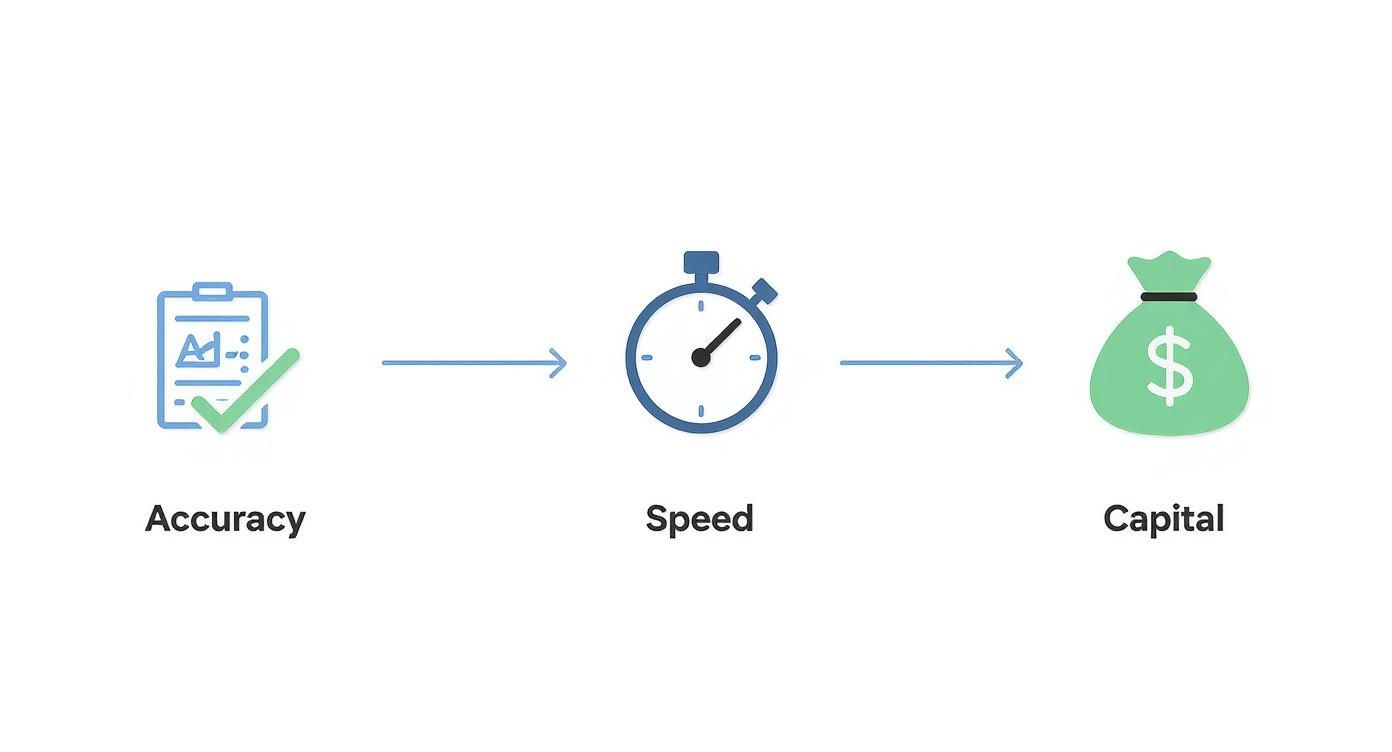
As you can see, a connected tech stack directly contributes to better financial health by improving those core operational numbers.
Why Seamless Data Flow Is Non-Negotiable
Without proper integration, your teams are stuck working with outdated or conflicting information. The sales team might sell a product based on inventory numbers from yesterday, only for the shop floor to realize it's out of stock. That leads to production delays and, you guessed it, unhappy customers.
A fully integrated system stops these problems before they start. It makes sure that everyone—from sales and accounting to the shop floor and shipping—is working from the exact same live data set. This harmony is essential for hitting true operational efficiency and scaling your business without breaking things. By connecting your systems, you build a resilient foundation for growth. For more insights on building an efficient manufacturing operation, you can find valuable articles on the TimberCloud blog.
Following One Order From Quote to Cash
Abstract feature lists only go so far — here's what this looks like for a single job. A customer approves a quote for a custom walnut door. The moment they click accept, the system converts the quote into a live order, reserves the walnut stock and hardware, and drops the job into the production schedule.
As the door moves from milling to assembly to finishing, each station update rolls up to one status view — no one walks the floor to find the job, and the customer sees progress without calling in. When the door ships, the invoice generates automatically from the original order data. One record, zero re-entry, from first click to final payment.
OMS vs. ERP vs. WMS: Which One Do You Actually Need?
These three get confused constantly. An ERP runs the whole business — accounting, HR, purchasing — and treats production as one module among many. A WMS lives in the warehouse: bins, picking, shipping logistics. An order management system owns the quote-to-cash lifecycle of the customer order itself, which is where a custom shop lives or dies.
Most cabinet and millwork shops don't need enterprise ERP weight; they need an OMS built for make-to-order work, integrated with their accounting software.
How to Choose the Right Software for Your Factory
Picking the right manufacturing order management software can feel like searching for a needle in a haystack. The market is flooded with options, and every vendor promises their system is the one that will magically fix all your production headaches. But this isn't just about buying new tech; it's a fundamental decision that will impact your factory's efficiency, growth, and bottom line for years to come.
The first, most crucial step is to look in the mirror. You need to understand your factory's unique DNA, because a one-size-fits-all solution is a myth in manufacturing. Every shop floor has its own rhythm, its own quirks, and its own set of challenges. Are you a discrete manufacturer pumping out thousands of identical items? Or are you a process manufacturer where every batch is based on a precise formula? Maybe you're a custom, make-to-order shop where no two jobs are ever the same.
Figuring this out first gives you a clear blueprint of your actual needs. It’s your best defense against getting sidetracked by flashy features you don't need.
Define Your Core Requirements
Before you even think about scheduling a demo, get your team in a room and hammer out a list of must-haves. What are the biggest fires you need this software to put out right now?
- Order Complexity: Are you dealing with highly configurable products with complex bills of materials (BOMs)?
- Production Volume: Is your operation high-volume, low-mix, or the other way around—a low-volume, high-mix custom shop?
- Integration Needs: What other systems does this new software absolutely have to talk to? Think about your accounting software, CRM, or shipping platforms.
- User Base: Who’s going to be using this day-to-day? Your team on the floor needs something intuitive that doesn’t require a computer science degree to operate.
Getting honest answers to these questions will keep you grounded. A simple, solid system that solves your real problems is always a better bet than a bloated, complex one that just creates new ones.
On-Premise vs. Cloud-Based Solutions
One of the biggest forks in the road you'll encounter is how the software is deployed. This choice—sticking with traditional on-premise software or moving to a cloud-based model—has huge implications for cost, maintenance, and flexibility.
Choosing between on-premise and the cloud is a strategic decision. It's a balance between control and upfront cost on one side, and flexibility and scalability on the other. Carefully consider your IT resources, budget, and long-term growth plans.
This is a major decision point, and it’s a key reason the market for this technology is expanding so quickly. The global manufacturing operations management software market was valued at US$20.89 billion in 2025 and is projected to hit US$69.8 billion by 2032. You can discover more insights about this market expansion and its drivers.
To make the choice clearer, it helps to see a side-by-side comparison.
On-Premise vs. Cloud-Based Software Comparison
Here’s a breakdown of the key differences to help you decide which model is the right fit for your manufacturing business.
| Factor | On-Premise Solution | Cloud-Based (SaaS) Solution |
|---|---|---|
| Initial Cost | High (requires hardware, servers, and licenses) | Low (subscription-based model with minimal setup fees) |
| IT Responsibility | Managed entirely by your in-house IT team | Managed by the vendor, including updates and security |
| Accessibility | Limited to your internal network | Accessible from anywhere with an internet connection |
| Scalability | Requires purchasing new hardware to scale | Easily scalable by adjusting your subscription plan |
| Implementation Time | Slower, often taking months for full deployment | Faster, with many systems ready in weeks |
For most small to mid-sized manufacturers these days, a cloud-based solution offers a much more agile and cost-effective way to modernize their operations.
Key Questions to Ask Every Vendor
Once you’ve narrowed down your list to a few serious contenders, it's time to put them under the microscope. You’re not just buying a piece of software; you’re entering into a relationship with the company that built it. A great product with terrible support is a recipe for disaster.
Go into every demo and sales call armed with a list of tough questions:
- Implementation and Training: What does your onboarding process actually look like? How will you train my team on the shop floor to use this effectively?
- Ongoing Support: When things go wrong—and they will—what are your support hours? What’s your typical response time for a critical, line-down issue?
- Future-Proofing: What’s on your product roadmap for the next 18 months? How often do you release updates, and do we get a say in new features?
- Total Cost of Ownership: Let's talk about the fine print. Beyond the subscription fee, what other costs am I going to see for integrations, support, or data storage?
Remember, choosing the right manufacturing order management software is about finding a partner, not just a provider. By taking a structured approach, you can cut through the sales noise and select a system—and a team—that will actually help your factory thrive.
The Future of Smart Manufacturing Order Management
https://www.youtube.com/embed/cXECzKuzcoc
The world of manufacturing is changing fast, and the manufacturing order management software you pick today really needs to be ready for what's coming next. We're moving way beyond simple tracking and scheduling. The next generation of this software is set to become the intelligent brain of the connected "smart factory."
Technologies that once felt like science fiction are now showing up on the factory floor. At the heart of this shift are Artificial Intelligence (AI) and the Internet of Things (IoT), which are turning reactive, after-the-fact problem-solving into predictive, automated operations that unlock a whole new level of efficiency.
The Rise of Predictive Operations
What if your system could see problems coming before they actually hit? That’s exactly what AI-powered order management brings to the table. AI algorithms can dig into past sales figures, market trends, and even seasonal buying habits to create remarkably accurate demand forecasts. This means you can adjust production schedules and order materials ahead of time, dramatically cutting the risk of both frustrating stockouts and expensive overproduction.
At the same time, IoT sensors embedded in your machines are feeding a constant stream of live performance data right into your order management system. This connection creates a production environment that practically runs itself.
The smart factory isn't some far-off concept; it's being built right now with systems that link physical equipment to digital order workflows. This bridge enables the kind of automated decision-making that keeps production humming along, even when things go wrong.
Autonomous and Transparent Workflows
This firehose of live data makes some incredible things possible. For instance, when an IoT sensor on a CNC machine flags a potential maintenance issue, the system can instantly and automatically reroute its workload to another machine that's free. It all happens in a split second, without anyone needing to step in, preventing a small hiccup from snowballing into a major delay.
Looking even further down the road, technologies like blockchain are set to bring a new level of transparency to the supply chain. Think about giving your customers an unchangeable, cryptographically secure record of their product's entire lifecycle:
- Sourcing: Proving exactly where raw materials came from.
- Production: Timestamping every step of the manufacturing process.
- Shipping: Tracing the product's journey right to their location.
This kind of detail builds a massive amount of trust and adds real value to your product. As these technologies become the norm, having an adaptable manufacturing order management software will be non-negotiable. The goal is to choose a system that’s not just powerful now, but is also built to embrace the next wave of industrial innovation.
Ready to see what an all-in-one platform can do to connect your sales, engineering, and shop floor teams? Explore TimberCloud, Inc. and see how our AI-powered plan-to-production engine is built to speed up your custom manufacturing workflow. Learn more at https://timbercloud.com.
Frequently asked questions
A warehouse management system handles warehouse logistics — where stock sits, how it is picked and shipped. An order management system handles the customer order lifecycle from quote through invoice. Shops that build to order rather than stocking finished goods almost always need the OMS first.
An ERP is built for breadth — finance, HR, supply chain, and manufacturing all in one. Its order management is usually a general-purpose module. Dedicated order management software goes deeper on production specifically: detailed scheduling, shop floor control, and direct machine connections. Many manufacturers run a specialized system alongside an ERP, taking financial control from one and production depth from the other.
Yes, and that is where it earns its keep. A capable platform generates unique bills of materials and production routings on the fly from a customer’s specific choices, then tracks every custom part from order through final assembly. That produces real job costing per unique order, which is exactly what spreadsheets cannot give you.
A small or mid-sized shop on a cloud platform is typically running within a few weeks to a couple of months. Large operations with heavy customization, multiple facilities, or legacy integrations should plan for six months to a year. At any scale the deciding factors are a clear project plan and a vendor who stays involved past the sale.
Topics
TimberCloud Team
Content Team
The TimberCloud team is dedicated to helping manufacturers streamline their operations with intelligent software solutions.