Inventory management system examples for Woodworking in 2025
From Raw Lumber to Finished Goods: Decoding Modern Inventory Management
Managing raw lumber, work-in-progress, and finished goods requires more than basic stock counts. This guide uses real-world inventory management system examples to show how leading platforms tackle BOMs, cut lists, lot tracking, reorder rules, production reserves, e-commerce integration, CNC export, and KPIs. You’ll see behind the scenes of modern workflows and learn tactics you can replicate.
We review seven top platforms:
- TimberCloud, Inc.
- Shopify
- Zoho Inventory
- Cin7
- inFlow Inventory
- Oracle NetSuite – Inventory Management
- Capterra – Inventory Management Software category
Each section includes screenshots and direct links so you can assess features quickly. Short case-style takeaways highlight strategic insights and actionable steps for custom woodworking shops, millwork manufacturers, cabinetry and furniture makers, operations managers, CNC teams, and B2B distributors.
What you’ll gain:
- Quick comparison of core features in a table
- Bullet lists of tactical tips
- Analysis of integration points from e-commerce to ERP
- Real scenarios showing how to streamline raw material to finished goods
Skip generic software rundowns. Jump straight into inventory management system examples that resolve your toughest stock challenges, reduce waste, and drive on-time deliveries.
1. TimberCloud, Inc.
TimberCloud, Inc. emerges as a premier, all-in-one platform meticulously engineered for the custom woodworking, cabinetry, and millwork sectors. It distinguishes itself by seamlessly integrating front-end e-commerce with back-end ERP, production, and inventory management, creating a unified workflow from customer configuration to final shipment. This specialized focus makes it a powerful example of a vertical-specific inventory management system that solves industry-unique challenges.
The platform's architecture is built around the complex journey of raw materials transforming into finished goods. Unlike generic ERPs, TimberCloud is designed to handle the intricate details of custom manufacturing, such as dynamic Bills of Materials (BOMs) and automated cut sheets that are directly tied to live inventory levels. This ensures that when a customer configures a product on the front-end, the system instantly verifies material availability and allocates stock, providing a clear line of sight from sales to the shop floor.
Strategic Analysis & Key Features
TimberCloud's primary strength lies in its ability to connect customer-facing sales tools directly to production and inventory controls. This eliminates the data silos that often plague custom manufacturers, where sales, engineering, and operations use disconnected systems.
- Integrated E-commerce & Product Configurator: The platform provides an embeddable, white-label storefront. Customers can visually configure products, get real-time automated quotes based on material costs and labor rules, and place orders directly on your business domain.
- AI-Powered Order Entry: A standout feature is the AI Assistant. It can parse blueprints, architectural drawings, or spec sheets to automatically generate production-ready orders. This significantly reduces manual data entry, minimizes errors, and accelerates the quoting and engineering process.
- Real-Time, Multi-Location Inventory: It offers robust inventory tracking with barcode support across multiple locations or warehouses. The system differentiates between production-reserve and available inventory, giving managers an accurate, real-time view of what is truly on hand for new orders.
- Automated Production Workflows: When an order is placed, TimberCloud automatically generates the necessary cut sheets, BOMs, and production schedules. It can also integrate with CNC machinery, pushing job files directly to the shop floor and streamlining the entire production sequence.
Key Takeaway: By linking a dynamic product configurator to a real-time inventory and production engine, TimberCloud transforms the sales process into the first step of manufacturing execution. This direct connection ensures profitability, accuracy, and efficiency are built into every order from the very beginning.
Pricing and Access
TimberCloud operates on a tiered subscription model, making it accessible for shops of varying sizes.
- Basic Plan: $299/month + 1.5% platform fee.
- Standard Plan: $699/month + 1.0% platform fee.
- Professional Plan: $1,499/month + 0.5% platform fee (includes AI Assistant).
All plans include Stripe payment processing fees (2.9% + $0.30) and offer a 7-day free trial. The company emphasizes hands-on support from its US-based team and is currently offering beta access for new clients. For a deeper dive into its capabilities, you can explore TimberCloud's features.
Website: https://timbercloud.com
2. Shopify
Shopify is a powerful e-commerce platform that excels at unifying inventory management across online and in-person sales channels. While not a dedicated manufacturing ERP, it serves as a robust foundation for woodworking businesses that sell directly to consumers or through retail locations, making it a prime example of an integrated inventory management system. Its core strength lies in providing a single source of truth for stock levels, automatically syncing inventory in real-time as sales occur online, through marketplaces, or via its Point of Sale (POS) system.
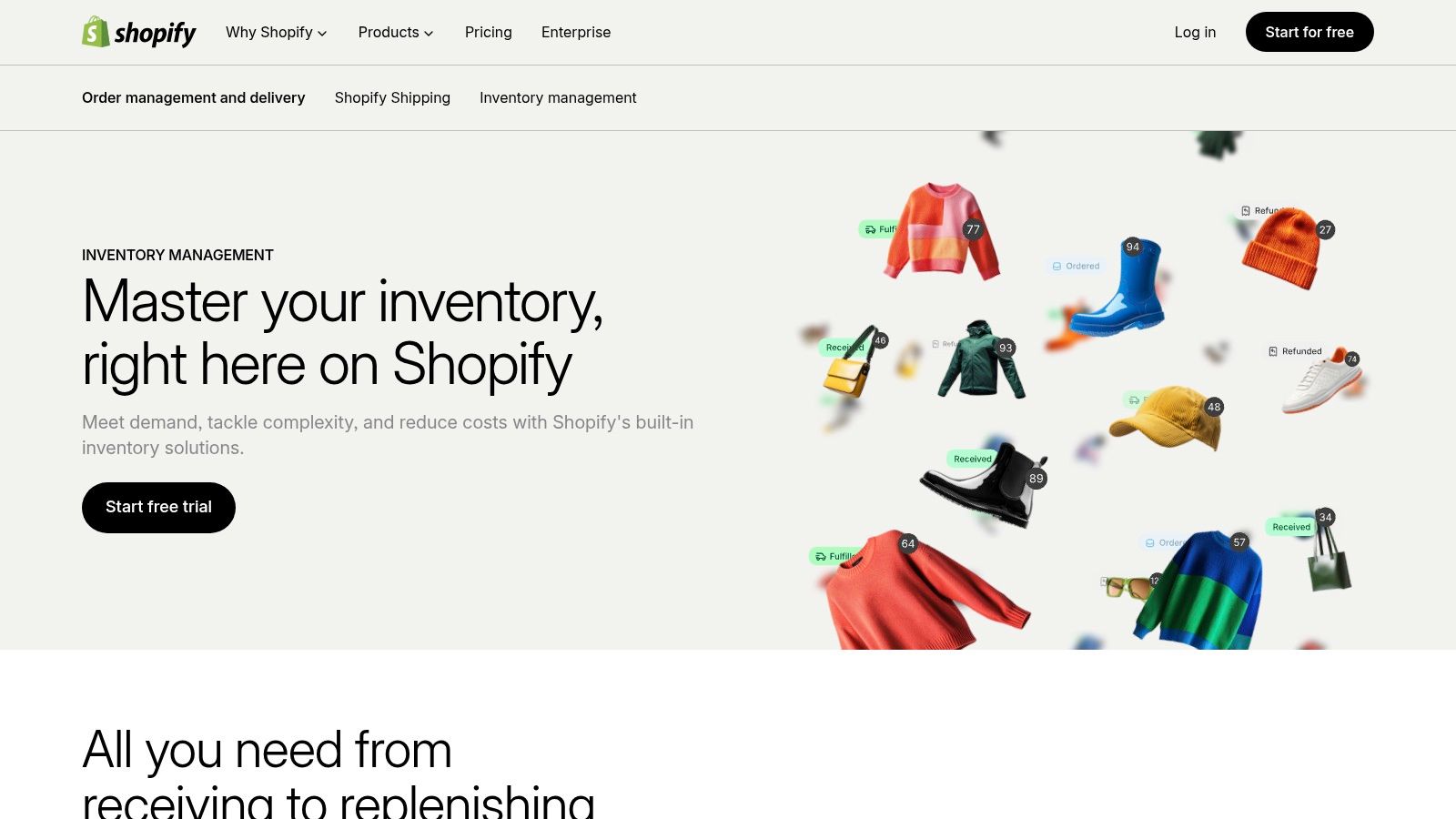
This unified approach prevents overselling and provides clear visibility into what's available to promise. For a custom cabinet shop selling standardized vanity units online and in a showroom, Shopify ensures that a sale in one channel immediately updates availability in the other.
Strategic Analysis
Shopify's real power for manufacturers comes from its extensive App Store. While native features cover basic multi-location tracking and purchase orders, specialized apps extend its capabilities into manufacturing workflows. A furniture maker can use an app to create product bundles or basic kits, associating a finished table with the specific legs and top required to build it. This allows for simple finished-good inventory management tied directly to sales data.
However, complex Bill of Materials (BOM) management and raw material tracking are not Shopify's native strengths. It tracks finished products exceptionally well but requires third-party solutions for granular, multi-level production inventory.
Key Takeaway: Shopify is the ideal inventory hub for manufacturers whose primary challenge is managing finished goods across multiple sales channels. It simplifies the end-stage of the supply chain, from the finished product to the final customer.
Practical Application & Takeaways
To effectively use Shopify, focus on integrating apps that fill its manufacturing gaps.
- Tactical Integration: Connect an app like Katana or Fishbowl for advanced BOM and production order management. This allows raw materials to be consumed and finished goods to be "created" within the app, which then pushes the final stock levels to Shopify.
- Actionable Tip: Utilize Shopify's location features to separate "raw materials," "work-in-progress," and "finished goods" if you need a simple, no-app workaround, although this is less scalable.
While Shopify's pricing is tiered and can grow with app subscriptions, its seamless integration with the sales front-end is unmatched for many businesses. For manufacturers looking for a more tailored, end-to-end solution that handles raw materials and production workflows natively, exploring options with different pricing models and features may be a better long-term strategy.
3. Zoho Inventory
Zoho Inventory is a cloud-based inventory and order management system designed for small and growing businesses. It offers a comprehensive suite of features that bridge the gap between simple stock counting and a full-scale ERP, making it an excellent example of an accessible yet powerful inventory management system. Its core value lies in centralizing sales orders, purchase orders, and multi-location warehousing into one affordable platform, complete with essential tracking capabilities.
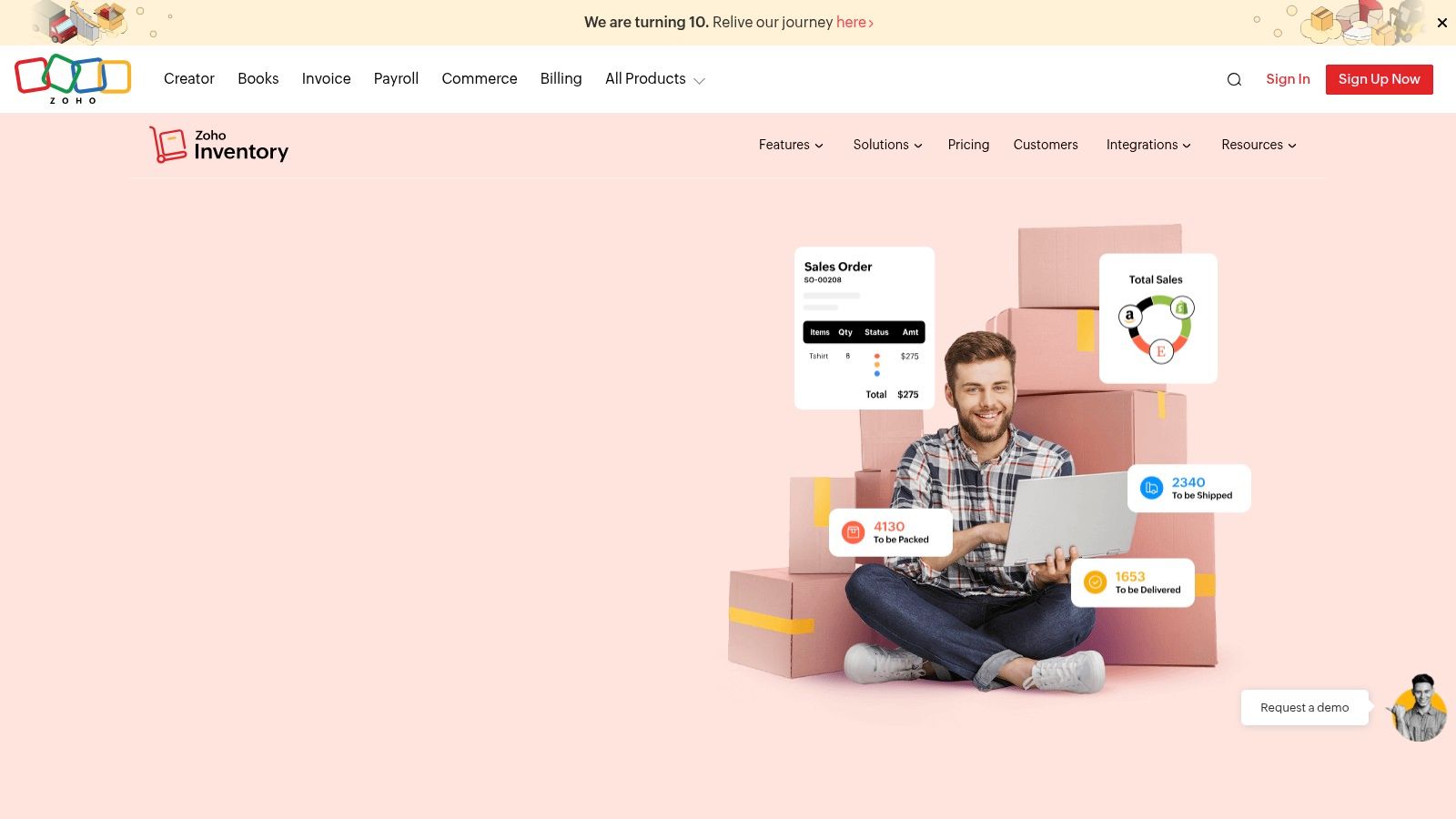
For a woodworking shop, this means managing everything from purchasing lumber from vendors to fulfilling custom furniture orders across an e-commerce store and a physical showroom. Zoho Inventory’s ability to handle serial and batch number tracking is particularly useful for managing specific lumber lots or tracking custom pieces through production.
Strategic Analysis
Zoho Inventory stands out with its balance of features and affordability, especially its generous free tier. It natively handles kitting and bundling, allowing a cabinet maker to group a finished cabinet with its required hardware and sell it as a single unit. This "composite item" feature acts as a simplified Bill of Materials, deducting component stock as finished goods are sold.
The platform also integrates seamlessly with other Zoho products, such as Zoho Books for accounting and Zoho CRM for sales management, creating a connected business ecosystem. However, it lacks the deep, multi-level BOM and production order capabilities needed for complex manufacturing. It tracks components and finished goods well but does not manage the work-in-progress (WIP) stage with the same granularity as a dedicated manufacturing system.
Key Takeaway: Zoho Inventory is an ideal choice for businesses that have outgrown spreadsheets but are not yet ready for a complex ERP. It excels at finished goods and light assembly management, providing robust control over the entire order fulfillment cycle.
Practical Application & Takeaways
To maximize Zoho Inventory, businesses should leverage its automation and integration strengths.
- Tactical Integration: Use its native integration with e-commerce platforms like Shopify to automatically sync orders and stock levels. Set up reorder points for critical raw materials, like specific wood finishes or hardware, to automate purchase order creation when stock runs low.
- Actionable Tip: Utilize the batch tracking feature (available on paid plans) to manage different lots of lumber. This allows you to track wood from a specific supplier or with unique characteristics, ensuring quality control for high-end custom projects.
Zoho's transparent pricing tiers scale based on order volume and features, but be mindful of user seat limits on lower plans. For manufacturers requiring detailed production scheduling and shop floor control, a more specialized platform might be necessary to handle the complexities of custom fabrication.
4. Cin7
Cin7 is a cloud-based inventory and order management platform designed to scale with growing product businesses, from SMBs to mid-market operations. It bridges the gap between basic inventory apps and full-scale ERPs, offering robust features for multi-channel sales and light manufacturing. This makes it an excellent inventory management system example for woodworking businesses that need more than just finished goods tracking but aren't ready for the complexity of a dedicated manufacturing ERP.
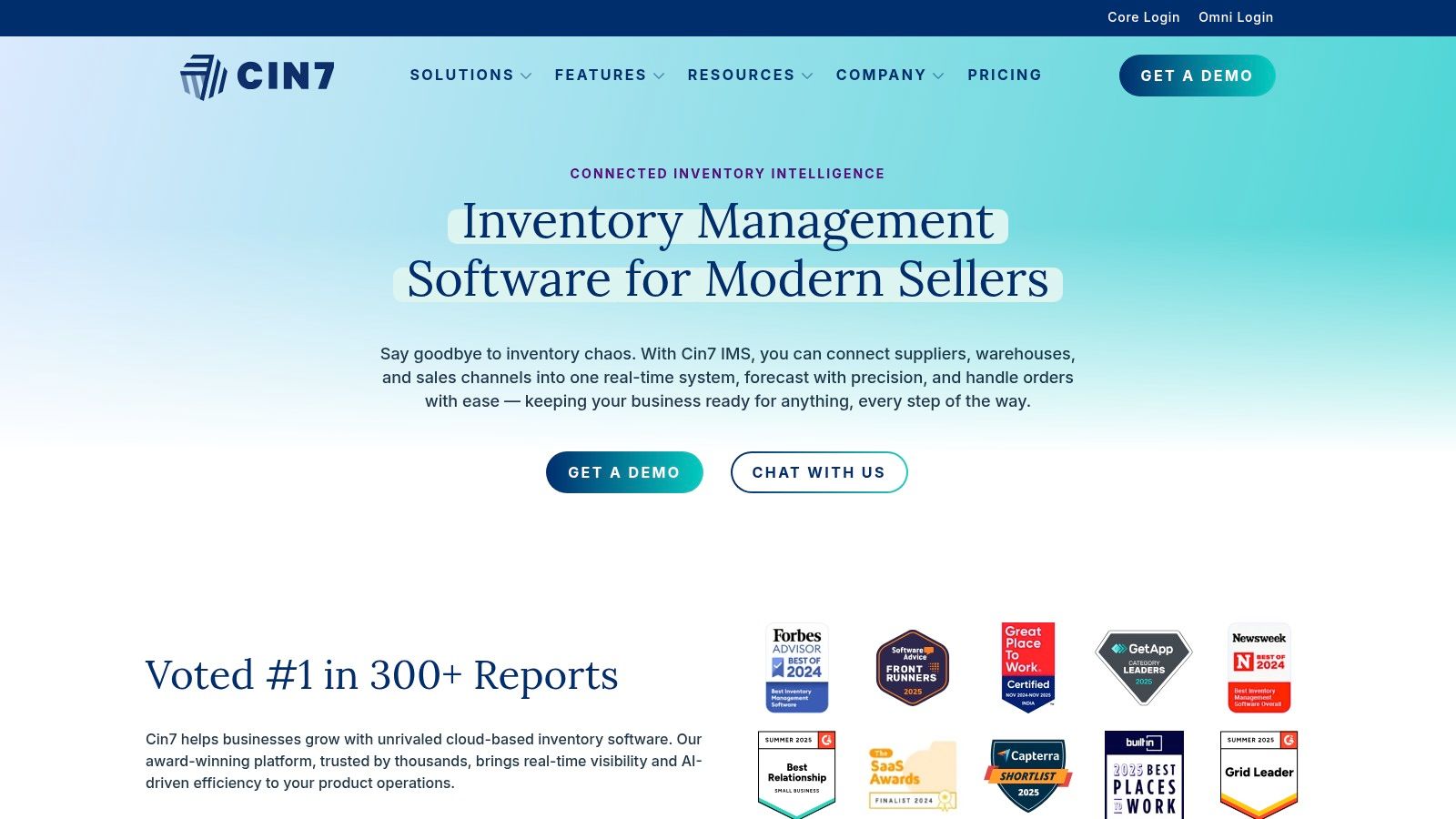
Its core value is its extensive integration ecosystem, connecting inventory, sales, and accounting data across e-commerce platforms, marketplaces, and shipping providers. For a furniture maker selling on both a Shopify site and through wholesale channels, Cin7 centralizes orders and inventory, providing a single point of control for stock levels and fulfillment.
Strategic Analysis
Cin7's strength for manufacturers lies in its light manufacturing and materials planning capabilities, available on its higher-tier plans. It supports multi-level Bill of Materials (BOMs), allowing a custom cabinet shop to define not just the doors and hardware for a finished cabinet, but also the raw lumber and finishing supplies required to make those components. This enables more accurate job costing and demand forecasting for raw materials.
While its manufacturing features are more advanced than e-commerce platforms, they are designed for simpler assembly and kitting workflows rather than complex, multi-stage production processes. It excels at tracking component consumption and finished good creation but may require workarounds for intricate shop floor control or detailed scrap tracking.
Key Takeaway: Cin7 is the ideal solution for businesses that have outgrown simple inventory tools and require integrated BOM management and purchasing without the overhead of a full manufacturing ERP.
Practical Application & Takeaways
To maximize Cin7's value, leverage its BOM and purchasing features to automate your production-related inventory control.
- Tactical Integration: Use the "Component Stock" feature to create a finished goods assembly order. This automatically deducts the required raw materials from inventory based on the BOM and adds the completed product to your sellable stock.
- Actionable Tip: Set up reorder points and preferred supplier information for your key raw materials, like specific wood species or hardware. Cin7 can then automate the creation of purchase orders when stock levels fall, preventing production delays.
Cin7’s pricing is tiered, with clear feature sets for its Core and Omni products, allowing businesses to choose a plan that matches their operational complexity. While the entry point is higher than basic tools, its ability to unify sales, warehousing, and light manufacturing provides a scalable foundation for growth.
5. inFlow Inventory
inFlow Inventory is a highly accessible inventory management system designed for small and mid-sized businesses that need a fast, intuitive way to track stock. It excels in environments where barcode scanning is central to the workflow, such as receiving raw materials, picking components for a job, or shipping finished goods. For a woodworking shop, this translates to easily scanning lumber bundles upon arrival or tracking finished cabinets as they move from the workshop to the delivery truck, making it a strong example of a user-friendly inventory management system.
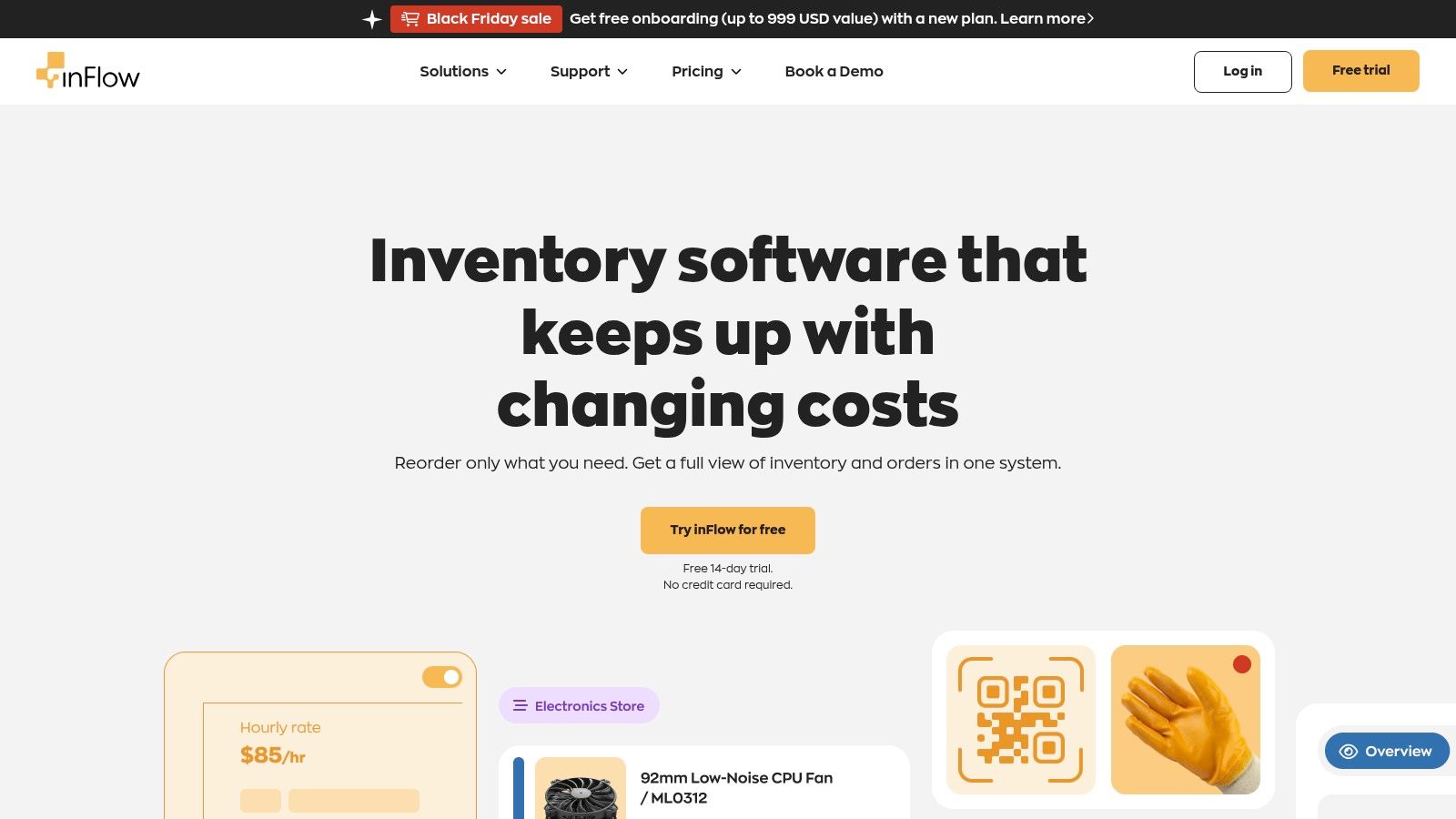
Its friendly user interface and mobile-first "Stockroom" mode lower the barrier to entry, allowing team members on the shop floor to adopt digital tracking with minimal training. The platform handles purchasing, sales orders, and robust reporting, providing a complete picture of inventory movement from procurement to sale.
Strategic Analysis
inFlow's strength lies in its operational simplicity and powerful barcode integration. It allows a custom furniture maker to generate and print unique barcode labels for different species of wood or hardware bins. This facilitates quick cycle counts and reduces manual entry errors. The system is adept at managing finished goods and individual parts, but like many systems in its class, it does not natively handle complex, multi-level Bills of Materials (BOMs) or manufacturing-specific work orders.
Its core functionality is centered on tracking what you have, where it is, and its value. While it can track "components," it does so more like a distributor would, rather than a manufacturer consuming raw materials to produce a new, distinct finished good.
Key Takeaway: inFlow Inventory is an excellent fit for manufacturers and fabricators whose primary need is streamlined, barcode-driven tracking of parts and finished goods, rather than complex production management.
Practical Application & Takeaways
To maximize inFlow's value, lean into its barcode and mobile capabilities for shop floor operations.
- Tactical Integration: Use a third-party spreadsheet or a simple project management tool to manage your BOMs and production schedules. Once a production run is complete, use inFlow's "stock adjustment" feature or assembly transaction to "create" the finished products and consume the components from inventory.
- Actionable Tip: Implement the inFlow mobile app on dedicated tablets or smartphones at key stations like receiving, assembly, and shipping. This empowers your team to update inventory levels in real-time, directly from the floor, drastically improving data accuracy.
inFlow offers several cloud-based pricing tiers, though detailed costs often require using their on-site calculator or contacting sales. While its on-premises version is no longer sold, the cloud solution provides the flexibility modern businesses need.
6. Oracle NetSuite – Inventory Management
Oracle NetSuite represents the enterprise-grade end of the inventory management spectrum, offering a comprehensive ERP system that ties inventory to every other part of the business. Unlike standalone tools, NetSuite integrates financials, order management, and warehouse fulfillment into a single database. This makes it a powerful example of an inventory management system for complex, multi-entity woodworking operations that require deep traceability and financial reporting. Its core value lies in providing real-time visibility across multiple warehouses, production facilities, and even third-party logistics (3PL) providers.
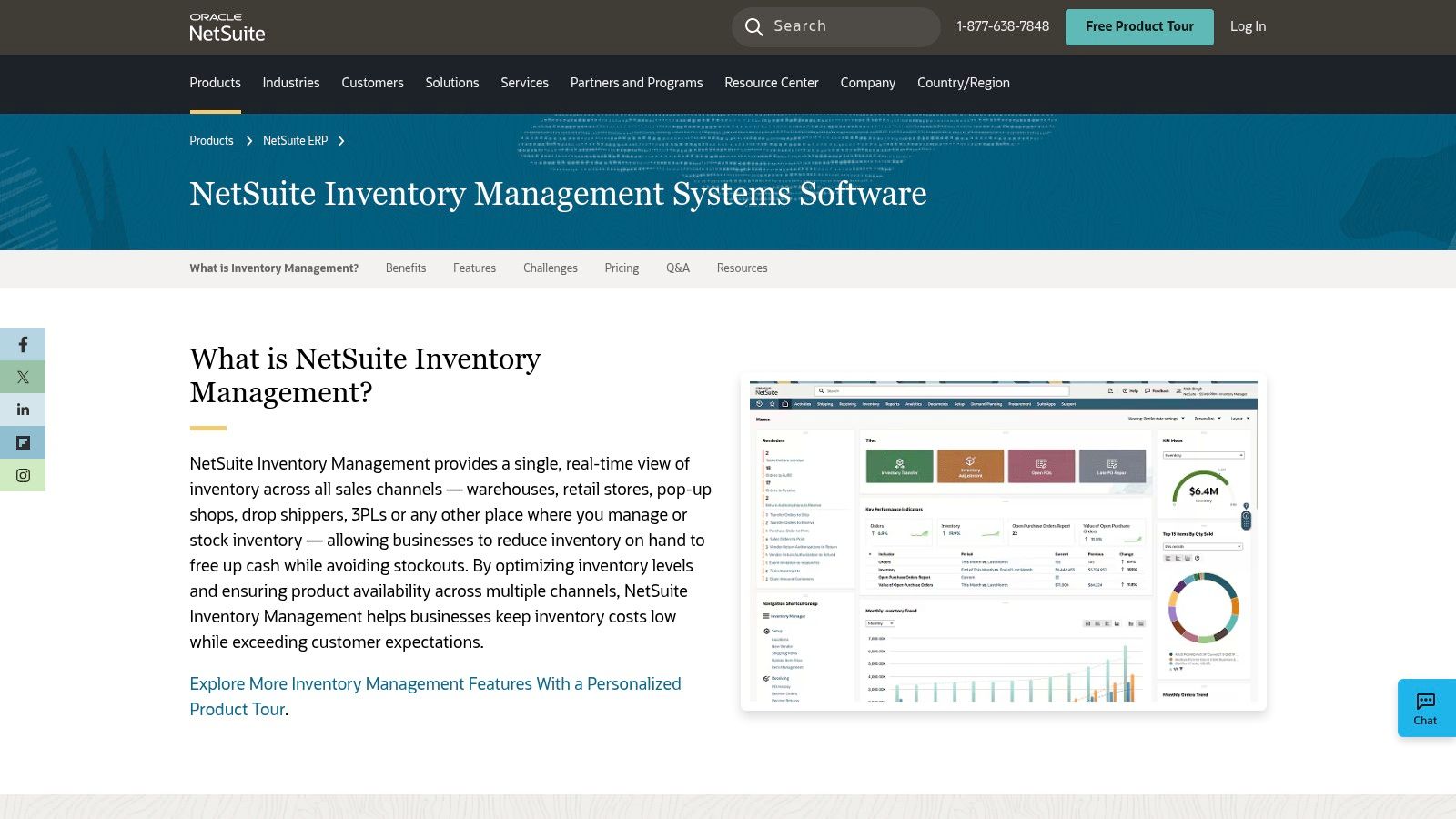
For a large-scale architectural millwork firm with multiple locations, NetSuite can track a specific batch of imported hardwood from procurement through production to final installation, all while automatically updating the general ledger. This unified data model eliminates information silos and provides a single source of truth for decision-making.
Strategic Analysis
NetSuite's strength is its native, all-in-one architecture. It handles complex inventory scenarios like lot and serial number tracking, multi-level BOMs, and automated replenishment rules without needing third-party apps for core functionality. A high-volume cabinet manufacturer can use its demand planning features to forecast component needs based on historical sales data, then automatically generate purchase and work orders to maintain optimal stock levels. This level of automation is difficult to achieve with less integrated systems.
However, this power comes at a cost. The system's complexity requires significant implementation time and expertise. Unlike plug-and-play SMB tools, NetSuite is not a quick fix; it's a foundational business transformation that demands careful planning and configuration to match specific manufacturing workflows.
Key Takeaway: NetSuite is the inventory backbone for established manufacturers whose operational complexity has outgrown simpler systems. It excels where inventory decisions have direct and immediate financial implications across the entire enterprise.
Practical Application & Takeaways
To leverage NetSuite effectively, a business must commit to process mapping and professional implementation.
- Tactical Integration: Use its native warehouse management (WMS) module to implement cycle counting and bin management, improving inventory accuracy and pick/pack efficiency on the shop floor.
- Actionable Tip: Define clear user roles and permissions from day one. This ensures that shop floor staff only see production order data, while the purchasing team has access to supplier and reordering dashboards, preventing data overload and errors.
NetSuite's pricing is quote-based and represents a significant investment. For manufacturers seeking robust, enterprise-level control over their entire value chain, it is a leading contender. However, businesses needing a more accessible or specialized solution might find that systems with different pricing models and features offer a faster path to solving immediate production and inventory challenges.
7. Capterra – Inventory Management Software Category
Capterra isn't an inventory management system itself but rather a comprehensive software marketplace. It functions as a powerful research tool, allowing woodworking and manufacturing businesses to discover, compare, and shortlist potential inventory solutions based on specific needs. It provides a broad overview of available platforms, from simple SMB tools to complex ERPs, making it a critical first step in finding the right system. Its value lies in consolidating user reviews, feature lists, and pricing snapshots into a single, filterable database.
For a custom millwork shop needing a system with strong BOM and production order capabilities, Capterra allows them to filter for these exact features. They can then read verified reviews from similar-sized businesses to gauge real-world performance and usability before committing to a demo.
Strategic Analysis
Capterra's primary strategic function is to de-risk the software selection process. The platform’s side-by-side comparison matrices and user rating breakdowns offer a quick method for validating a vendor's claims against actual user experiences. This is crucial for manufacturers who need to ensure a system can handle the nuances of raw material tracking, lot control, and work-in-progress inventory, not just finished goods.
However, its model relies on vendor-submitted information and can include sponsored placements, meaning users must be discerning. The pricing displayed is often a "starting at" figure, which may not reflect the total cost for a business with complex needs. It is best used for initial discovery and validation rather than final decision-making.
Key Takeaway: Capterra is an essential research hub for identifying and vetting potential inventory management system examples. It empowers businesses to create a data-driven shortlist before engaging directly with vendors.
Practical Application & Takeaways
To use Capterra effectively, a structured approach is necessary to cut through the noise and find relevant solutions.
- Tactical Integration: Use Capterra's filters to narrow down the list by essential features like "Bill of Materials," "Production Tracking," and "Purchase Order Management." Then, sort by businesses of a similar size to see what peers are using successfully.
- Actionable Tip: Always cross-reference Capterra's "Shortlist" or top-rated products with independent research and recent case studies. Look for trends in user reviews that mention specific pain points relevant to your operations, such as integration issues or poor customer support.
While Capterra provides a great starting point, diving deeper into specialized industry resources can provide more context. Exploring insights from manufacturing-focused publications can help you build a more informed perspective, and you can learn more about industry trends and software on our blog.
Top 7 Inventory Management Systems Comparison
| Product | Implementation complexity 🔄 | Resource requirements ⚡ | Expected outcomes 📊 | Ideal use cases 💡 | Key advantages ⭐ |
|---|---|---|---|---|---|
| TimberCloud, Inc. | Medium — cloud-first, shop-floor integrations and onboarding required 🔄 | Moderate–High — subscription tiers ($299–$1,499+/mo), Stripe fees, optional AI add-on ⚡ | Faster turnaround, fewer manual errors, connected sales→production 📊 | Custom woodworking, cabinetry, millwork shops needing end-to-end system 💡 | Woodworking-specific workflows, embeddable storefront, AI plan→production automation ⭐ |
| Shopify | Low–Medium — quick to launch; complexity grows with apps and customizations 🔄 | Low entry cost; app and payment fees can increase total spend ⚡ | Unified online + POS inventory, scalable storefronts 📊 | Retailers wanting ecommerce + in-person POS and multi-location sync 💡 | Large app ecosystem and tight POS integration for unified stock ⭐ |
| Zoho Inventory | Low — SMB-friendly with clear setup paths 🔄 | Low — transparent tiers and a free plan; add-ons for advanced features ⚡ | Reliable order/inventory basics; serial/batch on mid tiers 📊 | Small businesses testing inventory and lightweight order management 💡 | Affordable pricing, free tier, broad SMB feature set ⭐ |
| Cin7 | Medium–High — multiple product lines and tiered features; integration planning needed 🔄 | Moderate–High — higher entry pricing; extra costs for some integrations ⚡ | Scales to complex omni-channel operations with light MRP 📊 | Growing SMBs to mid-market needing advanced integrations and warehousing 💡 | Clear tiering, strong integrations, scalable MRP and WMS options ⭐ |
| inFlow Inventory | Low — fast setup, mobile-first workflows and barcode focus 🔄 | Low–Moderate — cloud plans; some pricing details via quotes/calculator ⚡ | Efficient barcode/scan workflows and quick operational start-up 📊 | Small to mid-sized, scan-heavy teams needing rapid deployment 💡 | User-friendly UI, strong mobile scanning and stockroom features ⭐ |
| Oracle NetSuite – Inventory Management | High — enterprise ERP implementation and configuration time 🔄 | High — quote-based pricing, significant TCO and implementation resources ⚡ | Single source of truth across finance/warehouse/fulfillment; strong automation 📊 | Mid-market to enterprise multi-entity operations with complex needs 💡 | Deep cross-module ERP functionality and advanced inventory controls ⭐ |
| Capterra – Inventory Management category | Low — research and comparison platform; no implementation needed 🔄 | Minimal — time investment to review vendors and listings ⚡ | Curated shortlists, vendor comparisons, user reviews to inform decisions 📊 | Buyers researching vendors, building shortlists and validating options 💡 | Broad vendor coverage, side-by-side comparisons and verified reviews ⭐ |
Choosing the Right System for Your Shop's Workflow
Navigating the landscape of inventory management systems can feel overwhelming, but as the examples in this guide illustrate, the goal is not to find a one-size-fits-all solution. Instead, the objective is to identify a system that aligns precisely with the unique demands of your woodworking or custom manufacturing operation. The right tool acts as a central nervous system for your business, connecting sales, design, production, and shipping into a cohesive, efficient workflow.
We've explored a range of inventory management system examples, from e-commerce-centric platforms like Shopify to comprehensive ERPs like Oracle NetSuite. While each has its strengths, the core takeaway for custom manufacturers is the critical need for a system that understands the journey from raw material to finished product. Generic solutions may track stock levels, but they often fall short when faced with complex Bills of Materials (BOMs), dynamic cut sheets, and the nuanced tracking of lot-specific lumber or serialized components.
From Examples to Action: Key Takeaways
The most effective systems for this industry move beyond simple stock counting. They provide strategic value by automating complex calculations, minimizing waste, and offering clear visibility into your true production capacity.
- Prioritize Material-to-Product Traceability: Your system must excel at tracking raw materials as they are transformed. This includes managing lot numbers for wood batches, generating optimized cut lists, and automatically decrementing board feet from inventory as jobs are completed.
- Integration is Non-Negotiable: A standalone inventory system creates data silos. Look for solutions that integrate seamlessly with your existing tools, whether it’s your e-commerce storefront, accounting software, or CNC machinery. This creates a single source of truth and eliminates manual data entry errors.
- Evaluate Beyond the Feature List: Focus on how a system solves your specific bottlenecks. Can it handle configurable BOMs for custom cabinetry? Does it provide a clear distinction between reserved materials for production and available-to-sell stock? These practical capabilities are more important than a long list of generic features.
Making Your Final Decision
Before committing to a platform, map out your entire production workflow. Identify the points where information gets lost, where manual workarounds are common, and where costly mistakes originate. Use this map to evaluate potential software partners. Many of the best inventory management system examples for manufacturers, like TimberCloud, are built by industry experts who understand these specific pain points.
Choosing the right system is a foundational investment in your shop’s future. It’s about more than just organizing your stockroom; it’s about building a scalable, data-driven operation that can adapt to customer demands, control costs, and drive profitability for years to come. The right platform empowers you to spend less time managing spreadsheets and more time crafting exceptional products.
How to Measure Whether Your New System Is Paying Off
Whichever platform you land on, decide how you'll judge it before you migrate a single SKU. For a custom shop, four KPIs tell the story: inventory accuracy rate (cycle counts vs. system counts), time spent searching for material, stockout-driven project delays, and capital tied up in excess stock. Shops moving off spreadsheets commonly cut overstock 25–30% within the first few months simply because reorder points replace gut feel.
Weigh both kinds of return: hard gains like less waste on expensive stock (walnut, specialty veneers) and fewer rush shipping charges, and soft gains like faster, more accurate bids because job costing finally reflects real material usage. If a system can't feed actual consumption back into your quoting, it's a stockroom tool — not a profit tool.
Ready to see how a purpose-built system can transform your manufacturing process? Explore TimberCloud, Inc., the inventory management and production platform designed specifically for the complexities of custom woodworking and millwork. Book a demo today to discover how our blueprint AI and automated workflows can eliminate your biggest operational bottlenecks.
Frequently asked questions
Usually yes, even for a 2–5 person shop. One avoided project delay or a 25% cut in overstocked sheet goods typically covers a year of subscription fees, and tighter job costing improves every bid you send afterward.
Generic retail platforms struggle here because they assume identical SKUs. Woodworking-specific systems let you tag unique boards and usable offcuts individually, so a slab’s dimensions, grain, and location follow it from receiving to the finished piece.
Pick your measures before you migrate. Four work well for a custom shop: inventory accuracy rate, time spent searching for material, stockout-driven project delays, and capital tied up in excess stock. Track them for a quarter before and after the switch so the comparison is real rather than remembered.
Topics
TimberCloud Team
Content Team
The TimberCloud team is dedicated to helping manufacturers streamline their operations with intelligent software solutions.