How to Improve Order Fulfillment Process: Streamline Your Shipments Today

Improving your order fulfillment is all about a laser focus on three things: visibility, technology, and inventory control. To get there, you need to map out your entire workflow—from the moment an order hits your desk to the second it’s out the door. This is how you'll finally spot the hidden bottlenecks and make smart changes that boost efficiency, slash errors, and get your custom woodworking projects delivered on time, every time.
Why Your Fulfillment Process Is Costing You More Than You Think
So, that perfect custom cabinet order just got pushed back. Again. A missing cut sheet, or maybe a surprise material shortage, has thrown the whole schedule into a tailspin. Now you've got another high-value customer feeling frustrated and your good name is on the line.
Does that hit a little too close to home? For any custom woodworking shop, order fulfillment isn't just some back-office chore; it's the very heart of your operation.
When things grind to a halt, it's a direct shot to your profits, your reputation, and your plans for growth. It’s easy to point fingers at supply chain headaches, but the real troublemakers are almost always the quiet inefficiencies happening right on our own shop floors. These little problems seem minor at first, but they add up, creating a serious drag on your business.
The True Cost of Inefficiency
Think about it. Every minute someone spends hunting down a work order, every remake forced by a bad cut list, every delay waiting for a specific piece of hardware—that's money walking out the door. These aren't just small hiccups; they are real, tangible losses that chew up your margins.
The ripple effect is even worse:
- Wasted Labor: Your best craftspeople are stuck doing busywork, like trying to make sense of confusing plans or tracking down missing parts, instead of building.
- Increased Material Costs: When you're rushing to fix a mistake or remake a piece, you almost always end up wasting material, driving up your project costs.
- Opportunity Cost: A project stuck in a bottleneck isn't just delayed. It's tying up a CNC machine or a workbench, stopping you from getting started on the next paying job.
- Damaged Reputation: In the custom world, your name is everything. If you're known for missing deadlines, you'll see fewer positive reviews and even fewer referrals. That kind of damage costs far more than any single late order.
According to the National Retail Federation, returns often linger around 16-17%, which is a huge drain on profitability. But for a custom shop, a return isn't just a return—it's a complete do-over from scratch, which absolutely demolishes the project's margin.
Moving Beyond Temporary Fixes
The answer isn't just yelling at your team to "work faster" or stockpiling materials "just in case." Those are just band-aids on a much deeper problem. To really improve your order fulfillment process, you have to fundamentally change how you see your workflow.
This guide is about ditching the quick fixes and building a system you can actually rely on. We'll walk through how to get crystal-clear visibility into every single stage, from the client's design approval to the final shipment. By using the right technology and syncing your inventory with what you actually need for production, you can create a smooth, predictable flow that ends the chaos and empowers your team to do their best work.
Fixing this entire workflow is the straightest line to growing your business without sacrificing the quality that people come to you for in the first place.
Find Your Shop's Hidden Bottlenecks with Workflow Mapping
Before you can fix a single thing in your fulfillment process, you have to see it for what it really is. The true culprits behind delays are rarely the big, obvious problems. They're the small, hidden gaps and frustrating "wait times" that quietly bleed profit and efficiency, day in and day out.
The most powerful first move you can make is to visualize the entire journey of an order, from the first client call to the final delivery. This isn't about fancy software; it's about grabbing a whiteboard, some sticky notes, and getting brutally honest about every single step.
Start by mapping out each major stage a job passes through. Every shop is different, but you’ll likely have phases like these:
- Order Entry & Confirmation
- Design & CAD Drawings
- Client Sign-Off
- Material Sourcing & Purchasing
- Generating Cut Lists & Work Orders
- CNC Programming & Nesting
- Fabrication & Assembly
- Finishing (sanding, staining, sealing)
- Final Quality Control
- Packing & Crating
- Shipping & Logistics
As you map this out, you’ll start to see where a clean order can quickly get messy and expensive, just like in this breakdown.
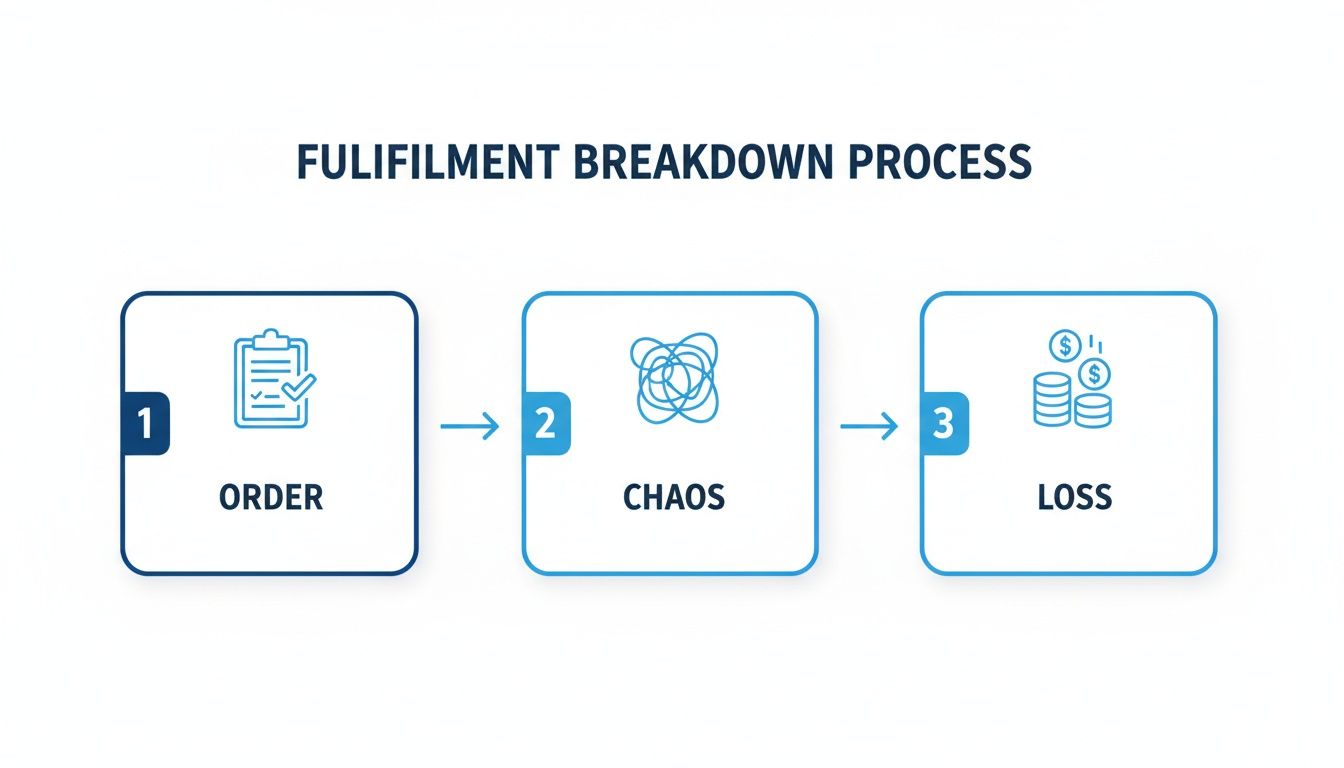
This visual shows exactly how a lack of a clear, defined process introduces friction, confusion, and ultimately, wasted time and money.
Uncover the Critical Wait Times
Once you have the steps laid out, the real detective work begins. The magic isn’t just in listing the tasks—it’s in identifying the dead time between those tasks. This is where your biggest bottlenecks are hiding in plain sight.
Get your team involved and start asking the tough questions. Put a real-world time estimate on each gap.
- How long does a signed work order sit on a desk before it hits the shop floor? Is it minutes, hours, or sometimes an entire day?
- What's the average delay waiting for special-order hardware to arrive after a job has already started?
- After the CNC finishes a run, how long do those parts sit idle before someone moves them to the assembly bench?
These "in-between" moments are where your process truly breaks down. A job is delayed far more by the idle time than by the time people are actually working on it. For more tips on spotting these operational weak spots, you can find some great strategies on the TimberCloud blog.
A Real-World Scenario
Let's say you map out the process for a custom vanity. You might discover that while the CNC cutting only takes 45 minutes, the parts then sit for an average of four hours waiting for an assembler to free up. Then, after it’s built, the vanity waits another full day for an open spot in the finishing booth.
The Big Realization: The active work time might only be a few hours, but the total cycle time is three days. The problem isn't the skill or speed of your crew; it's the workflow choreography and resource scheduling.
This hands-on mapping forces you to confront the reality of your day-to-day operations. By pinpointing exactly where jobs get stuck, you can ensure that any solutions you bring in—be it new tech, training, or a simple layout change—are aimed squarely at your shop's most critical challenges. This is the foundational step to building a truly efficient fulfillment machine.
Tie Your Inventory to What’s Actually Happening in the Shop
Okay, you’ve mapped your workflow and found the hang-ups. Now it’s time to look at the next big culprit in fulfillment delays: your inventory. For any custom woodshop, the connection between the materials you have on hand and what’s scheduled for production is where you either make money or lose it. Fast.
Relying on old-school inventory methods is like trying to build a precision cabinet with a dull, wobbly saw blade. It just creates friction, waste, and a whole lot of frustration.
That old "just-in-case" model of stockpiling lumber and hardware? It's a massive cash drain. You’re tying up capital in materials that might sit for months, collecting dust while market prices for wood do their usual rollercoaster thing. Frankly, that approach just doesn’t cut it anymore, especially with the supply chain chaos we’ve all been navigating.
The New Reality of Sourcing Materials
The entire wood manufacturing world is dealing with some serious capacity problems, and those problems ripple right down to your shop floor. This isn't just a hunch; the numbers paint a stark picture. Between 2022 and 2025, U.S. hardwood lumber production saw a staggering 29% decline.
This isn’t a temporary blip. It's a major shift where sawmills are deliberately slowing down. That means your ability to get what you need, when you need it, is under constant pressure, even when you've got a backlog of orders. You can dig into the data on these structural changes to see just how deep this goes.
This new environment demands a much smarter, more agile way of thinking. The goal is to get closer to a "just-in-time" system, but one that runs on real-time data, not guesswork. Getting this right is a fundamental step toward mastering your order fulfillment.
Shifting to a Data-Driven Inventory Strategy
A modern, data-driven approach means creating a direct line between an incoming order and your raw material stock. Forget the weekly physical count or that messy spreadsheet someone forgets to update. You need a system that knows exactly what materials a job requires the second that job is confirmed.
This is where having a single, unified platform really starts to pay off. For example, a system like TimberCloud can automatically scan a new order, check it against your current inventory, and instantly flag anything you're short on.
Let’s walk through a real-world example: A client signs off on a large kitchen cabinet project. The system immediately cross-references the required board feet of walnut and the specific drawer slides against your live inventory. It sees you're 15 board feet short on walnut and throws up an alert—before the job even hits the CNC schedule. That proactive warning lets you order the material right away, heading off what could have easily become a week-long delay.
That kind of foresight turns inventory management from a reactive headache into a genuine strategic advantage. It stops small shortages from blowing up into full-blown production emergencies.
Ditching Static Price Sheets for Dynamic Quoting
Volatile material costs are the other silent killer of profit margins. If you quote a project based on the price you paid for plywood three months ago, you could be losing money before you even make the first cut. And let's be honest, nobody has time to manually update price sheets every time a supplier sends a new list.
The answer is to plug your quoting process directly into real-time material costs. Dynamic pricing tools let you build quotes that automatically pull the latest supplier pricing for lumber, hardware, and finishes.
This dashboard from TimberCloud is a great example of how you can manage all your product details, including pricing and material components, in one place.
When you link these product specs to a live inventory and pricing system, your quotes always reflect your actual costs. It's the best way to protect your profitability on every single job.
This isn’t about just jacking up prices; it's about being accurate. When a customer uses an online configurator on your website, or when you build a quote for them, the final price is based on today’s numbers, not last quarter’s. That transparency builds a ton of trust with clients while making sure you're not accidentally working for free.
By syncing your inventory, production schedule, and pricing, you create a fulfillment engine that can weather the storm. You'll have less cash tied up in extra stock, eliminate those surprise "we're out of..." moments, and guarantee your margins are protected, no matter what the market throws at you.
Use Automation to Create a Smarter Shop Floor
Once you’ve pinpointed the weak spots in your workflow, it’s time to bring in the right tools for the job. For most custom woodworking shops I’ve worked with, the biggest roadblock to faster fulfillment isn't a lack of skill or even customer demand—it’s the reality of a tight labor market.
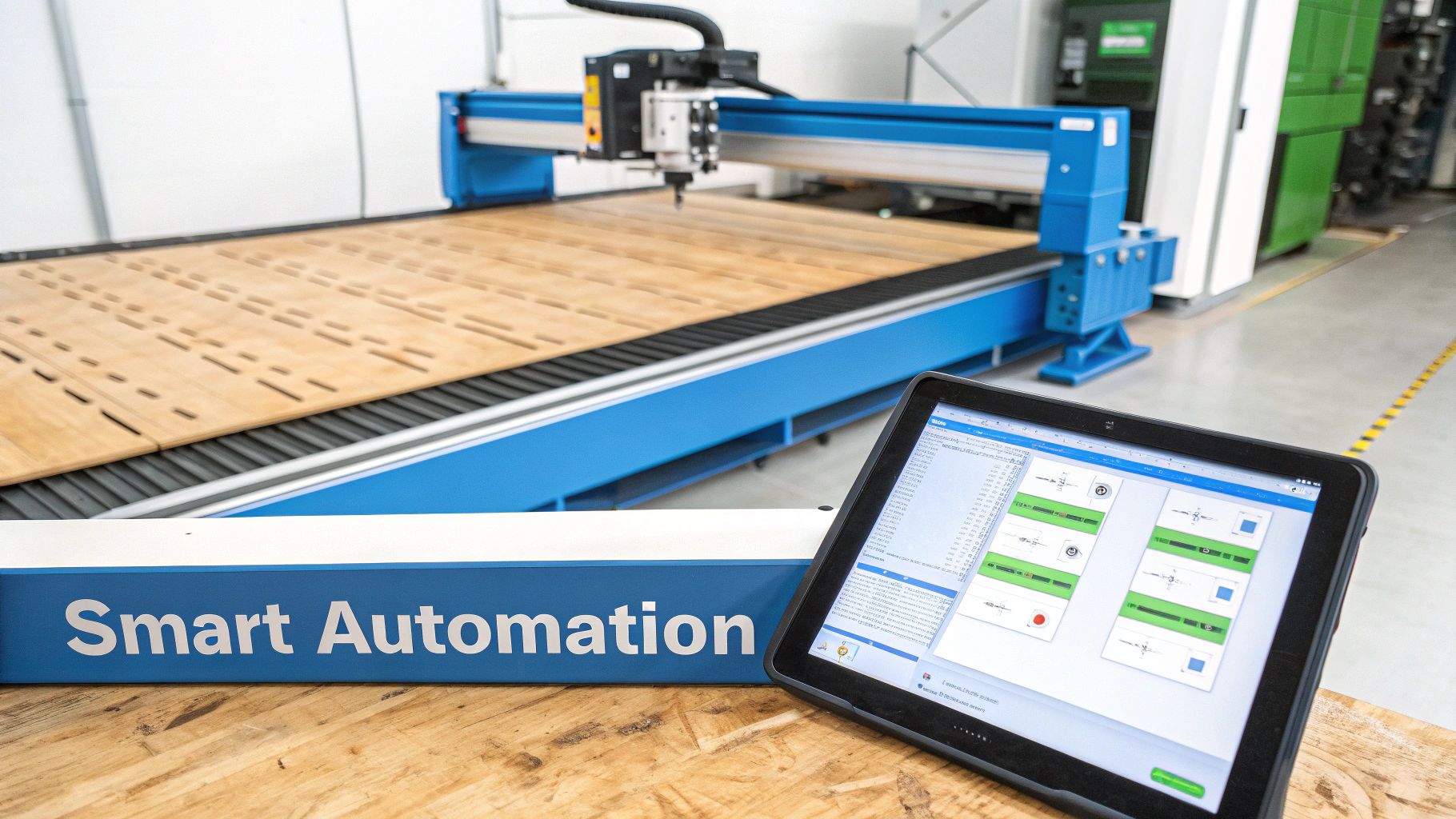
Smart automation is the most direct way to break through that ceiling. The idea isn't to replace your talented crew, but to supercharge them. It’s all about automating the tedious, repetitive tasks that eat up precious time and open the door to costly mistakes. This frees your craftspeople to focus on what they do best: building amazing products.
From Blueprint to Cut List in Minutes
The pre-production phase is a classic bottleneck. I’ve seen it time and again. Manually poring over blueprints, building out cut lists, and then programming the CNC machines—it's slow work, and it’s a minefield for human error. A single misplaced decimal can turn a pile of expensive hardwood into scrap.
This is exactly where an AI-powered production engine can make a massive difference. Imagine a system that can scan a blueprint or CAD file, instantly pull every dimension, and then generate a perfectly optimized cut list and work order.
A task that takes a skilled engineer half a day—translating a complex design into shop-floor instructions—can be done in minutes. This is how you drastically shorten the time from a client’s “yes” to the first piece of wood being cut.
The impact here is huge. You’re not just cutting down the risk of manual data entry errors; you’re creating a consistent, repeatable process for every single job. That predictability is the foundation of a reliable fulfillment cycle. You can see how these TimberCloud automation features put this concept into practice.
Take a look at how much time and risk we're really talking about. When you lay out the manual steps side-by-side with an automated approach, the difference is stark.
Manual vs Automated Pre-Production Tasks
| Task | Manual Process (Time & Risk) | Automated Process (Time & Benefit) |
|---|---|---|
| Blueprint Analysis | 2-4 hours per job. High risk of misinterpretation or transcription errors. | 5-10 minutes per job. AI ensures precise data extraction. |
| Cut List Generation | 1-2 hours of manual calculation. Prone to mistakes that lead to material waste. | Automated within minutes. Optimized for minimal waste and maximum yield. |
| Work Order Creation | 30-60 minutes. Often involves redundant data entry across different systems. | Instantaneous. Generated automatically with all necessary details and routing. |
| CNC Programming | 1-3 hours. Requires a skilled programmer and introduces potential for error. | Automated. Direct output of production-ready G-code, reducing programming time. |
The numbers don't lie. Automation lets you reclaim dozens of hours per week while also improving accuracy, which directly translates to fewer remakes and more profit.
Gaining Real-Time Production Visibility
The benefits don't stop once a job hits the floor. Digital production tracking gives you a bird's-eye view of everything that's happening, in real-time.
Forget walking the floor just to see where a project is. With a central dashboard, you and your team know the status of every order at a glance. This opens up a whole new level of control:
- Balance the workload. Instantly see which work centers are getting backed up and which are idle, so you can re-route jobs on the fly before a small clog becomes a major jam.
- Give customers real answers. When a client calls asking for an update, you can give them a precise answer in seconds without having to hunt down your shop foreman.
- Spot problems before they happen. Notice a job lingering in the finishing department? You can jump on it immediately, find out what the hold-up is, and get it moving again.
For shops looking to take a bigger leap, you can even integrate solutions like Automated Storage and Retrieval Systems (ASRS) to handle material and parts management.
Adopting smart automation is more than just buying software. It’s an investment in a more resilient, efficient, and scalable business. It's about building a smarter shop where technology handles the grunt work, freeing up your team to focus on the high-value craft that your customers pay for.
Master Your Final Mile from Packaging to Shipping
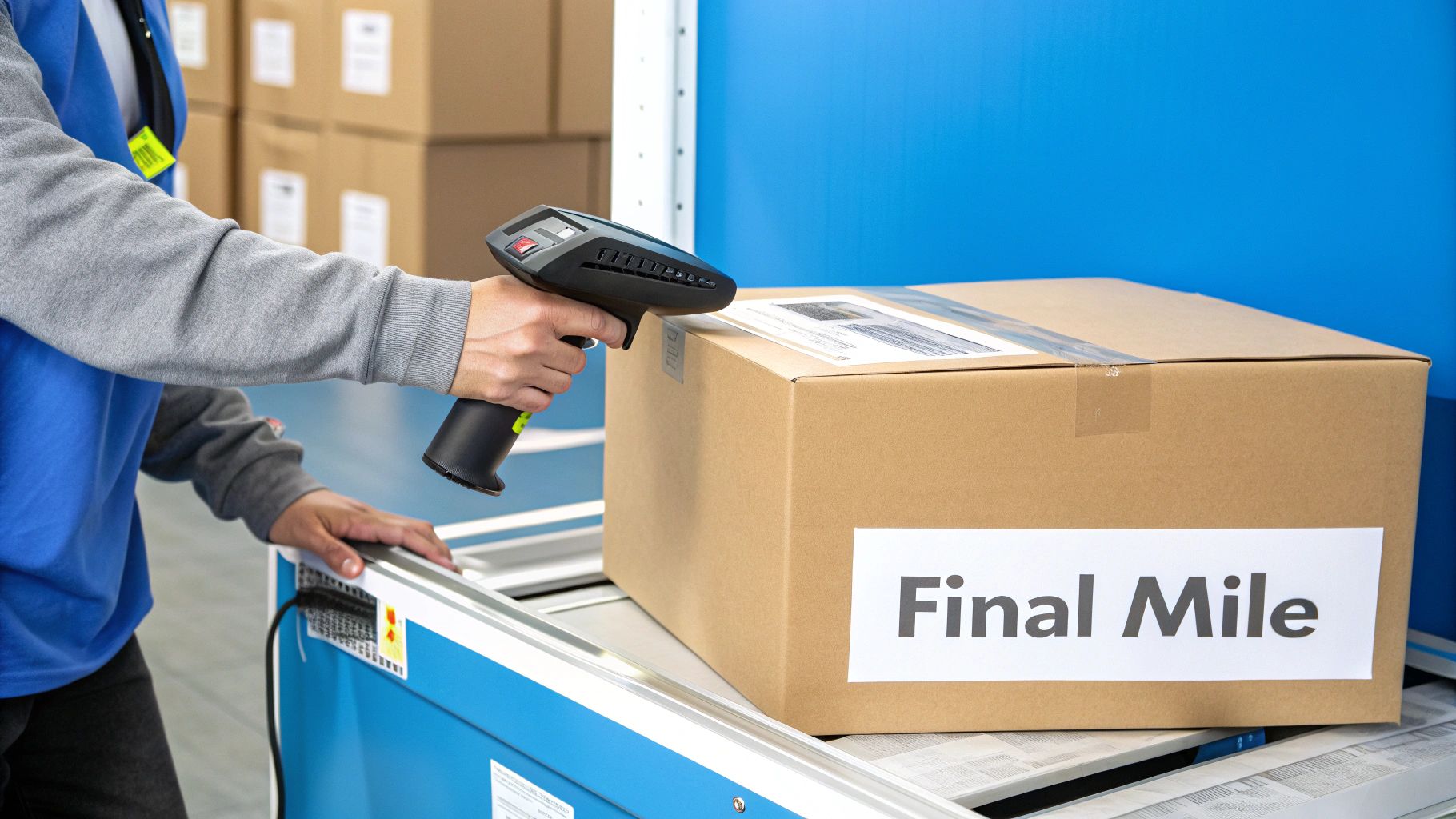
Your job isn't done when the final coat of lacquer is dry. Far from it. The last leg of the journey—packaging and shipping—is where you either lock in a fantastic customer experience or watch it all fall apart. A stunning custom piece that shows up damaged is more than just a headache; it’s a costly remake that nukes your production schedule and kills your profit on the job.
This final stage is your last, best chance to protect your hard work. Treating packing as an afterthought is a rookie mistake. It needs to be a core part of your workflow, with the same precision you bring to a dovetail joint.
Engineer Your Packaging for Protection
For custom cabinetry and millwork, a cardboard box and some bubble wrap just won’t do. You need to get proactive about crating and packaging, designing solutions around the weak points of your products.
A great place to start is by creating standardized crating plans for your most common builds, like a 36-inch vanity or a standard upper cabinet. This takes the guesswork out of the equation and guarantees every piece gets the protection it deserves.
Here are a few things we’ve seen work wonders:
- Build a Bill of Materials for Crates: Just like you have a cut list for a cabinet, create one for its crate. Spell out the exact plywood dimensions, the number of support braces, and the specific foam padding required.
- Use High-Density Foam Inserts: For pieces with weird shapes or delicate details, pre-cut foam inserts that cradle the product are a game-changer. Nothing should be moving inside that crate.
- Reinforce Corners and Edges: These are the first points of impact. Add extra wood blocking or heavy-duty cardboard edge protectors to absorb the inevitable bumps and drops.
When you systematize your packaging, you stop guessing. It becomes a predictable, reliable part of your fulfillment process, not a variable cost that bites you later.
A well-designed crate is more than just protection; it's a message to your customer that you care about quality all the way to their doorstep. It reinforces the premium nature of your work.
Streamline Shipping and Labeling with Technology
Once everything is packed up safe and sound, the shipping dock is the next bottleneck. Manually punching in addresses, figuring out shipping costs, and printing labels is painfully slow and a magnet for human error. One typo in an address, and you’ve got a lost shipment and an irate customer on the phone.
This is where a little bit of tech pays for itself almost immediately. Modern shop management platforms can plug directly into shipping carriers. When you mark an order as "ready to ship," the system can automatically:
- Grab the customer's verified shipping address right from the order.
- Calculate the shipping cost based on the crate’s size and weight.
- Spit out a printable shipping label with a single click.
This simple step practically eliminates address errors and frees up a ton of admin time. And if you handle your own local deliveries, you can take it even further. Look at the logistics giants for inspiration; the efficiency gains from optimizing delivery routes with AI, as UPS achieved are massive and the same principles can apply to your own fleet.
Reframe Returns as an Opportunity
Look, no matter how buttoned-up your process is, returns are going to happen. The real test is how you deal with them. A clunky, confusing returns process can burn a customer relationship for good. But a smooth, responsive one? That can build incredible loyalty.
Design a dead-simple workflow for returns. When a customer calls with a problem, have a standard playbook: get photos to document the issue, schedule the return shipment, and—most importantly—get that remake fast-tracked in your production schedule. A customer who sees you moving quickly to make things right isn't just a happy customer; they’re likely to become a repeat buyer and your best source of referrals.
Your 90-Day Roadmap to a Better Fulfillment Process
Let's be honest, overhauling your shop's entire fulfillment process feels like a monumental task. The good news? You don't have to do it all at once. Real, lasting change comes from a smart, deliberate plan that stacks small wins to build momentum.
This 90-day roadmap is designed to do just that. We’ll break down the journey into manageable 30-day sprints, focusing on high-impact changes that deliver tangible results without causing chaos on the shop floor. The goal is to get some early victories, prove the value of these new methods, and create a culture of constant improvement.
The First 30 Days: Quick Wins and Clear Insights
Your first month is all about getting your bearings and tackling the low-hanging fruit. This isn't the time to boil the ocean. Instead, you'll focus on activities that bring immediate clarity and get your team on board right from the start.
Here's where you put your energy:
- Map It All Out: Get that workflow map done. Seriously. Grab a whiteboard, gather the team, and trace every single step from the moment an order hits your desk to the second it’s on the truck. Pinpoint the top three bottlenecks that consistently gum up the works.
- Set Your Starting Line: You can't know if you're winning if you don't know the score. Begin tracking a couple of crucial KPIs. Start with Order Cycle Time (from order received to shipped) and your On-Time Shipping Rate. This is your baseline, the number you’re going to beat.
- Tidy Up the Shop Floor: A messy, disorganized workspace is a slow, inefficient one. Kick off a simple 5S (Sort, Set in Order, Shine, Standardize, Sustain) initiative. Don't try to clean the whole shop at once—just focus on one or two critical work cells. You’ll be amazed at how much time you save when people aren't hunting for tools or parts.
Days 31-90: Smart Pilots and Scaling Up
Now that you have a baseline and a clear picture of your biggest headaches, it's time to experiment. The next 60 days are for carefully testing new solutions on a small scale. Trying out a new process or piece of tech on a single product line is the best way to prove its worth without risking your entire operation.
For example, maybe you pilot an automated quoting tool, but only for your standard line of bathroom vanities. Let it run, see how it performs, and gather real data.
The materials market is always in flux. We've seen different trends in hardwood versus softwood prices, and housing starts have leveled off. These shifts are exactly why dynamic, automated pricing is becoming a necessity. It’s your best defense against market volatility eating into your margins. For a deeper dive, check out these current timber market trends to see the bigger picture.
By the end of this 90-day sprint, you should be aiming for hard data that shows a 10-15% reduction in Order Cycle Time for your pilot project. A success story like that is pure gold—it’s the evidence you need to get the rest of the team fired up for a wider rollout.
As you start looking at systems to help you get there, exploring the different TimberCloud pricing plans can show you how a solution can grow right alongside your shop. This roadmap gives you a clear, step-by-step way to build a more efficient, profitable, and resilient business.
Answering Your Top Questions
Making big changes to your fulfillment process can feel overwhelming, but I promise you, it's one of the most powerful moves you can make for your shop's health and growth. Let's dig into some of the questions I hear most often from woodworking pros who are ready to get serious about their order fulfillment.
How Long Does This Actually Take to Implement?
This is always the first question, and the honest answer is that it's a process, not a project with a hard stop. You’re not just flipping a switch.
That said, you can see real, tangible results within 90 days if you take it in stages. Think of the first month as your diagnostic phase—just mapping your workflow and getting a baseline for your KPIs. Months two and three are perfect for a small-scale pilot, maybe testing a new process or tool on a single product line.
The goal isn't to boil the ocean and fix everything at once. It's about making smart, incremental changes that actually stick. Starting small proves the concept and builds the momentum you need to get the whole shop on board.
What Is the Biggest Mistake Shops Make When Starting?
I see this one all the time: shops jump straight to buying complex, expensive software, hoping it will magically fix everything. It won't. All that does is automate the chaos you already have.
The most common pitfall is skipping the diagnosis. Before you even think about spending a dime on new tech, you have to truly understand your current workflow and pinpoint exactly where orders get stuck. That initial mapping exercise is the bedrock of any successful overhaul.
How Do I Get My Team on Board with New Technology?
Look, change is hard, especially for a crew of skilled craftspeople who have their own way of doing things. The trick is to show them that this new tool isn't here to replace their expertise—it's here to get rid of their biggest headaches.
- Frame it as a "Painkiller": Don't talk about features; talk about frustrations. Show them how it means no more hunting for lost order sheets or spending an hour trying to figure out what’s next in the queue.
- Bring Them Into the Process: Ask your team on the floor where they think the biggest logjams are. When they help identify the problem, they'll be far more invested in adopting the solution.
- Train, Train, Train: Nobody likes feeling incompetent. Give them solid, hands-on training so they feel confident and in control from day one.
A smooth rollout is less about the software and more about making your team's day-to-day work less frustrating. When they see how it helps them get back to building, the buy-in will follow.
Ready to transform your shop's efficiency from order to delivery? See how TimberCloud, Inc. combines e-commerce, shop management, and AI into one seamless platform built for modern craft manufacturers. Discover TimberCloud today.
Topics
TimberCloud Team
Content Team
The TimberCloud team is dedicated to helping manufacturers streamline their operations with intelligent software solutions.