A Guide to Barcoding and Inventory Software for Woodworkers
Imagine a workshop where every single board, panel, and piece of hardware is tracked with pinpoint accuracy, from the moment it arrives to the second it leaves as part of a finished cabinet. This isn't some far-off fantasy; it's what modern barcoding and inventory software delivers to custom woodshops every day. It's about swapping costly guesswork for a 'digital twin' of your physical inventory, finally putting an end to the production delays that kill profitability.
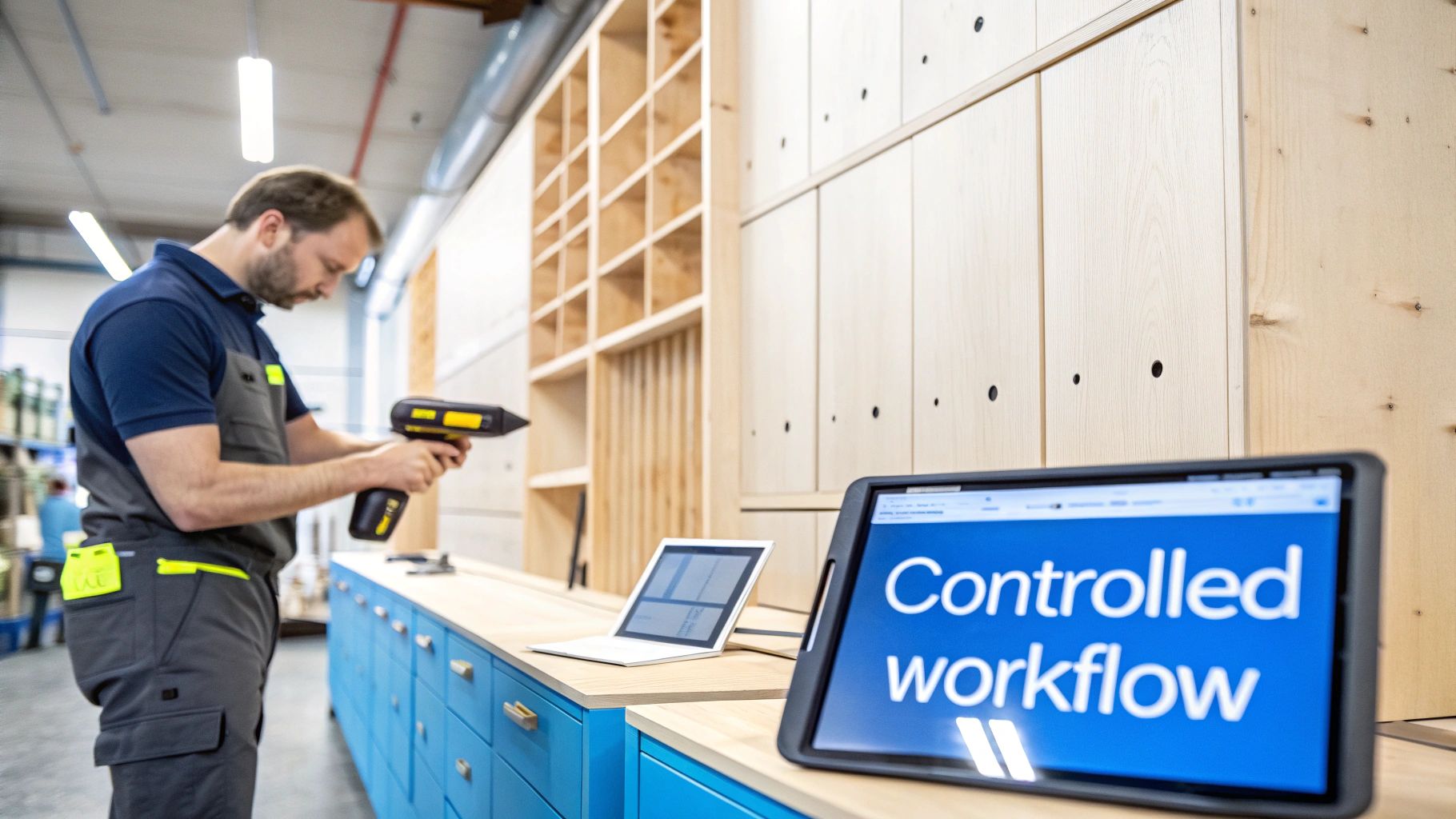
From Workshop Chaos to Controlled Workflow
Let’s be honest about the old way of doing things. If you're relying on clipboards, tangled spreadsheets, or just one person's "good memory" to manage materials, you’re essentially trying to navigate a highway blindfolded. It might work for a while, but it's slow, full of errors, and gives you absolutely no real-time insight into what's actually happening on your shop floor.
One misplaced piece of paper or a single typo in a spreadsheet can cascade into disaster. You might end up ordering expensive materials you don't need or, even worse, grinding a high-priority job to a halt because you ran out of a critical component you thought you had in stock.
This is exactly where a barcode-driven system changes the entire game. Think of it as a powerful GPS for your whole operation. Every piece of raw material, every part-in-progress, and every finished product gets a unique barcode. From the moment that lumber delivery hits your dock to the final QC check, a quick scan updates its status across your entire business.
The Power of a Single Scan
So, what does that simple "beep" of the scanner actually do? It creates an unbreakable link between your physical workshop and your digital records, establishing a single source of truth that everyone from sales to shipping can rely on.
- Eliminates Guesswork: You know exactly what you have, precisely where it is, and how much is available for new projects, instantly.
- Reduces Manual Errors: Forget typos and missed entries. Barcode scanning is up to 99% more accurate than punching numbers in by hand, preventing expensive mistakes in ordering and production.
- Increases Team Efficiency: Your crew spends less time hunting for materials or double-checking counts and more time doing what they do best: building incredible products.
This connection between your digital system and your physical stock is the bedrock of operational clarity. This isn't just about counting stuff; it's about taking complete control of your workflow. When a new order lands, the system can instantly confirm material availability, allocate the necessary stock, and even trigger a reorder alert for any components running low.
The shift is from being reactive to proactive. Instead of constantly putting out fires caused by inventory surprises, you can focus your energy on optimizing production flow and delivering every single project on time.
The table below paints a clear picture of the difference between the old way and the new. It's a stark comparison that highlights just how much a shop stands to gain by moving beyond manual methods.
Manual vs Automated Inventory Tracking
| Aspect | Manual Tracking (Spreadsheets and Clipboards) | Barcode and Software System |
|---|---|---|
| Accuracy | Prone to human error, typos, and forgotten entries. | Highly accurate with automated data capture; minimal errors. |
| Visibility | Data is often outdated, siloed, and only updated periodically. | Real-time visibility into stock levels and locations for everyone. |
| Speed | Slow, labor-intensive process of counting and manual data entry. | Instant updates with a quick scan, saving hours of labor. |
| Decision-Making | Based on old data, leading to poor purchasing and scheduling. | Informed decisions based on live, accurate inventory data. |
Looking at them side-by-side, the choice becomes obvious. One path is filled with uncertainty and wasted effort, while the other offers clarity, speed, and the data you need to make smart, profitable decisions.
The Core Features of an Integrated Inventory System
To really get why modern barcoding and inventory software is a game-changer, you have to look under the hood. It’s not just one tool; it’s a whole suite of features working together, becoming the central nervous system for your entire workshop.
Think of it less like a spreadsheet and more like an air traffic control system for your materials. It ensures every board, every sheet, and every box of hardware moves smoothly from the delivery truck to the final assembly, without getting lost or misused along the way.
These systems are built on a few core pillars, each one designed to solve a specific, expensive problem that every custom manufacturer knows all too well. Let’s break down what makes this technology tick.
Real-Time Inventory Tracking
This is the bedrock of the whole system. We're not talking about a simple nightly or weekly count anymore. Real-time inventory tracking means that the second a barcode gets scanned, your master inventory record updates. Instantly.
But it’s about more than just quantity. It’s about knowing the critical details.
For a custom cabinet shop, this means you know more than just how many sheets of walnut veneer you have. You know:
- Its Exact Location: Is it in the main rack, sitting by the CNC, or in the finishing booth? No more scavenger hunts.
- Key Attributes: What’s the grade, thickness, and supplier lot number? This is crucial for quality control.
- Current Status: Is it raw stock, already allocated to a job, or is it a usable remnant from a previous cut?
This level of detail is the difference between knowing you have wood and knowing you have the exact piece you need for the job at hand. It puts an end to guesswork.
Barcode Generation and Scanning
If real-time tracking is the brain, then barcode generation and scanning are the system's eyes and hands. The software lets you create and print a unique barcode label for everything that comes through your door, from a pallet of hardwood to a box of drawer slides. Each barcode is like a digital fingerprint.
When your team uses a scanner—whether it’s a tough handheld unit or just an app on a phone—they’re feeding the system crucial information. That single "beep" can move a material from "receiving" to "in stock," assign it to a work order, or mark it as used. It's a simple action that powers the entire system with accurate, on-the-ground data.
A barcode is more than just a label; it's a command. Every scan is a direct instruction that updates your entire operational picture, ensuring that your digital records perfectly mirror physical reality.
Picking the Right Codes and Labels for a Woodshop
Software generates the codes, but two physical choices determine whether they survive your shop. First, symbology: standard 1D barcodes (Code 128) are fine for hardware bins and SKU-level items, while 2D codes (QR or Data Matrix) hold far more data in a smaller footprint — ideal for tagging individual slabs or job-labeled parts that need species, dimensions, and work-order details in one scan.
Second, labels: direct thermal labels fade with heat and abrasion, so use thermal-transfer labels anywhere dust, finish overspray, or handling is involved. The payoff for getting this right is dramatic — scanned inventory runs at roughly 99% accuracy versus about 63% for manual counts, with scan errors at about one in three million versus one typo every 300 or so keystrokes.
Purchase Order and Supplier Management
Good barcoding and inventory software doesn’t just track what you have; it helps you get what you need before you run out. This is where your inventory levels connect directly to your purchasing.
You can set minimum stock levels for your must-have items, like a specific type of hinge or a popular finish. When a scan shows that you’ve dropped below that safety net, the system can automatically flag it or even draft a purchase order. This proactive approach prevents the stockouts that grind production to a halt.
On top of that, you can manage all your supplier info, track their lead times, and look at your purchasing history to make smarter buying decisions next time.
Integration with Shop Floor Workflows
This is where the real magic happens. A truly integrated system links your inventory directly to your production schedule. When a new job for a kitchen full of custom cabinets comes in, the software automatically checks and allocates the necessary materials from your stock.
As that job moves through the shop—from the saw to assembly and finishing—barcode scans at each station update its progress. This gives you a live view of what's happening on the floor without having to walk around and ask.
You can explore more about how these integrations create a seamless flow from sales all the way to shipment. This tight connection between inventory and production makes sure you can actually build what you sell, on time and on budget.
Connecting Your Sales to the Shop Floor
A standalone inventory system is a good start, but an integrated one is a complete game-changer. The real magic happens when your barcoding and inventory software breaks down the wall between the sales desk and the shop floor, creating a single, automated source of truth. This connection turns a customer's order into a perfectly choreographed dance of production.
Think about the old way of doing things. An order might start as a conversation, get sketched on a notepad, translated into a spreadsheet, and eventually walked over to the production manager. Every one of those handoffs is a potential disaster waiting to happen—a place where details get lost, materials are miscalculated, and frustrating delays creep in.
An integrated system completely closes those gaps. It weaves a digital thread from the moment a customer clicks "buy" to the final box leaving the dock, making sure everyone is working from the exact same playbook in real time.
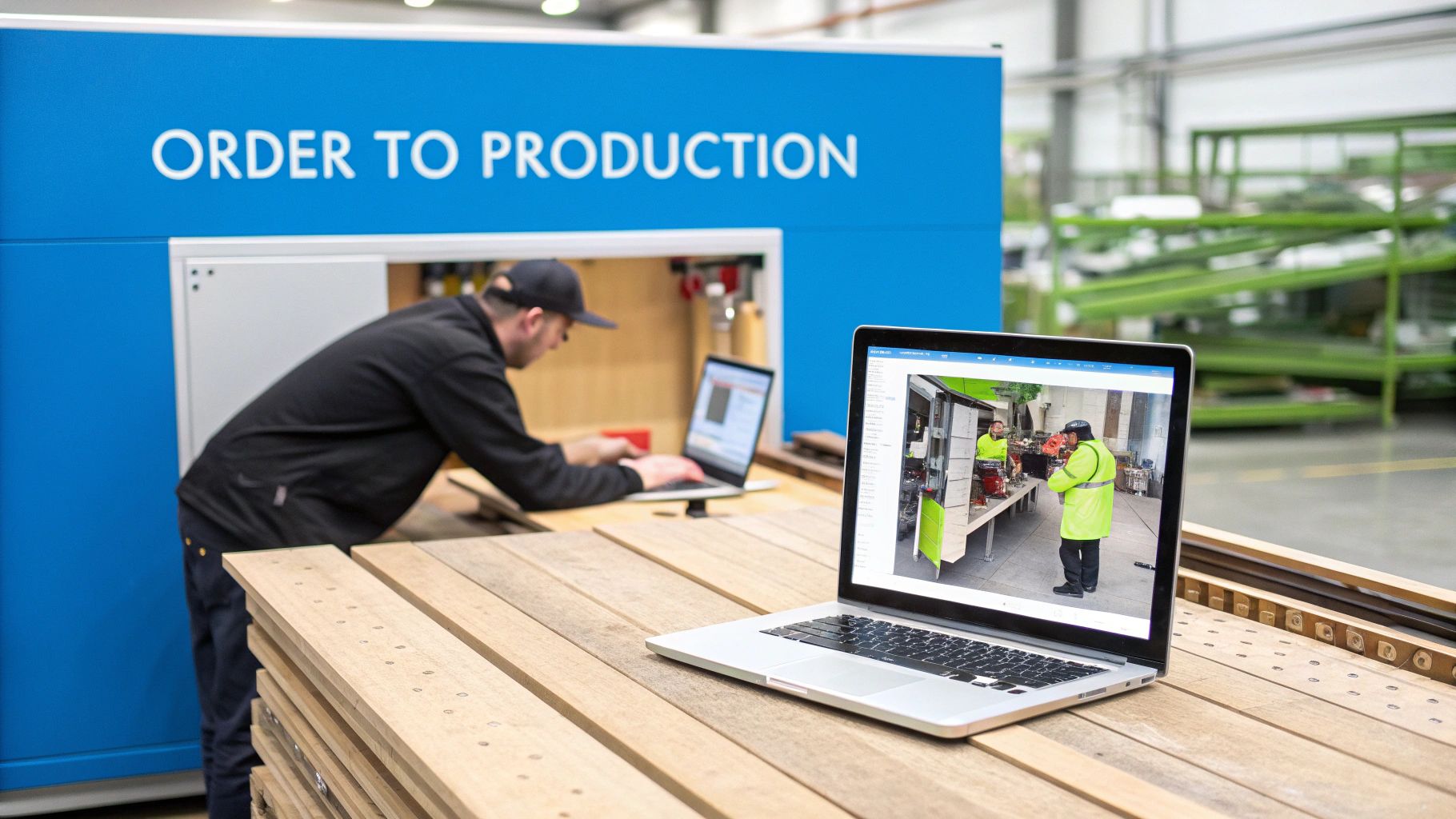
From Online Configuration to Work Order Creation
Let's follow a modern order. A client is on your website, using an online configurator to design their dream kitchen cabinets. They pick the wood, the door style, the finish, and the hardware. The moment they hit "Purchase," the system doesn't just send you an email—it kicks off a powerful, automated sequence.
- Instant Inventory Check: First, the software scans your live inventory. It instantly confirms you have enough walnut, the right hinges, and the specified finish on hand to build the order.
- Automatic Material Allocation: With a green light, the system digitally "reserves" those materials for this job. This is huge—it stops another salesperson from accidentally promising that same lumber to someone else. You can actually deliver on your promises.
- Production-Ready Work Order: Finally, with materials secured, the platform generates a detailed work order. This isn't just a simple list; it’s a complete package with cut sheets, assembly guides, and a unique barcode for the entire project.
This all happens in a matter of seconds, with zero manual data entry. It completely erases the risk of selling a product you can't actually build—a brutal mistake that kills both your profits and your reputation.
Gaining True Visibility on the Shop Floor
Once that work order hits the floor, the job's barcode becomes its passport. As the project travels from the CNC router to the assembly bench and on to the finishing booth, a team member gives it a quick scan at each stop.
Every scan is an instant status update, visible to the whole company.
This simple action transforms the shop floor from a black box into a transparent, living workflow. Managers can spot bottlenecks before they grind things to a halt, and the sales team can give customers genuine, up-to-the-minute progress reports.
This isn’t some far-off future; it's rapidly becoming the standard. The global market for this technology is exploding, projected to hit USD 9.4 billion by 2036 with a 13.1% compound annual growth rate. For custom shops, barcoding is what ensures up to 99% order accuracy, perfectly syncing what sales promised with what the shop can deliver. You can discover more about how these market trends are shaping the industry.
The Real-World Benefits of a Connected System
Connecting sales to production does more than just make things faster. It fundamentally changes your business for the better.
- Eliminates Data Entry Errors: Automation kills the typos and misinterpretations that lead to expensive rework.
- Crushes Lead Times: Jobs fly through the shop because materials are staged and instructions are crystal clear from the get-go.
- Guarantees Profitability: When you know your exact material costs and track labor with every scan, you can be certain every job is priced for a healthy margin.
Ultimately, this seamless connection is your guarantee that what you promise your customers is exactly what your shop can profitably deliver, every single time.
Is Barcoding Software Worth the Investment? Let's Talk ROI.
Making a big tech purchase can feel like a leap of faith. But when it comes to barcoding and inventory software, this isn't about spending money—it's about making it. Once you look past the slick features, you'll find the real business case is built on a solid return on investment (ROI). It's surprisingly easy to justify the cost once you see how the software directly cuts expenses and drives up profits.
The financial upside isn't just one single win. It’s a series of powerful, connected improvements that ripple through your entire shop. By focusing on three key areas—slashing costs, boosting throughput, and fattening up your margins—you can build a rock-solid case for how this technology pays for itself, often much faster than you’d think.
Slash Costs with Pinpoint Accuracy
The quickest payback comes from plugging the leaks that quietly drain your bank account every single day. Let's be honest, manual inventory is a mess. It's wasteful and inaccurate. A barcode system, on the other hand, gives you surgical precision over your materials, which translates directly into serious savings.
Just think about these all-too-common shop scenarios:
- Stop Wasting Expensive Materials: With exact, real-time data, you can finally stop over-ordering that pricey walnut or those specialty veneers "just in case." You buy what you need, use what you have, and even track every valuable offcut for the next job.
- Kill the Manual Count: How many skilled-labor hours are wasted walking the floor with a clipboard and a pencil? A quick scan with a barcode reader frees up your most valuable people to do what they do best: build things that make you money.
Boost Your Shop's Throughput and Capacity
What would it mean for your bottom line if you could push more jobs out the door each month without burning out your crew? That’s the magic of increased throughput. Accurate inventory isn’t just about counting stuff; it’s about velocity.
When your team has the right materials, at the right station, at the right time, everything just flows. Jobs fly from the cut list to the shipping dock because you’ve eliminated the delays from lost stock or last-minute emergency orders. This newfound efficiency means you can take on more work without adding more people, directly boosting your shop’s revenue capacity. For a deeper dive into measuring these kinds of returns, a guide on mastering AI ROI can offer some fantastic frameworks.
Barcoding integration has been a game-changer for accuracy in custom woodworking. The global inventory management software market hit USD 3.58 billion in 2024 and is projected to more than double to USD 7.14 billion by 2033. For shops like yours, barcoding can slash manual errors by up to 50%, enabling the kind of automated workflows that are central to platforms like TimberCloud.
Improve Margins with Dead-On Job Costing
At the end of the day, it's all about improving the profitability of every single job. And you simply can't do that without precise material and labor tracking. Barcoding gives you the rock-solid data you need to see the true cost of every cabinet, door, or custom piece that leaves your shop.
When you know exactly how much material and time a job consumed, you can price your work with total confidence. You'll finally see which products are your real money-makers and which ones are barely breaking even. This data-first approach ensures every quote you send is built on a foundation of real profit. To see how integrated software can fit your budget, you can explore different pricing models and start calculating your potential gains.
Here’s a practical breakdown of where the financial returns come from in a typical custom manufacturing shop.
ROI Calculation Sources for Woodworking Shops
This table breaks down the primary areas where barcoding and inventory software generate a tangible financial return, helping shop owners estimate their potential savings and revenue gains.
| ROI Area | How It Is Measured | Typical Improvement Range |
|---|---|---|
| Labor Savings | Reduction in hours spent on manual inventory counts, searching for materials, and data entry. | 15-30% reduction in time spent on inventory-related tasks. |
| Material Waste Reduction | Decreased scrap from over-ordering, expired materials (for finishes), and lost stock. | 5-15% reduction in raw material costs. |
| Increased Throughput | More jobs completed per month due to fewer production delays and better material flow. | 10-25% increase in production capacity. |
| Improved Order Accuracy | Reduction in costly remakes and shipping errors caused by incorrect material usage. | 40-60% reduction in order fulfillment errors. |
| Better Job Costing | More accurate quotes and improved profit margins from precise tracking of materials and time. | 2-5% improvement in gross profit margins. |
By tracking these key metrics, you can quickly build a clear financial picture that demonstrates not just the cost of the software, but the significant value it brings to your business every single day.
Your Step-by-Step Implementation Roadmap
Bringing new technology into the shop can feel like trying to assemble a complex machine with the instructions written in another language. But with a solid plan, implementing barcoding and inventory software isn't a massive headache—it's a series of small, manageable wins. A successful rollout isn’t about flipping a switch and hoping for the best. It’s a methodical process that gets your team on board and sets you up for success from day one.
This roadmap breaks that journey into four essential phases. Think of it as your blueprint for trading in cluttered clipboards for a clean, digital workflow that gives you total control.
Phase 1: Planning and Goal Setting
Before you even think about printing a label, you have to define what a "win" looks like for your shop. Honestly, this is the most important step. Start by pinpointing your biggest frustrations. Is it material waste that’s killing your margins? Orders that take forever to get out the door? Or the guesswork involved in job costing?
Set clear, measurable goals. Don't just say "we want to be more efficient." Instead, aim for something like, "reduce time spent on manual inventory counts by 50% within three months," or "cut down material search time by 15%." These specific targets will be your north star throughout the process and make it easy to see the ROI later.
Phase 2: Data Cleanup and Preparation
Your new software is only as smart as the data you feed it. You've probably heard the phrase "garbage in, garbage out"—and it's absolutely true here. Before you migrate anything, it’s time to get your hands dirty and clean up your existing inventory records. This is usually the most tedious part of the job, but skipping it will cause endless problems.
Get everything into one clean spreadsheet. This means:
- Standardizing Item Names: Make sure "¾ in. Walnut Plywood" is always entered the same way, not as "Walnut Ply 3/4" in one place and "3/4 Walnut" in another.
- Verifying Counts: Bite the bullet and do a full physical inventory. You need a true baseline for every single item in your shop.
- Removing Duplicates: Get rid of any old, redundant, or ghost product entries that are just cluttering up your records.
A clean dataset is the bedrock of a reliable system. Take the time to get this right now, and you'll thank yourself later.
Phase 3: System Configuration and Hardware Setup
With your data prepped, it's time to build the digital twin of your workshop inside the software. This is where you configure the system to match your physical layout and how you actually work. You’ll set up your primary locations (like "Main Rack," "CNC Staging," or "Finishing Room") and create logical categories for your materials.
At the same time, you'll get your hardware ready. This means choosing and installing your barcode scanners and label printers. While many systems let you start with a smartphone app, dedicated scanners are way more efficient for high-volume areas. Make sure you test every piece of equipment to ensure it talks to the software flawlessly before you go live.
This process is about creating a strong foundation, which is what drives a real return on your investment.
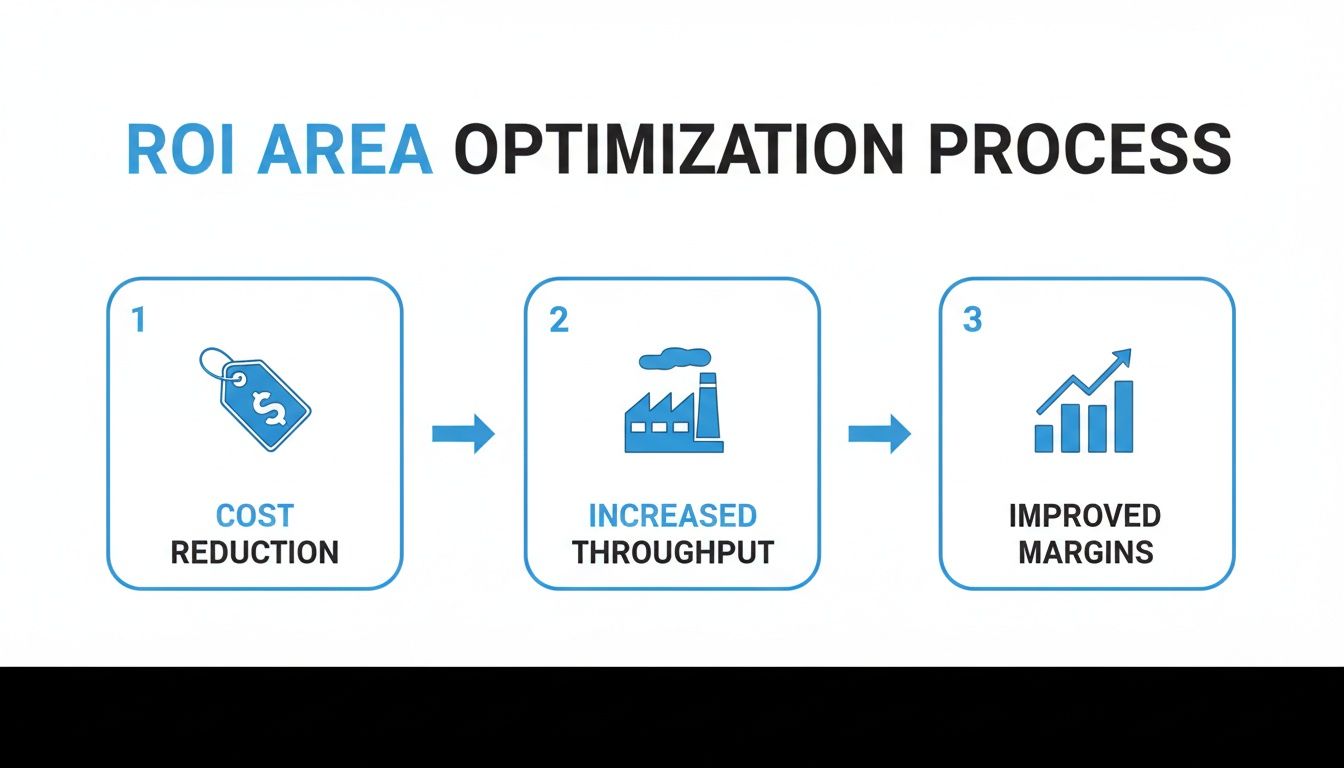
As you can see, a well-planned implementation directly cuts costs, which in turn frees up capacity for increased throughput and, ultimately, much healthier margins.
Phase 4: Phased Rollout and Team Training
The single biggest mistake I see shops make is trying to do everything at once. A "big bang" rollout almost always leads to chaos, frustration, and pushback from the team. The smarter move is to start small. Pick one material category—let's say, your sheet goods—and use it to pilot the entire system from receiving to consumption.
This phased approach lets your team learn the new workflow in a low-stress, controlled environment. Focus on hands-on training where everyone practices receiving materials, slapping a label on them, and scanning them out for a job. For a deeper dive into this kind of structured rollout, this is a great resource on a roadmap to implementing business process automation.
Key Insight: A phased implementation turns a giant, intimidating project into a series of small, achievable victories. It builds team confidence and lets you iron out the kinks before the system touches your entire operation.
Once your team has the process down cold with sheet goods, you can start rolling it out to hardware, then finishes, then solid wood. You can find more practical tips for optimizing shop processes over at https://timbercloud.com/blog. This step-by-step method makes for a much smoother and more successful adoption across the board.
Common Implementation Mistakes to Avoid
Jumping into a new technology investment is exciting, but let’s be honest: success often comes from learning what not to do. Adopting barcoding and inventory software can genuinely change your shop for the better, but a few common, avoidable stumbles can derail the whole project before it even gets off the ground.
Learning from the missteps of others is the fastest way to get it right. I've seen shops hit the same roadblocks time and again, turning a promising project into a frustrating mess. Let’s walk through the most frequent mistakes so you can sidestep them completely.
Overlooking Poor Data Quality
This is the big one. The single biggest killer of a new inventory system is bad data. The old saying, “garbage in, garbage out,” has never been more true. If your starting inventory counts are off, your material names are all over the place, and your data is a tangle of duplicates, the new software will only make that chaos digital. It can't magically fix what it doesn't know.
Imagine this: A cabinet shop rushes the launch. They import an old spreadsheet where "3/4 Maple Ply" and "Maple Plywood 0.75" are listed as two different items. The system now shows incorrect stock levels, causing them to reorder materials they already have. That’s thousands of dollars wasted in the very first month.
Ignoring Team Buy-In
You can have the best software in the world, but if the folks on the floor aren't on board, it will fail. Period. Resistance to change is human nature. If your crew sees the new system as just another complicated task being forced on them, they won’t use it correctly, and your data will become unreliable almost immediately.
Key Takeaway: Implementation is a human challenge, not just a technical one. Bring your team in from the very beginning. Explain the 'why' behind the change—less time spent hunting for materials, fewer surprise stockouts holding up a job—and make them feel like a crucial part of the process.
Underestimating Training Needs
So many shop owners assume a quick, one-hour demo is enough to get everyone up to speed. This is a critical mistake. Real training isn't a one-and-done event; it's an ongoing process of practice and reinforcement. Without enough hands-on time, old habits will creep back in, and those shiny new barcode scanners will end up collecting dust on a shelf.
Here's a scene I've witnessed more than once: A furniture maker gives a quick software demo on a Monday. By Friday, buried under their usual workload, the team has forgotten half the steps. They go right back to shouting across the shop to check on stock, and that expensive new system sits idle.
To avoid this, build a real training plan. Get people using the system with actual materials in a controlled setting. Start with a small pilot group before rolling it out to the entire shop. This approach makes the change manageable and ensures your investment in barcoding and inventory software actually delivers the powerful results you’re paying for.
Ready to see what this kind of efficiency and control can do for your shop's bottom line? TimberCloud, Inc. provides an all-in-one platform that connects your sales, inventory, and production into a single, powerful workflow. Discover how TimberCloud can work for you.
Frequently asked questions
Use 1D (Code 128) for simple SKU lookups like hardware and fasteners, and 2D codes (QR or Data Matrix) for materials that carry rich data. A single small QR tag can hold a slab’s species, dimensions, grade, and job assignment, and still scans when partially scuffed.
Set a minimum usable size, and label anything above it with its own code recording species, dimensions, and rack location as it comes off the saw. Your remnant rack becomes searchable inventory, so small parts get cut from stock you already paid for instead of a fresh sheet.
Less than most shops expect. You can start with the camera on a smartphone running the software’s mobile app, then add a dedicated USB or Bluetooth scanner at busy points like receiving and shipping. The one piece worth buying properly is a thermal-transfer label printer, which produces labels durable enough for a shop-floor environment.
Modern cloud systems run on a subscription rather than a large upfront license, so pricing usually scales with user count or operation size. That bundles software, updates, security, and support into a predictable monthly fee, which is what puts the same tooling a large manufacturer uses within reach of a small shop.
It should, and that is worth confirming before you buy. Look for direct connections to your accounting software, e-commerce storefront, and payment systems. Those integrations are what eliminate double entry and keep sales, production, and financials agreeing with each other.
It depends on shop size and how clean your current inventory records are. A smaller shop with organized data can be running in a few weeks; a larger operation with messy records should plan for two to three months. A phased rollout works best — start with one material category, settle the process, then expand.
Topics
TimberCloud Team
Content Team
The TimberCloud team is dedicated to helping manufacturers streamline their operations with intelligent software solutions.